Before you start: have these five things ready
An invoice is a short document that says who did the work, who it was for, what it cost and how to pay. That is all it has to do. Before you open any tool, gather:
- Your details: your name or business name, email, and an address if you use one for business.
- Your client's details: the company name, the person who approves payment, their email and billing address.
- What you did: each piece of work, with dates, hours or quantities.
- Your prices: the agreed rate or fixed fee, and the currency you agreed on.
- How you want to be paid: bank details, a payment link such as PayPal, or both.
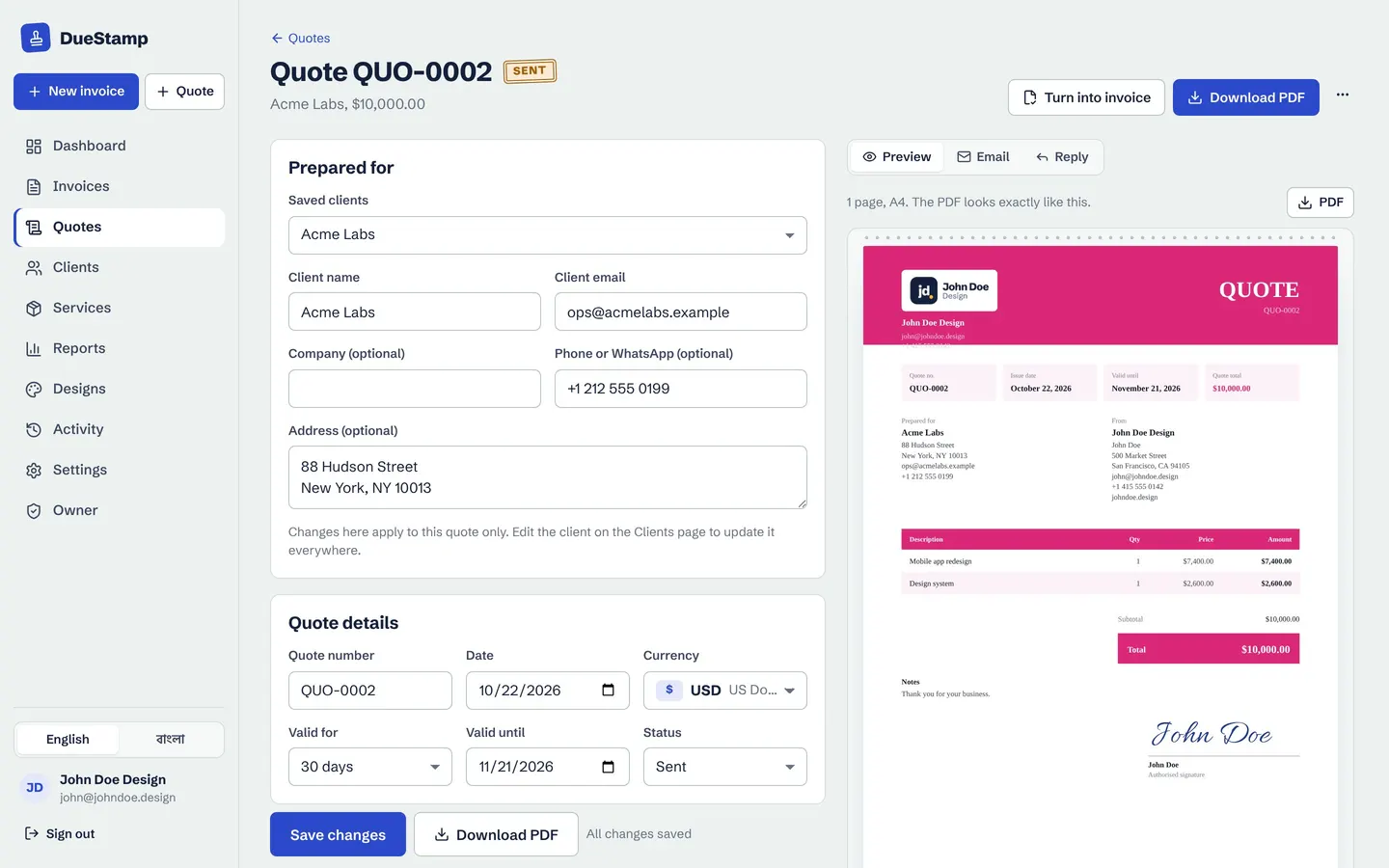
If you agreed the work through a quote, keep it open. Your invoice should match it line for line, which heads off most client questions. (Not sure how the two differ? Read quote vs invoice.)
Step 1: Add your details and your client's
Put your business details at the top: name, email, a phone number if you are happy to take calls, and your address or city. Add a logo if you have one. It is not required, but it makes the invoice look like it came from an established business, and that helps it get approved quickly.
Under that, add a Bill to section for your client. Use the legal company name if they have one, plus the name of the person who handles invoices. An invoice sent to the wrong person can sit in an inbox for weeks.
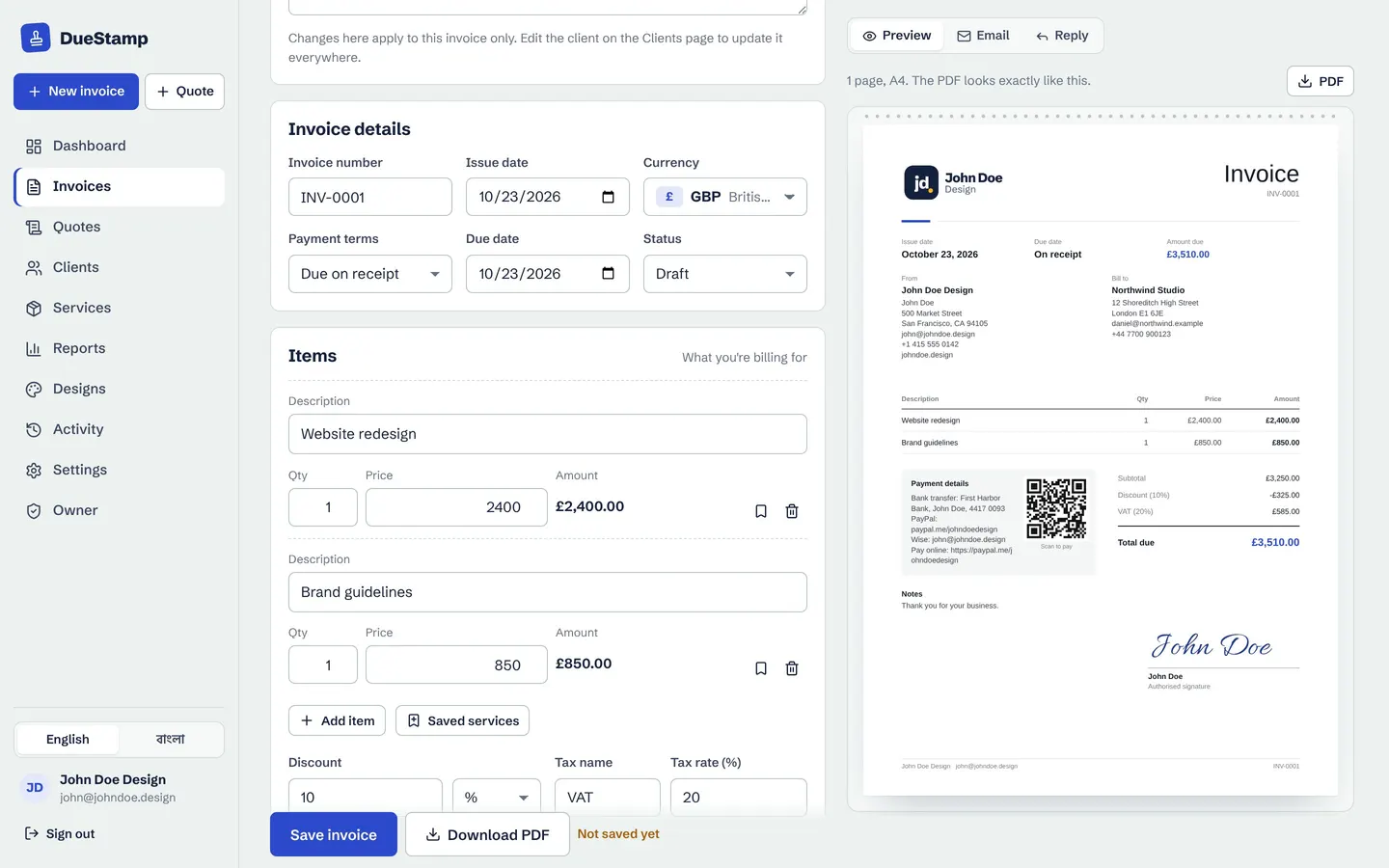
In DueStamp the form is on the left and the invoice builds itself on the right, so you see exactly what your client will get.
Step 2: Give it a number and dates
Every invoice needs a unique invoice number. It lets you and your client refer to it, and in many countries it is a basic record-keeping requirement. A simple sequence works best: INV-0001, INV-0002 and so on. Never reuse a number, even if you cancel an invoice.
Then add two dates:
- Issue date: the day you send it.
- Due date: the day payment is expected. Common terms are "due on receipt", 7 days, 14 days or 30 days. Write the actual date, not only "Net 30", so nobody has to count.
Tip: shorter terms usually mean faster payment. If your client has not set terms of their own, 14 days is a fair middle ground for freelance work.
Step 3: List the work, prices and tax
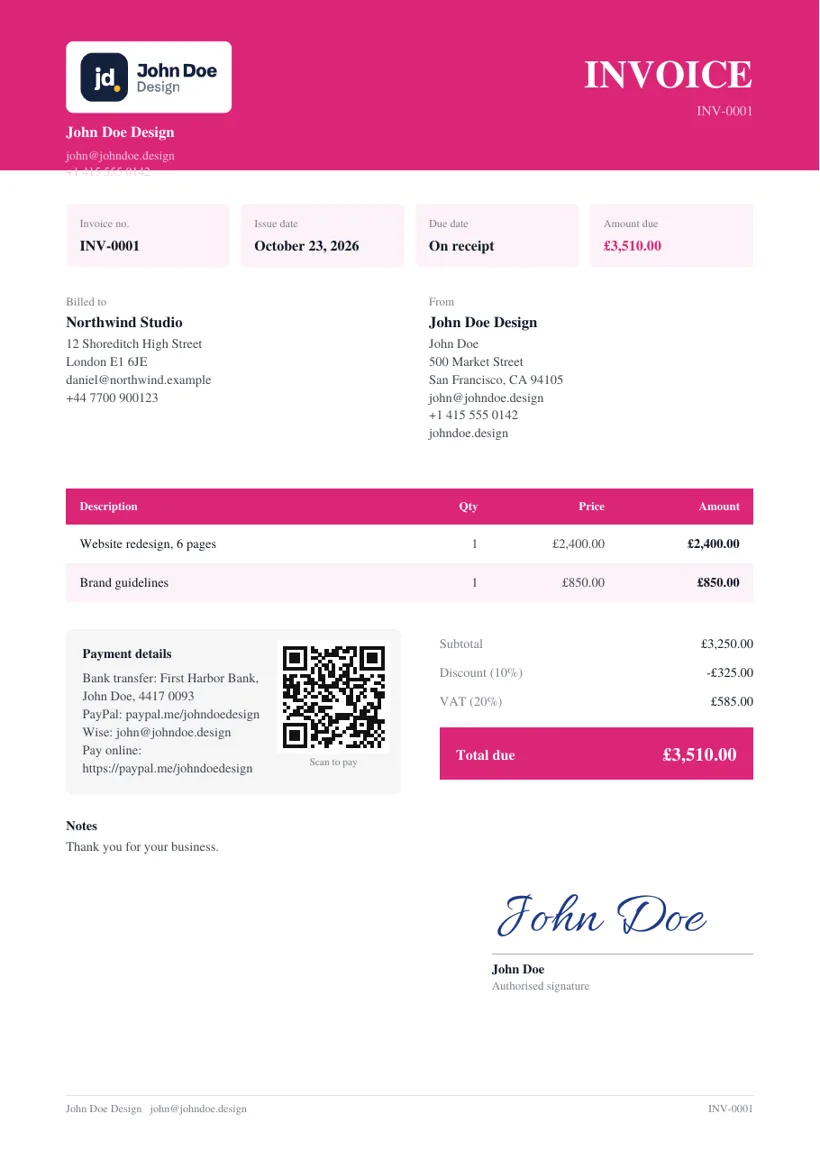
This is the heart of the invoice. Each line needs a description, a quantity, a price and a line total. Write descriptions that your client's accounts team will understand without asking you. "Website redesign, 6 pages" is far better than "Design work".
| Description | Qty | Price | Amount |
|---|---|---|---|
| Website redesign, 6 pages | 1 | $2,400.00 | $2,400.00 |
| Brand guidelines document | 1 | $850.00 | $850.00 |
| Extra revisions (hours) | 3 | $60.00 | $180.00 |
Below the lines, show the subtotal, any discount, any tax such as VAT, GST or sales tax, and the total due. Whether you charge tax depends on where you and your client are and whether you are registered, so check your local rules if you are not sure.
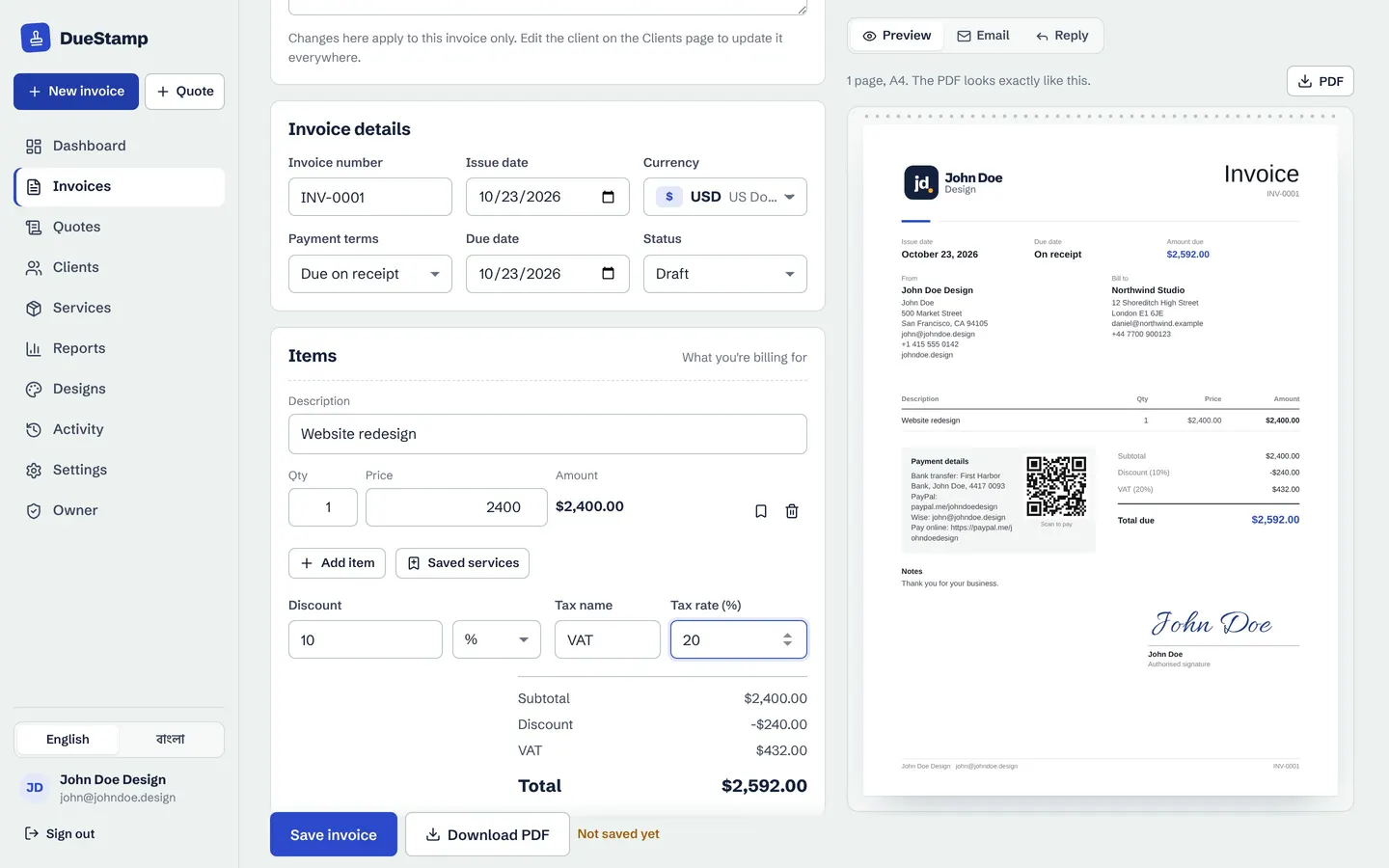
If you bill the same services again and again, save them once with their price. With the DueStamp invoice generator you add a saved service to any invoice in one click, and the totals update as you type.
Step 4: Say exactly how to pay you
An invoice without payment details is only a polite request. Spell out every way the client can pay:
- Bank transfer: account name, bank, account number, and any routing, sort or SWIFT code the client will need.
- Payment link: a PayPal.me link, a Wise link, a Stripe payment link or similar.
- Reference: ask the client to include the invoice number with the payment so you can match it.
Add a short line about late payment if your contract has one, and a thank you. People notice.
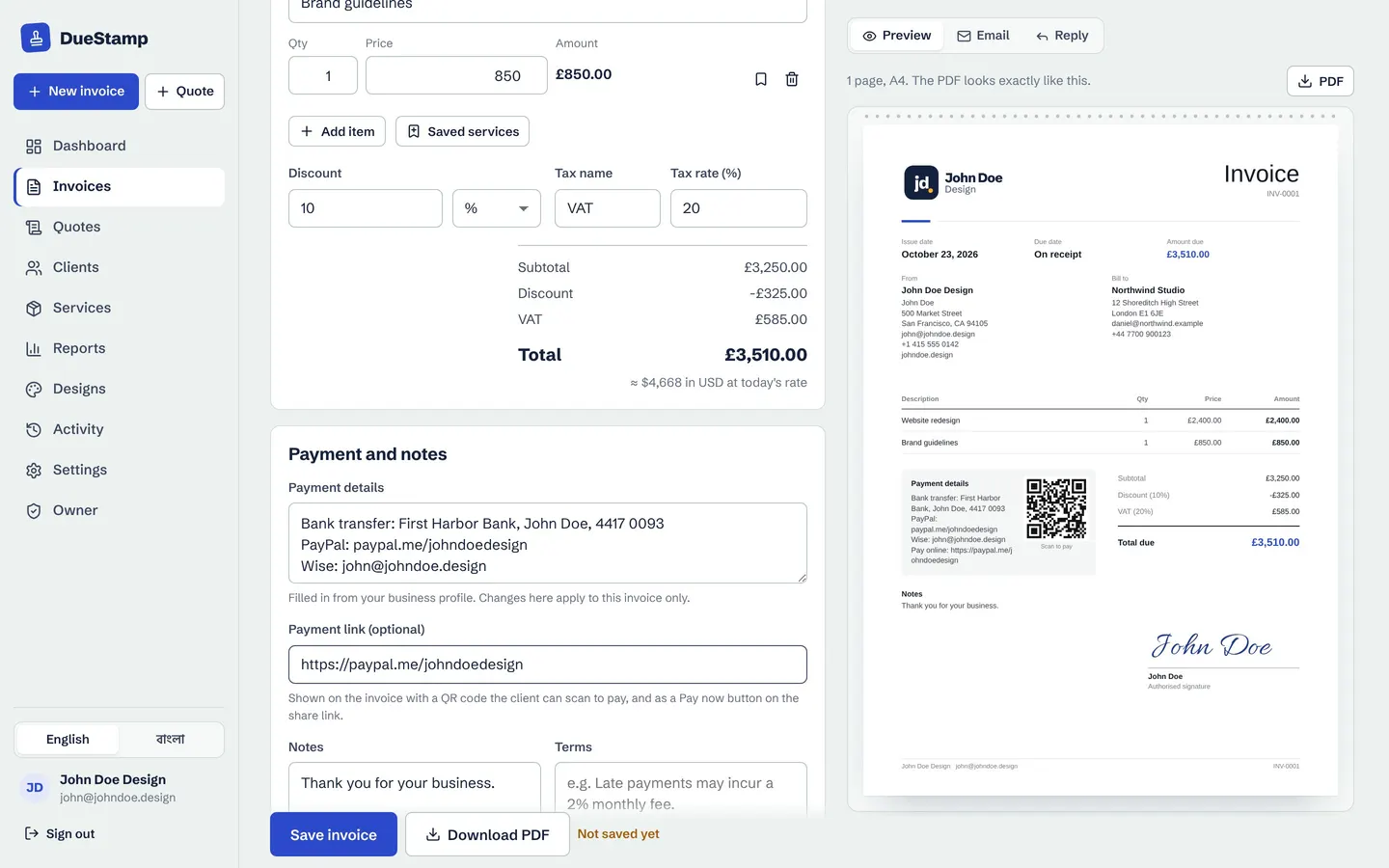
When you add a payment link, DueStamp puts a QR code on the PDF and a Pay now button on the invoice page. The money goes straight to your own account. DueStamp never touches it and takes no fee.
Step 5: Make it look like yours
Design will not get you paid by itself, but a clean, consistent invoice looks trustworthy and is easier to read. Use one layout for every client, your brand color and a readable font. A signature at the bottom is a nice touch for clients who expect a signed document.
You do not need a designer for this. DueStamp has 20 invoice templates where you can change the colors, font, table style and title, then save your choice as the default so every new invoice starts the same way.
Free, no credit card. Your invoices stay private to your account.
Step 6: Send it and follow up
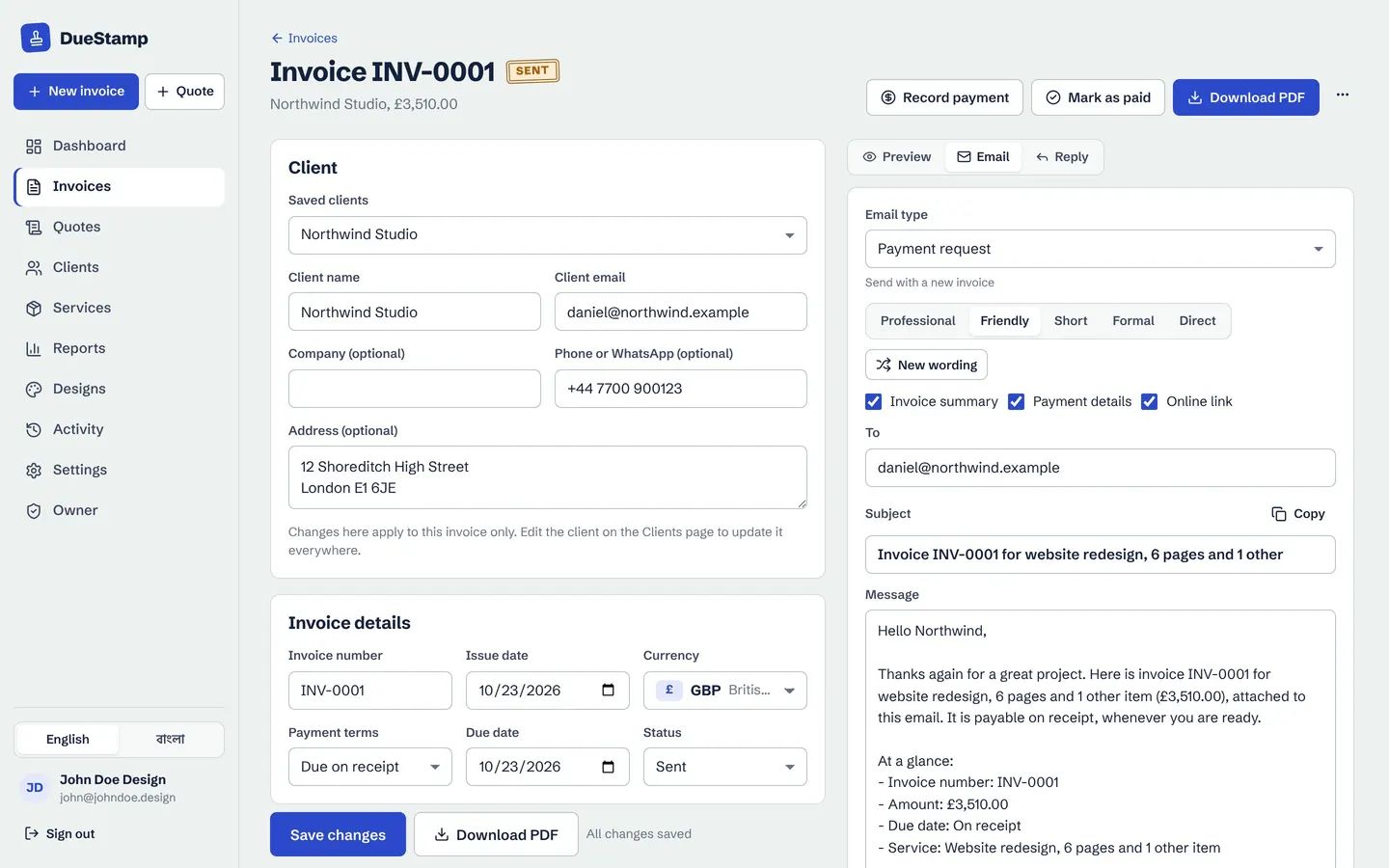
You can send the invoice as a PDF attachment, as a link, or both. A link has two advantages: the client can open it on any phone, and you can see when they have opened it. If it is still unopened after a few days, you know to check the email address before the due date arrives.
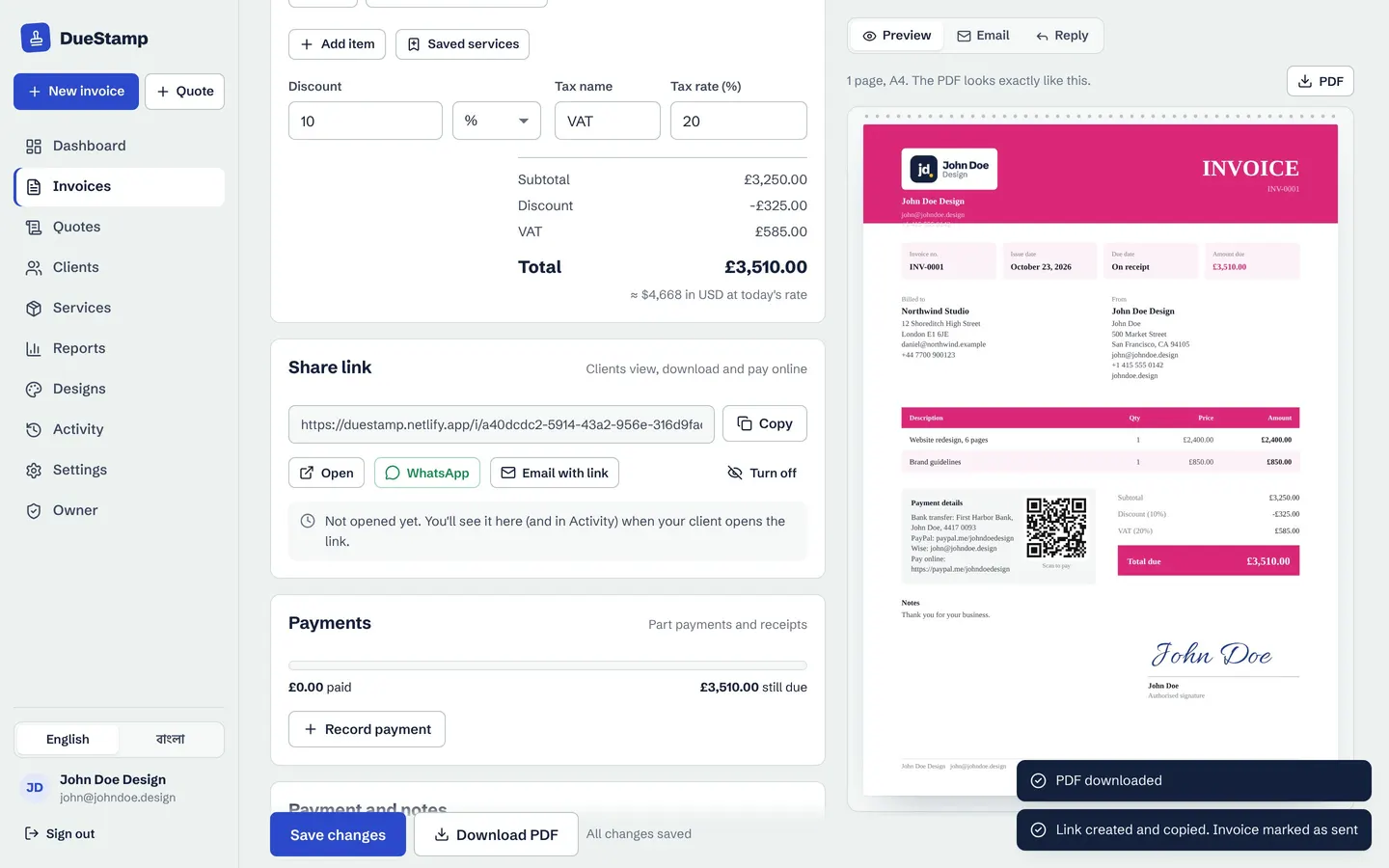
Keep the email short: what the invoice is for, the amount, the due date, and the link or attachment. Then follow up calmly:
- 1
A few days before
A short heads-up that the invoice is due soon.
- 2
On the due date
A friendly reminder with the link again.
- 3
A week late
A clear overdue notice that states the amount and asks for a payment date.
Our payment reminder email templates give you wording for each stage, and the DueStamp reminder tool writes them for you in five tones and opens them in Gmail or Outlook, ready for you to send.
Common first-invoice mistakes
- No due date. "Whenever suits you" usually means "later".
- Vague line items. If the client has to ask what something is, payment waits until you answer.
- The wrong currency. Agree it up front, especially with international clients.
- Missing payment details. Put them on the invoice itself, not only in the email.
- Quietly editing a sent invoice. If you must change it, resend it and say what changed.
- No record of payments. When money arrives, mark the invoice paid, or record a part payment and the balance.
For the full list of fields, see what to include on an invoice.
Common questions
Can I make an invoice without a registered business?
In many countries, yes. Freelancers and sole traders often invoice under their own name. Use your full name, contact details and payment details. Rules differ from country to country, so check your local requirements if you are unsure, especially about tax registration.
What is the easiest way to create an invoice for free?
Use a free invoice maker rather than a word processor. You fill in a form, the totals are worked out for you and you get a PDF. DueStamp is free with no credit card, and it also gives you a share link, reminder emails and payment tracking.
Should I send an invoice as a PDF or a link?
Both work. A PDF suits your client's records. A link opens on any phone and shows you when it was opened. With DueStamp you get both, because the client can download the PDF from the link page.
How should I number my invoices?
Use a simple sequence such as INV-0001, INV-0002, and never reuse a number. If you also send quotes, give them their own sequence, like QUO-0001.
When should I send an invoice?
As soon as the work, or the agreed stage of it, is done. For ongoing work, invoice on the same day each week or month. A recurring invoice can prepare it for you.

Rafiul made DueStamp, a free invoice maker for freelancers and business owners. He writes these guides to answer the questions people ask while sending their first invoices. More about DueStamp.