Payment reminders
Polite payment reminders, written for you
Chasing money is awkward. DueStamp writes the right email for every stage, with the invoice number, amount, due date and payment details filled in, in the tone you choose.
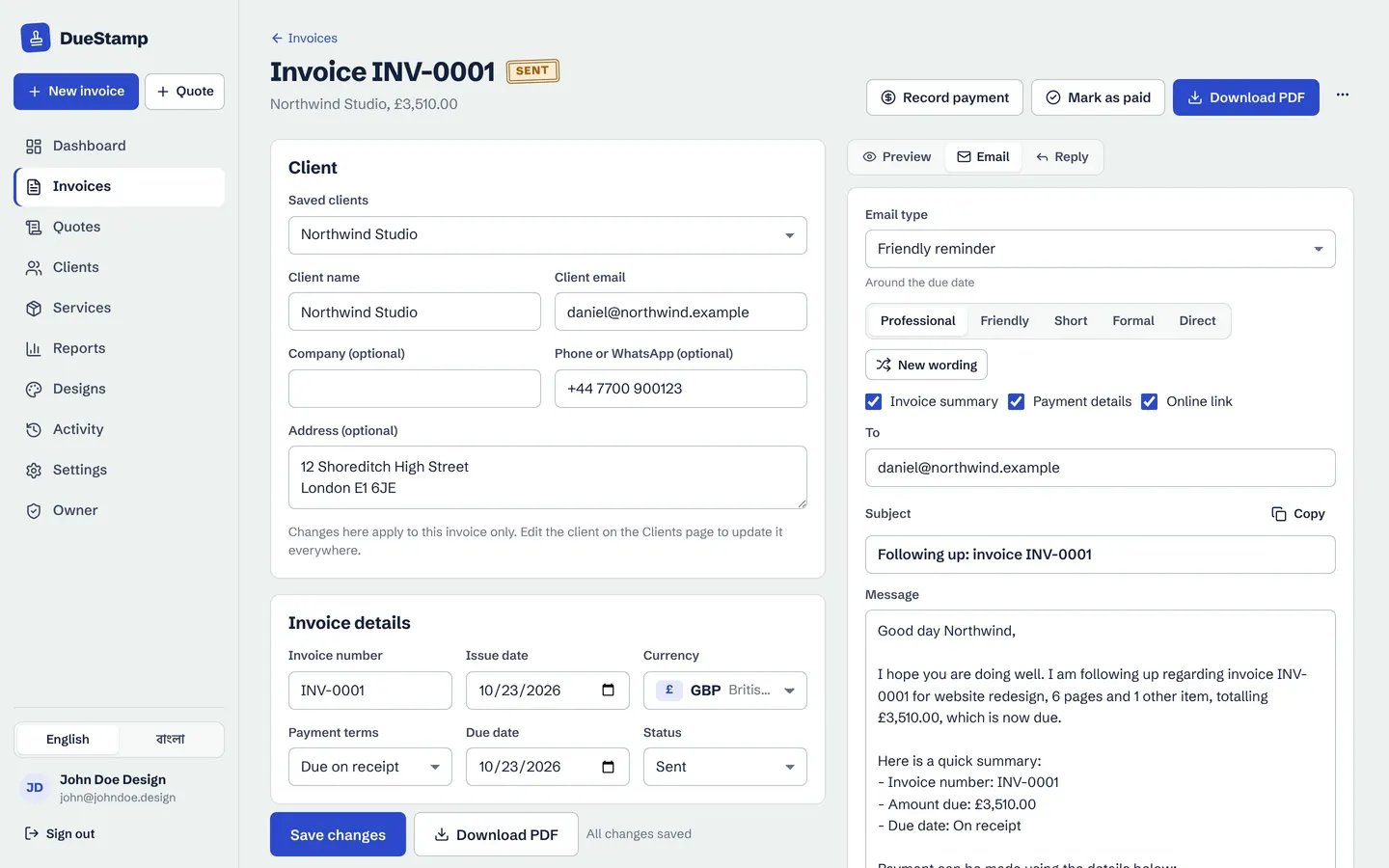
12 email types
The right email for every moment
Payment request, resend, due soon, friendly reminder, no-reply follow-up, overdue notice, final notice, part payment received and payment received. For quotes: send the quote, follow up, and next steps once accepted.
- Professional, Friendly, Short, Formal or Direct tone
- Include the invoice summary, payment details and link
- Press New wording for a fresh version
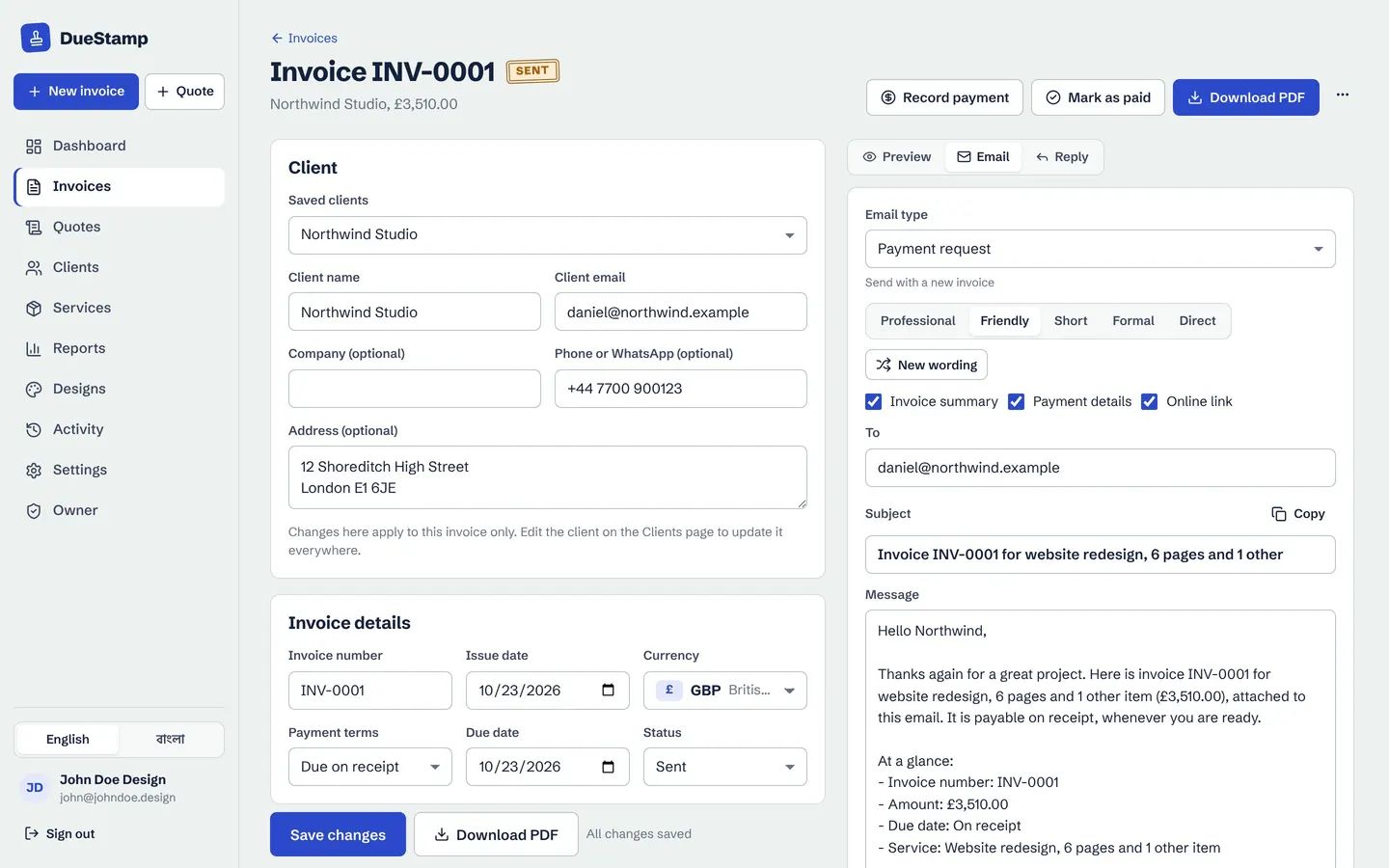
Send it yourself
Opens in Gmail, Outlook or your mail app
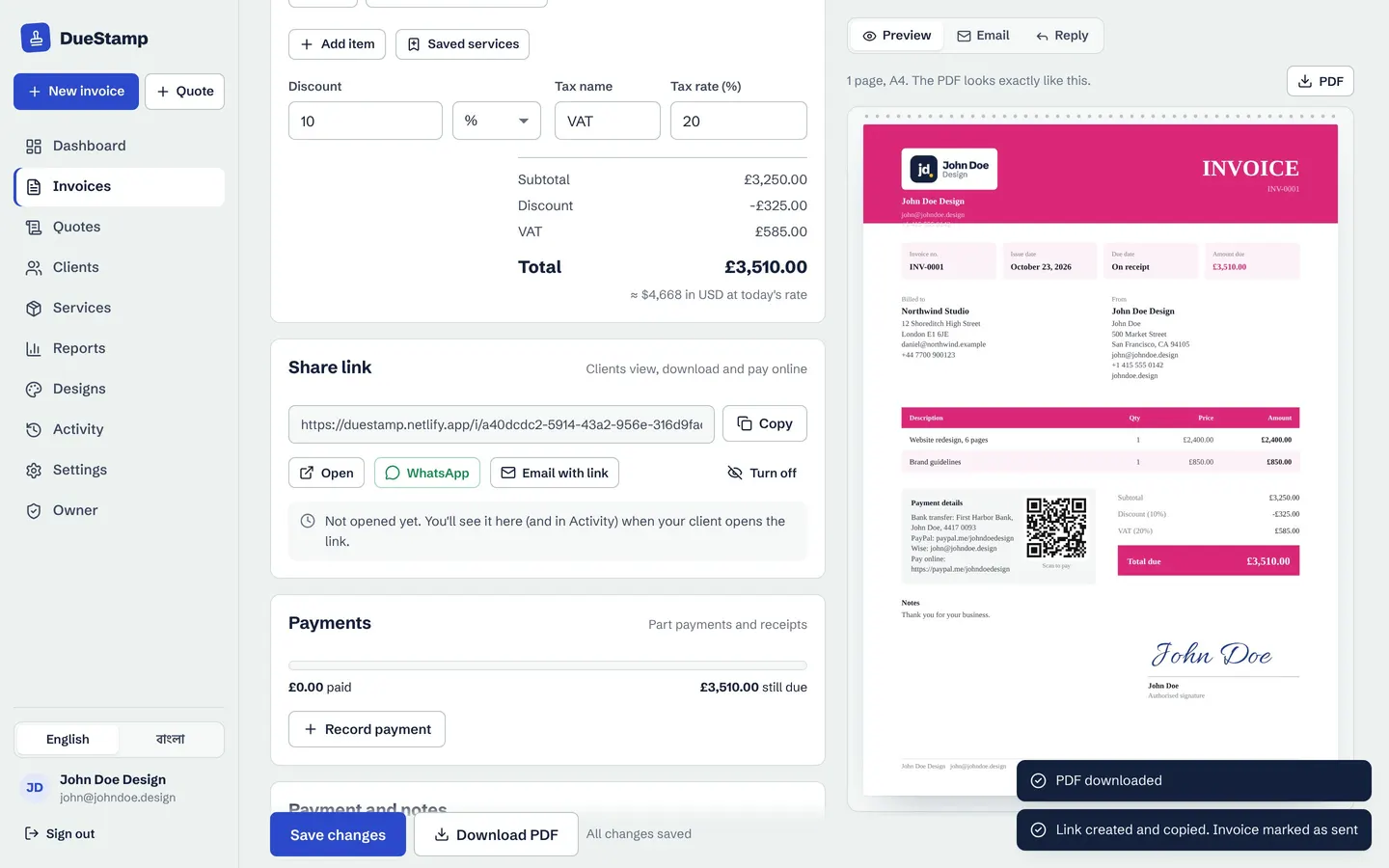
Emails come from your own address, so replies come straight to you. Open the email in Gmail, Outlook or your phone's mail app with one click, or copy it into any chat. DueStamp never sends anything in your name without you.
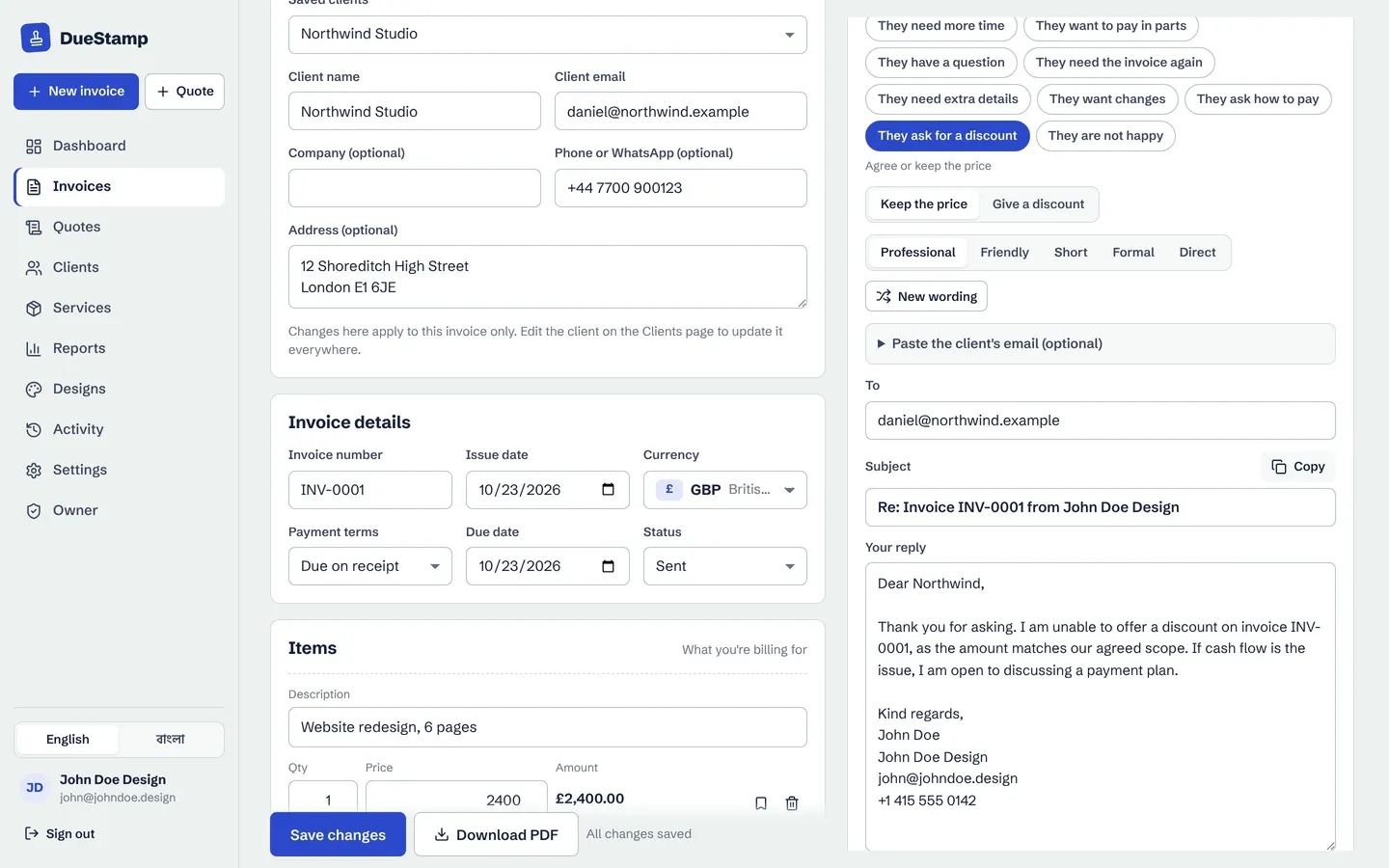
Replies too
Client asked for more time? Reply in seconds
The Reply tab helps you answer common client messages: they need more time, want to pay in parts, say they already paid, or ask for a discount. Pick the situation and how you want to respond, and a calm reply is written for you to edit.
How it works
A reminder in four clicks
- 1
Open the invoice
Or click the suggested action on your dashboard.
- 2
Pick the email type
DueStamp suggests one based on the due date and status.
- 3
Choose a tone
Friendly for a good client, Direct for a late one.
- 4
Open in your email
Check it, then send from Gmail, Outlook or your mail app.
Questions people ask
When should I send a payment reminder?
A courtesy note a few days before the due date, a friendly reminder on the day, then an overdue notice about a week later works for most businesses. See the schedule and samples in our payment reminder email templates.
Does DueStamp send reminders automatically?
No. You stay in control: DueStamp tells you who needs a reminder and writes it, and you send it from your own email. Clients hear from you, not from a robot.
Can I edit the emails?
Yes. Change any word before you send. The subject and message are yours.
Works well with
Invoice tracking
Send a link instead of an attachment and see when your client opens it, with a clear status for every invoice.
Learn morePayments and receipts
Record deposits and part payments, see the balance, and send a payment receipt PDF.
Learn moreRecurring invoices
Set a retainer or subscription once. The next invoice is prepared for you to check and send.
Learn moreGuides on this topic
Your next invoice, done in about a minute
Free to use. No credit card. Your invoices stay private to your account.