The short answer
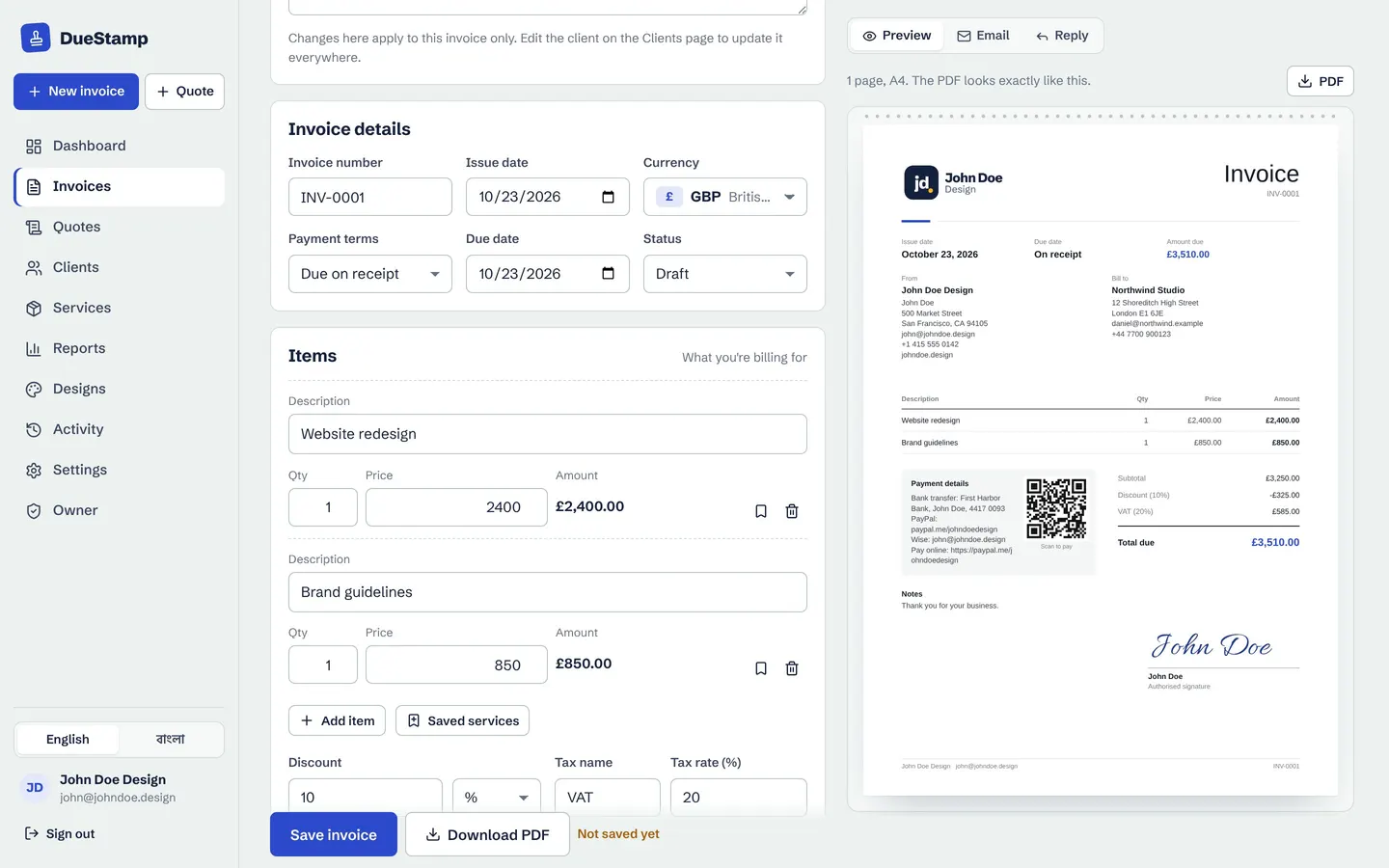
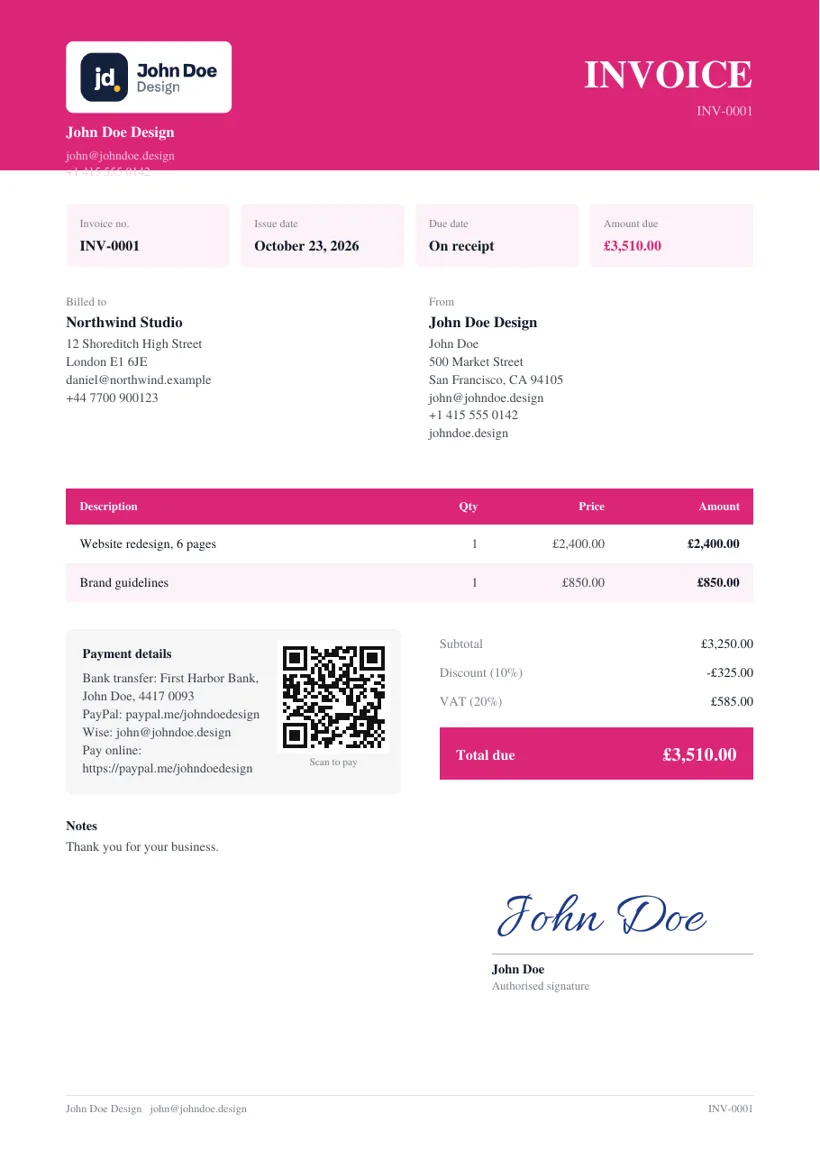
A quote is sent before the work. It says what you will do and what it will cost, so the client can say yes. An invoice is sent after the work (or after an agreed stage of it). It says what you did and asks to be paid.
A quote is an offer. An invoice is a request for payment. Most healthy client relationships use both: the quote sets expectations, and the invoice matches it.
Quote vs invoice side by side
| Quote | Invoice | |
|---|---|---|
| When | Before the work starts | After the work, or a stage of it, is done |
| Purpose | Agree the scope and the price | Ask for payment |
| Key date | Valid until | Due date |
| Numbering | Its own sequence, like QUO-0001 | Its own sequence, like INV-0001 |
| Can it change? | Yes, until it is accepted | Not quietly. Send a corrected version instead |
| Payment details | Not needed | Essential |
| What happens next | The client accepts or declines | The client pays and you send a receipt |
Estimate vs quote vs invoice
People use "estimate" and "quote" loosely, but there is a useful difference between them:
- Estimate: an informed guess. "This should take around 20 to 25 hours, about $1,500." The final price can move.
- Quote: a fixed price for a defined scope. "Six-page website redesign, $2,400." If the scope stays the same, so does the price.
- Invoice: the final bill, based on what was quoted or on what was actually done.
Whichever one you send, say clearly which it is. If it is an estimate, explain what could change the price, such as extra pages, extra rounds of revisions or rush delivery.
What to put on a quote
- Your details and the client's
- A quote number and the date
- A valid-until date, usually 14 to 30 days ahead
- Each piece of work, with a clear description and price
- What is not included, such as extra revisions, hosting or travel
- The total in the agreed currency, with tax if you charge it
- Your terms: deposit, timeline and how changes are priced
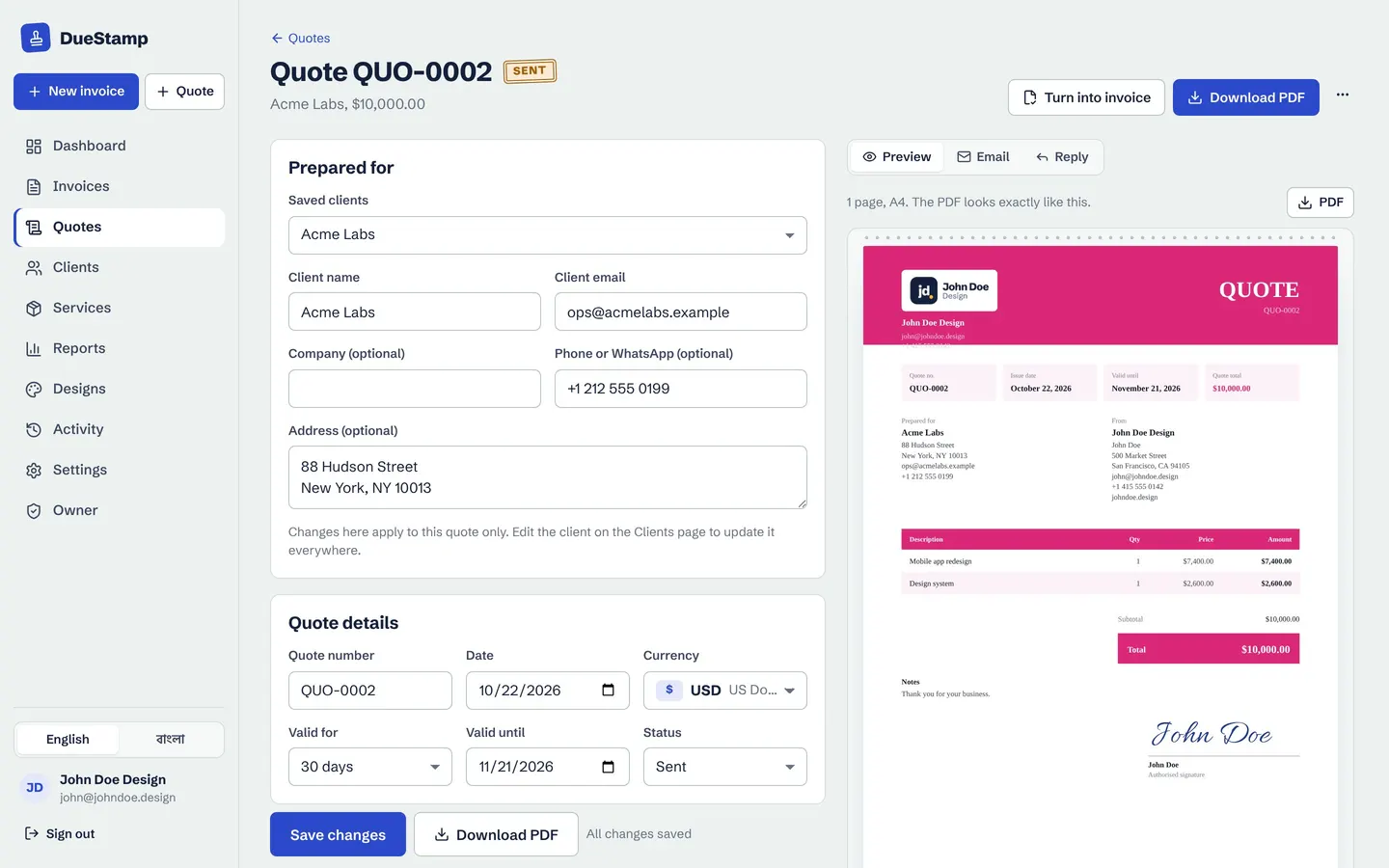
The valid-until date protects you. Prices, your availability and exchange rates all change, and an open-ended quote can come back months later at a price you no longer charge.
Getting a clear yes
A "sounds good" in a chat thread is easy to forget, by both sides. Try to get acceptance in a form you can point to later. The simplest way is to send the quote as a link the client can accept.
With a DueStamp quote, your client opens the link on any device, reads the quote and taps Accept. You can see when they opened it and when they accepted it.
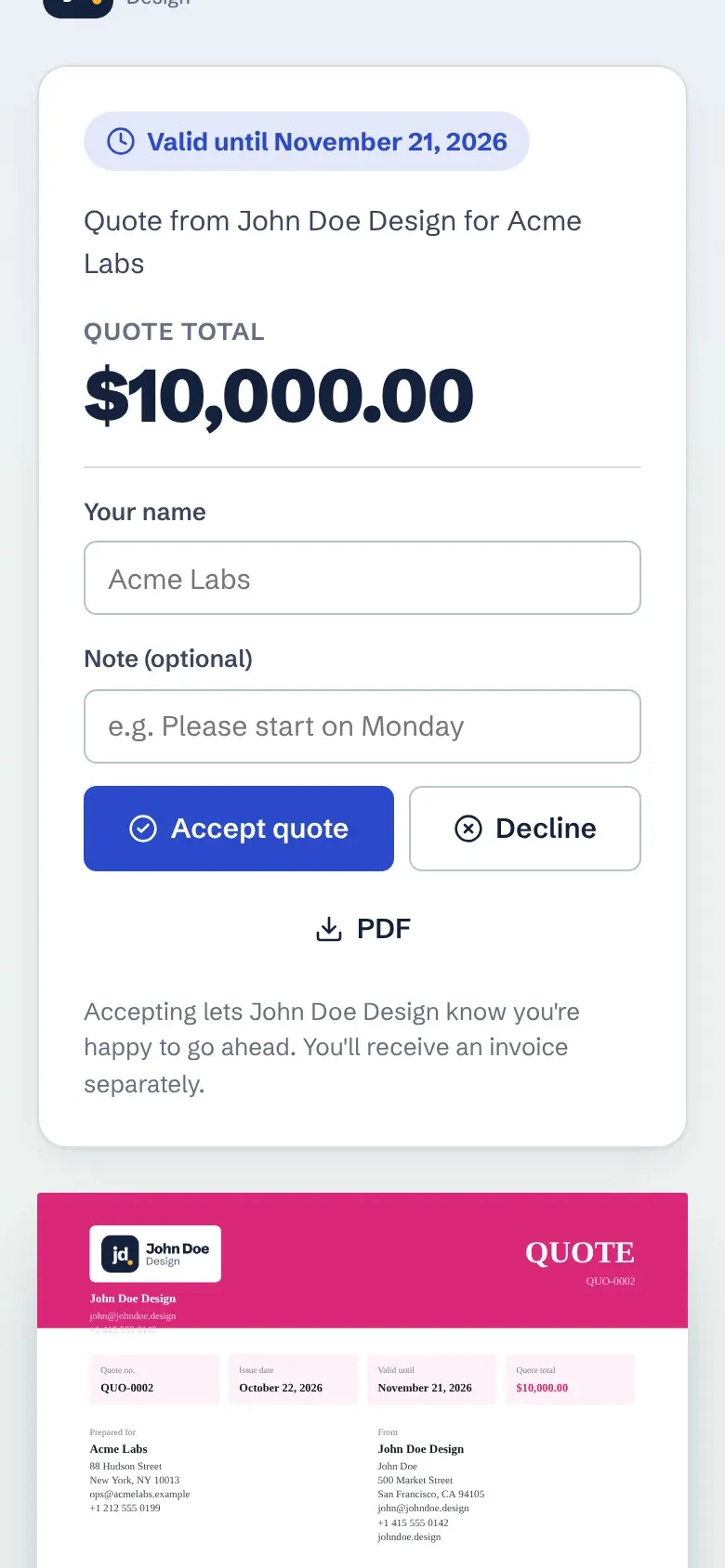
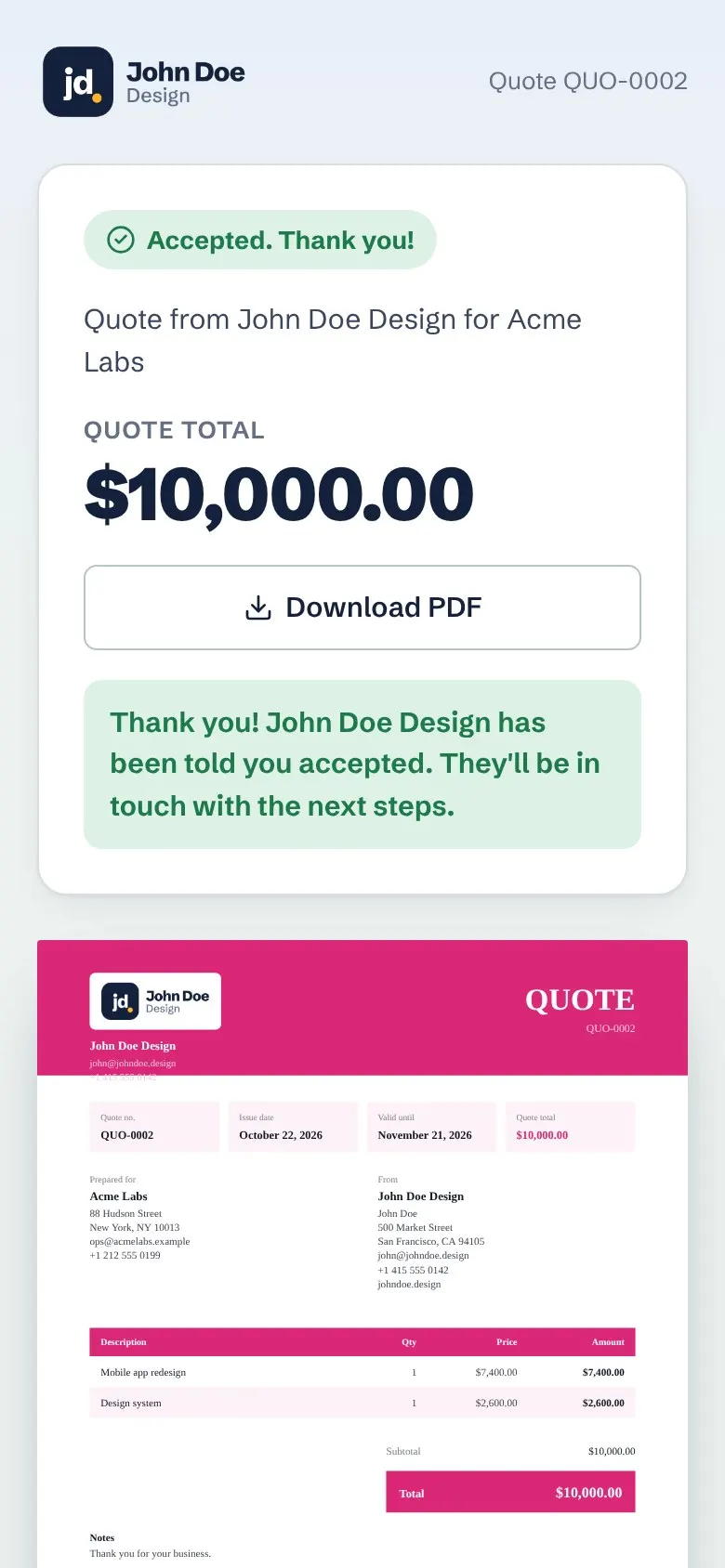
If the client asks for changes, edit the quote and send it again rather than starting a new one, so the history stays in one place. A short, friendly email helps the link get opened:
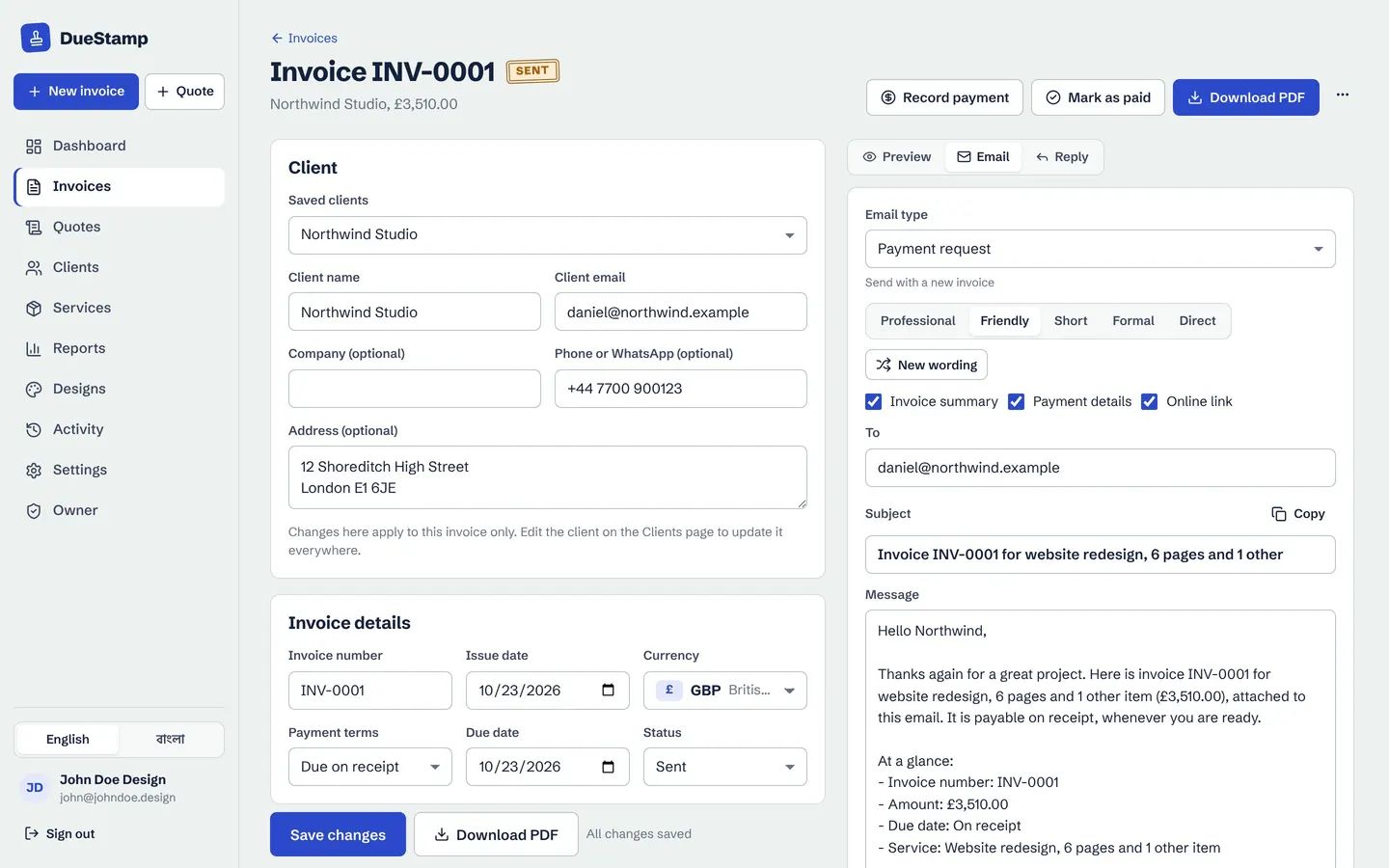
You do not have to write this from scratch: the DueStamp email tab has quote emails (send the quote, follow up, and next steps after acceptance) in five tones.
How to turn a quote into an invoice
When the quote is accepted, the invoice should match it exactly. Retyping everything is slow and invites mistakes. The cleaner way:
- 1
Open the accepted quote
Check nothing has changed since the client accepted it.
- 2
Turn it into an invoice
In DueStamp, click Turn into invoice. The client, items, prices, tax and currency carry over, and the invoice gets its own number.
- 3
Set the due date
Add the due date, then check your payment details and payment link.
- 4
Send it
Share the link or the PDF. The quote stays in your records, marked as accepted.
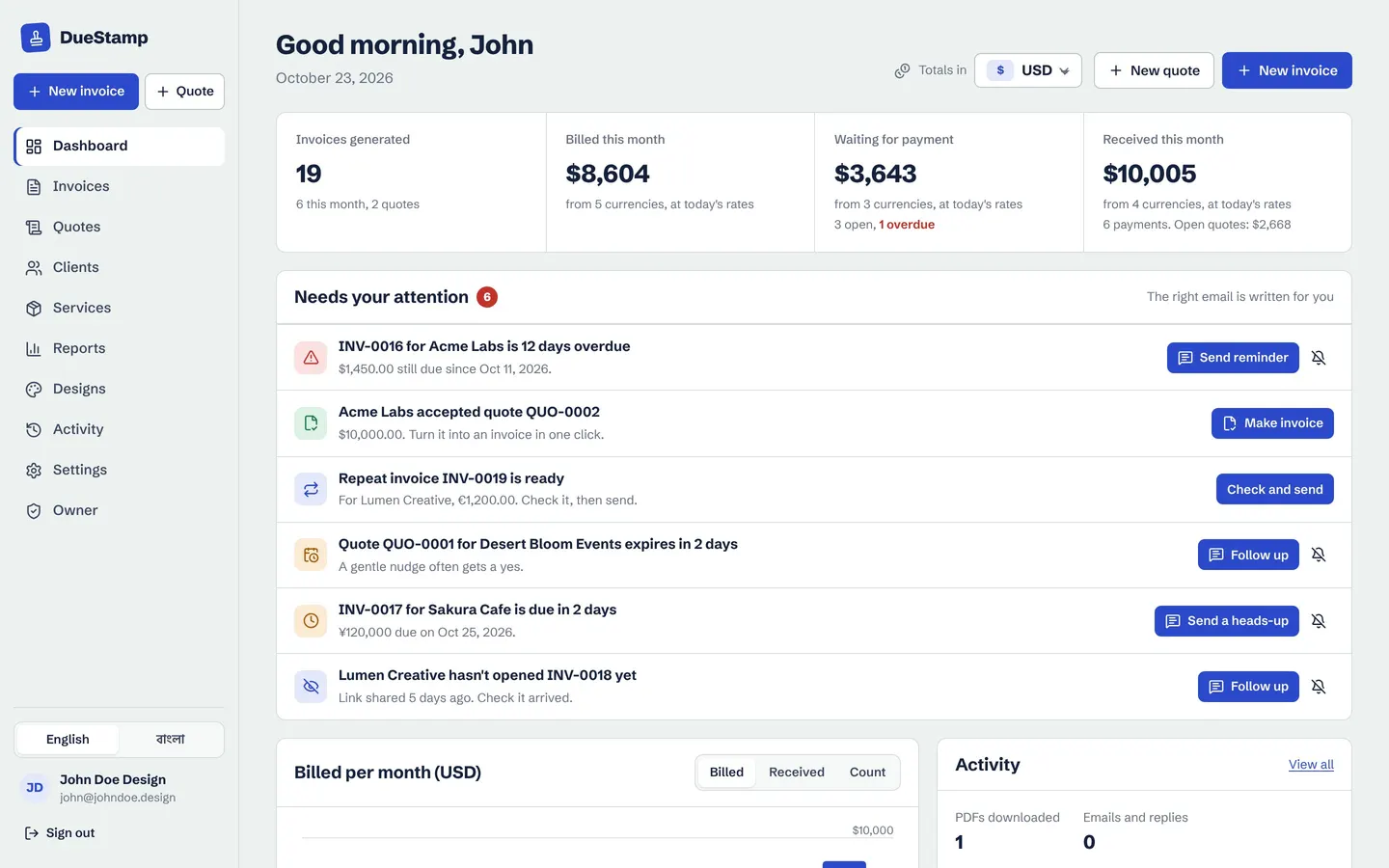
Your dashboard also lists accepted quotes that have not been invoiced yet, and quotes still waiting for an answer, so nothing slips through the cracks.
Deposits and changes in scope
For bigger jobs, ask for a deposit when the quote is accepted. A common pattern is 30 to 50 percent up front and the rest on delivery. You can invoice the deposit on its own, or invoice the full amount and record the deposit as a part payment against it. Both work, so pick one and stay consistent. There is more on this in deposits, part payments and receipts.
If the client asks for extra work after accepting, put it in writing first: a short new quote or a revised one. Then the final invoice holds no surprises, and an invoice with no surprises is the one that gets paid on time. For the invoice itself, use our invoice checklist.
Your client accepts online, then you turn it into an invoice in one click. Free, no credit card.
Common quoting mistakes to avoid
- No expiry date. Without a valid-until date, a client can accept an old price months later.
- A scope that is too loose. "Website design" invites endless pages and revisions. Name the pages, the rounds of changes and the deliverables.
- Forgetting what is not included. Hosting, stock photos, travel and rush fees are common surprises. List them, even as a single line.
- Mixing quote and invoice numbers. Keep two sequences so your invoice numbers stay unbroken for your records.
- Not following up. A quote with no answer after a week deserves a short, friendly nudge. Clients are busy, and a reminder is often all it takes.
- Invoicing from memory. Build the invoice from the accepted quote, not from what you remember agreeing, so the numbers match.
Get these right and the quote does half the work of getting paid before you have even started the job.
Common questions
Is a quote legally binding?
It can be once it is accepted, depending on where you are and what the quote says. A quote with a clear scope, price and acceptance is much stronger than a chat message. For large projects, a proper contract is worth having. This is general information, not legal advice.
Should a quote and its invoice have the same number?
No. Give each its own sequence, for example QUO-0002 and INV-0014. You can mention the quote number on the invoice so both sides can match them up.
How long should a quote be valid for?
Fourteen to thirty days is common. Go shorter if your prices or availability change quickly, or if you price in a currency that moves a lot.
Can I change a quote after sending it?
Yes, until it is accepted. Update it and tell the client what changed. After acceptance, agree any changes in writing first.
What is a proforma invoice?
A proforma invoice is a preliminary bill sent before the work or delivery, often so the buyer can arrange payment or paperwork. It works more like a detailed quote than a final request for payment. DueStamp can title a document "Proforma invoice" in its design settings.

Rafiul made DueStamp, a free invoice maker for freelancers and business owners. He writes these guides to answer the questions people ask while sending their first invoices. More about DueStamp.