Chasing money is the part of freelancing nobody enjoys. It feels awkward, you worry about sounding pushy, and so the email sits in your drafts for another week. Meanwhile the invoice gets older and harder to raise.
The good news: a late invoice is very often not a refusal. It got buried in an inbox, the person who approves payments was away, or the client simply forgot. A clear, friendly reminder at the right moment fixes most of these. This guide gives you the timing, the tone and six templates you can copy today.
What every payment reminder should include
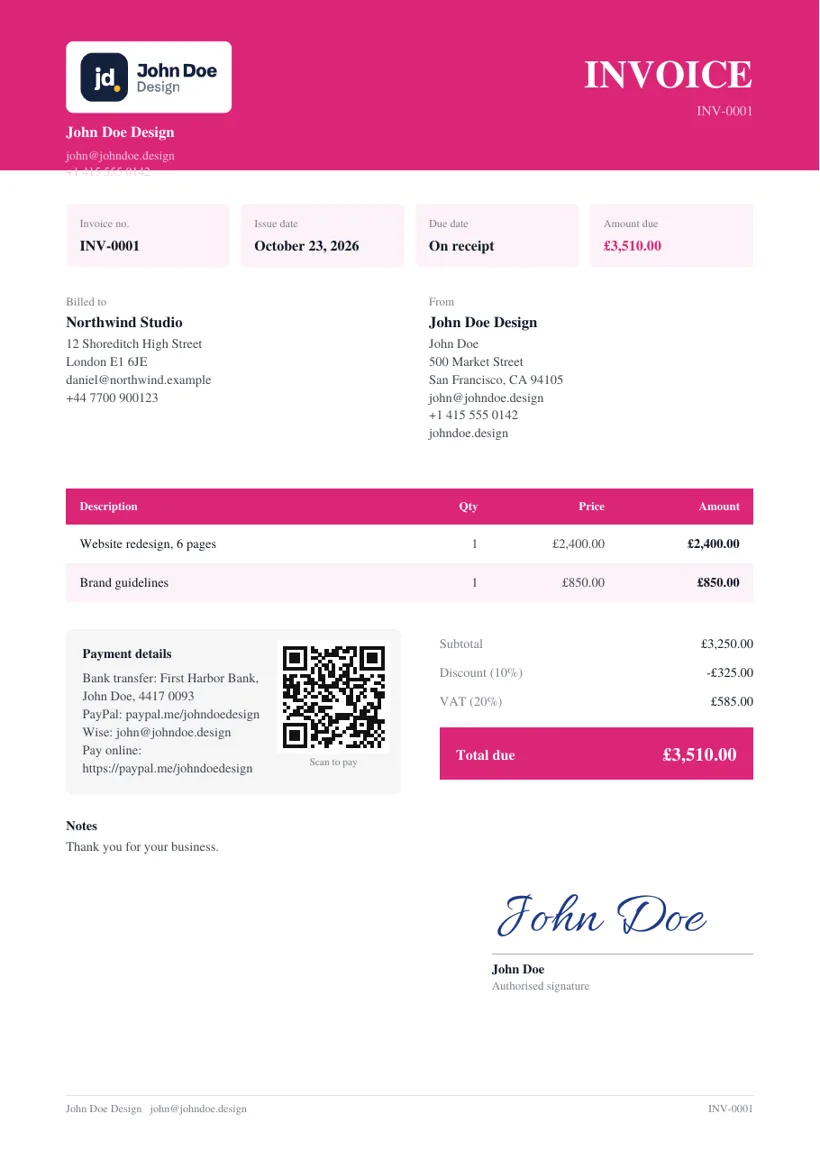
Whatever the tone, a reminder works best when the client can pay without searching for anything. Before you hit send, check that your email has:
- The invoice number, so they can find it in their system.
- The amount and the currency.
- The due date, and how many days overdue it is if it has passed.
- How to pay: a payment link, or your bank or wallet details.
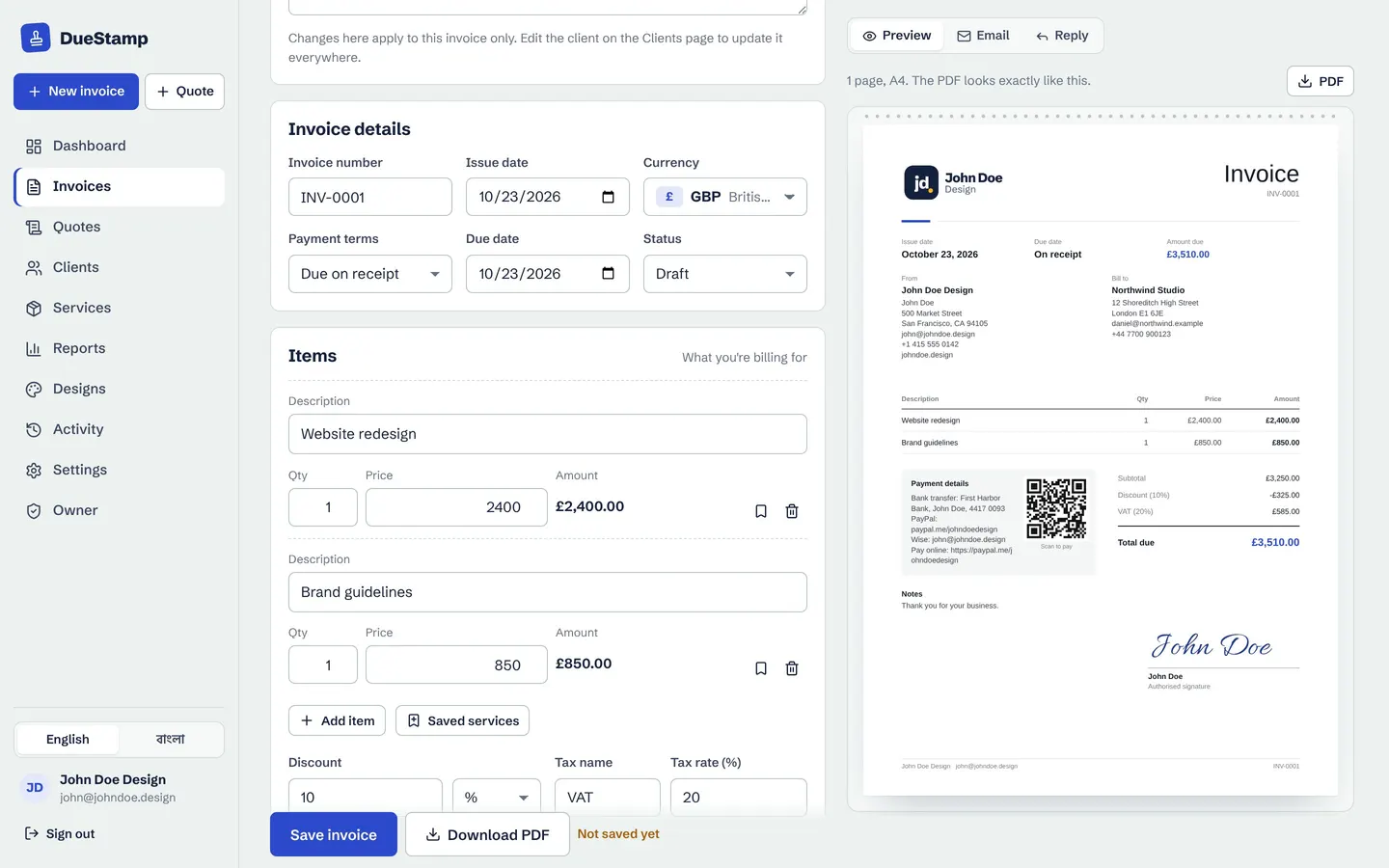
- The invoice itself, attached or as a link they can open.
- One clear ask, such as "Could you arrange payment this week?"
- A friendly close that invites them to reply if something is wrong.
If your invoices themselves are missing any of this, our invoice checklist covers what belongs on the invoice before you ever need a reminder.
When to send each reminder
A simple schedule takes the guesswork out. You do not have to send every email below. If the client pays after the first one, you are done. Adjust the days to your own payment terms.
| When | Email to send | Tone |
|---|---|---|
| About 3 days before the due date | Due soon courtesy note | Friendly |
| On the due date | Friendly reminder | Friendly or professional |
| A few days after sending, with no reply | No reply follow-up (did it arrive?) | Professional |
| About 7 days after the due date | Overdue notice | Professional or formal |
| About 14 to 21 days after the due date | Final notice | Formal or direct |
| When money arrives | Part payment received, or a thank you | Friendly |
Tip: if you send invoices as a link rather than an attachment, you can see whether the client has opened it. An invoice that was never opened needs a "did this reach you?" email, not an overdue notice. See how invoice tracking works.
Six payment reminder email templates to copy
Replace the parts in square brackets with your own details. Keep the subject line specific: an invoice number in the subject is much easier to find later than "Quick question".
1. Due soon: a courtesy note before the due date
This one is not chasing anything. It simply puts your invoice back at the top of their inbox while there is still time to pay on schedule.
2. Friendly reminder on the due date
3. No reply follow-up: did the invoice arrive?
Use this when you have heard nothing at all. It gives the client an easy way out ("it went to the wrong person") without anyone feeling blamed.
4. Overdue notice
5. Final notice
Only send this after at least one earlier reminder. Be firm and specific, but stay calm. State one clear new date and what happens next, and only mention steps you are really prepared to take.
6. Part payment received
When a client pays some of the invoice, thank them straight away and state the balance clearly. It keeps the remaining amount from being forgotten.
For more on deposits, installments and receipts, read deposits, part payments and receipts, explained.
Getting the tone right
The same message can be written in very different voices. Pick the one that fits the client and how late the invoice is:
- Friendly for regular clients and early reminders. Warm, short, no pressure.
- Professional as your everyday default. Polite and clear.
- Short for busy people who just need the number and the link.
- Formal for larger companies, accounts departments and final notices.
- Direct when an invoice is well overdue and you need a firm answer.
A few things to avoid at any stage: writing in capitals, guilt-tripping ("I really need this money"), sarcasm, and copying in people who are not involved. If you want to add a late fee, only do so when it was agreed in your contract or terms, and check your local rules first.
When the client replies: more time, or paying in parts
A reply, even a "sorry, we need two more weeks", is progress. Answer quickly and turn it into something specific:
- They need more time: agree a new date in writing and thank them for letting you know.
- They want to pay in parts: agree the amounts and dates, then confirm them in one short email.
- They say something is wrong with the invoice: fix it fast and resend an updated version. A corrected invoice usually gets paid quickly.
- They say they already paid: ask for the date and reference so you can match it.
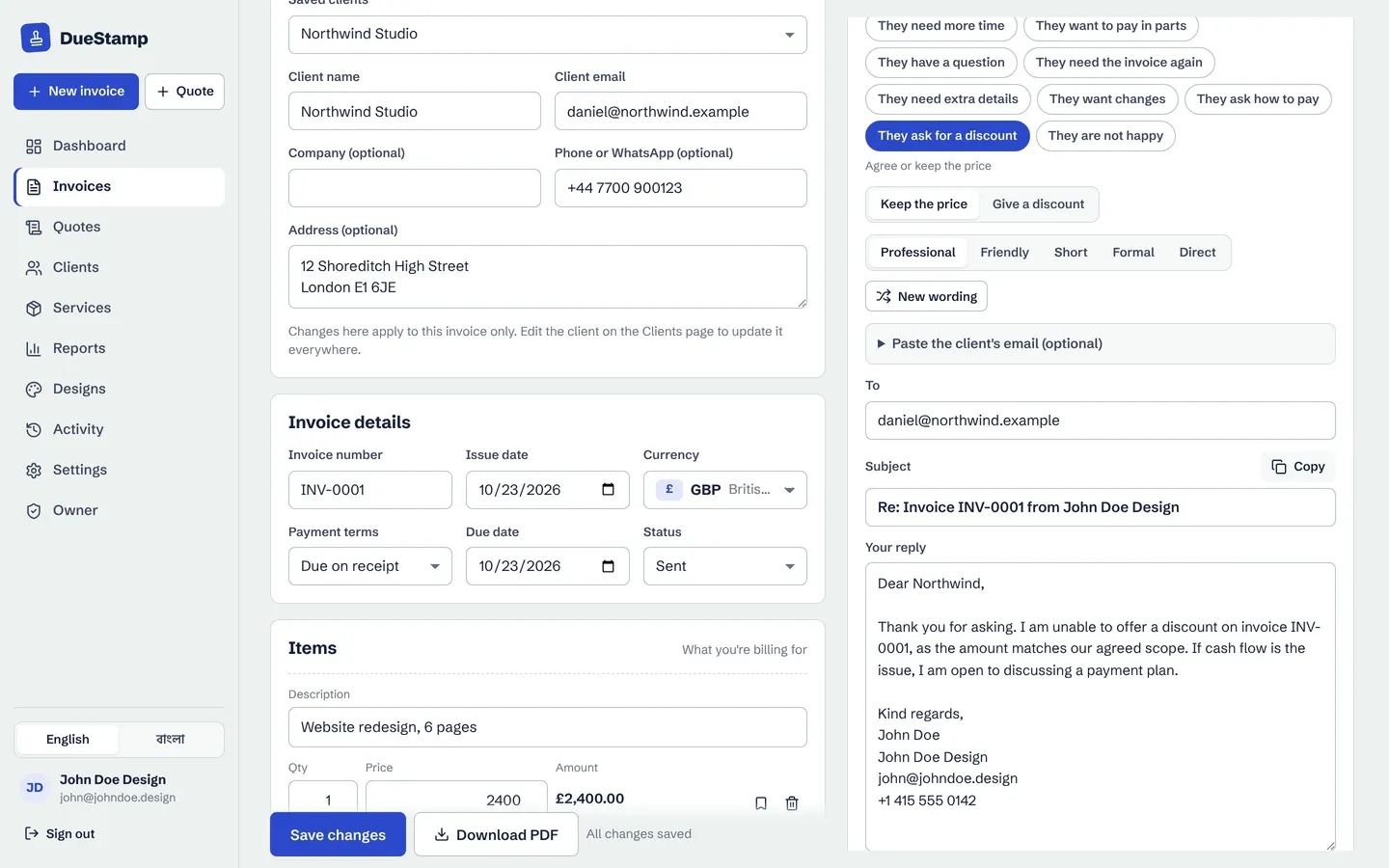
In DueStamp's Reply tab you pick what the client said and a matching reply is written for you, ready to edit.
How DueStamp writes these emails for you
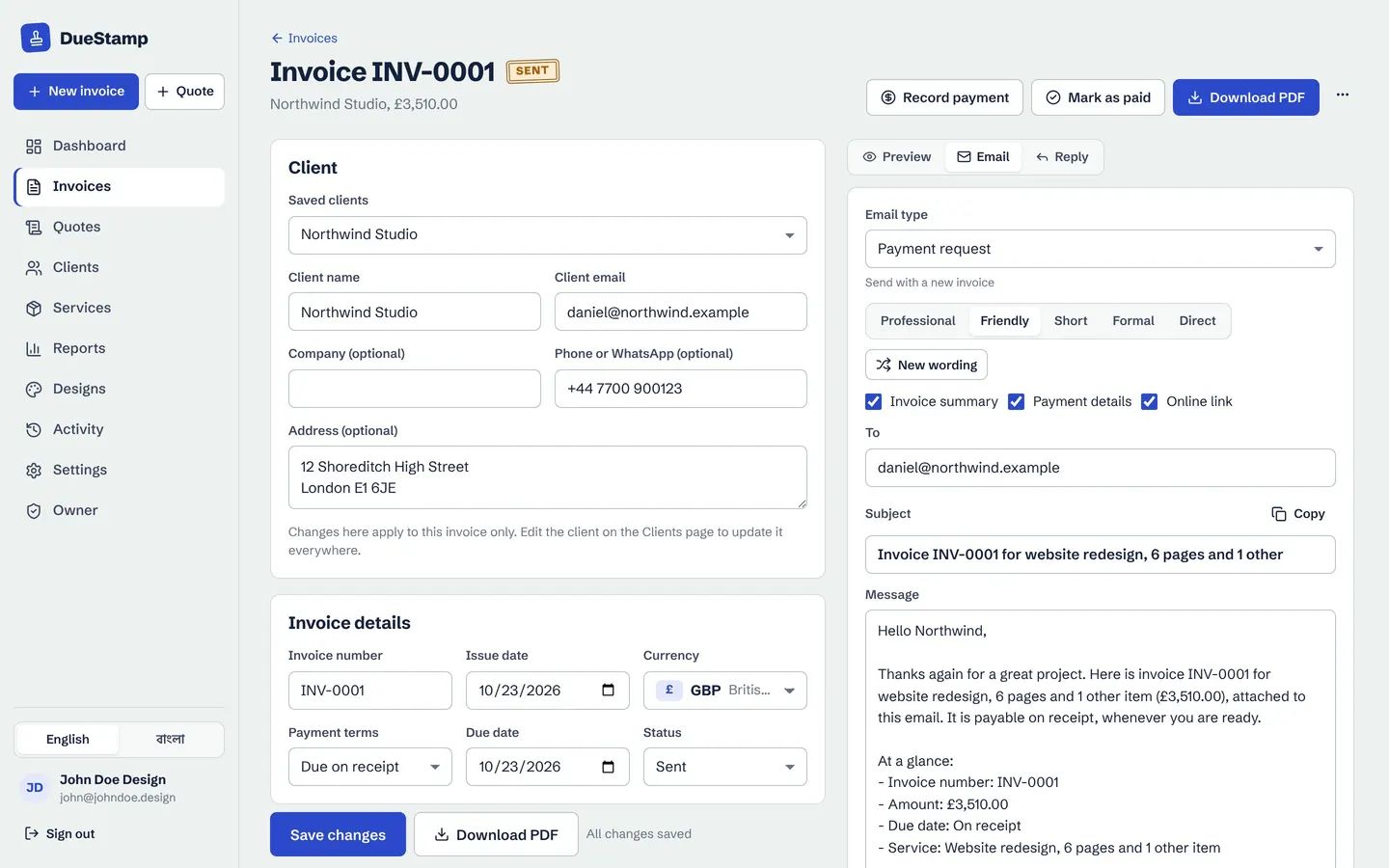
You can copy the templates above into any email program. If you make your invoices in DueStamp, there is a quicker way: every invoice has an Email tab with 12 email types (from the first payment request to the final notice and the thank you) in 5 tones: Professional, Friendly, Short, Formal and Direct.
The invoice number, amount, due date, payment details and link are filled in for you, so there is nothing to look up. Pick the email, pick the tone, read it over, then open it in Gmail, Outlook or your mail app, or copy it. You always send from your own email address. Nothing goes out automatically, so you stay in control of what your client sees.
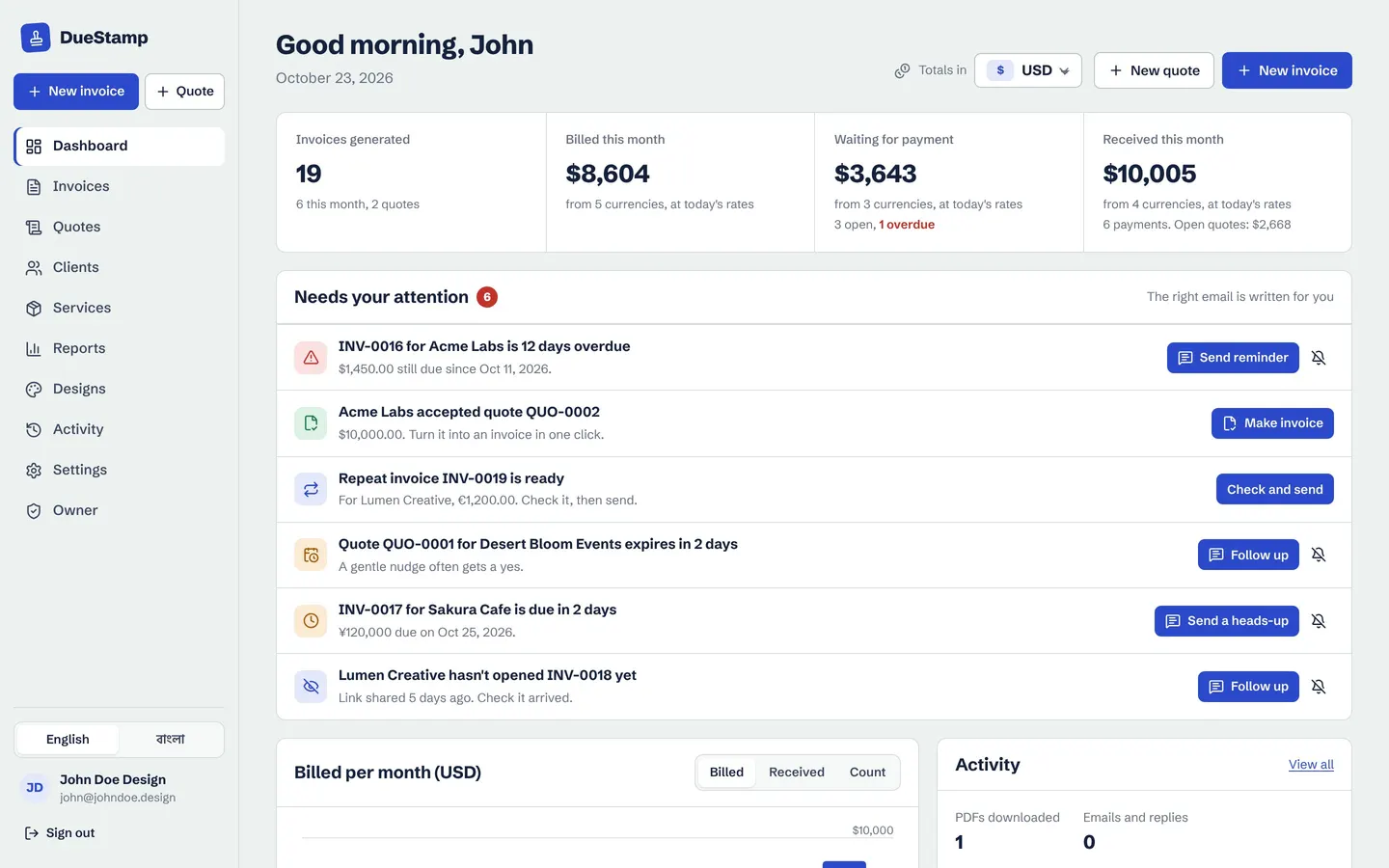
The dashboard also has a Needs your attention list. It shows invoices that are overdue, due soon, or sent but never opened, each with the right email ready to go. You do not have to keep a spreadsheet of who to chase and when.
Make your invoice, then let DueStamp write the right reminder in the tone you choose. Free, no credit card.
When the client pays, record it on the invoice and send a receipt in a couple of clicks. See payments and receipts for how that works.
Common questions
How soon after the due date should I send a payment reminder?
A friendly reminder on the due date itself works well, followed by an overdue notice about a week later if nothing has arrived. Sending a short "due soon" note a few days before the due date often means you never need the later emails.
How many reminders should I send before a final notice?
Usually two or three: a reminder on the due date, a follow-up if there is no reply, and an overdue notice. Send the final notice only after the client has had a fair chance to respond.
Can I add a late fee in a reminder email?
Only if a late fee was agreed in your contract or invoice terms before the work started. Rules on late fees differ by country, so check your local rules and your contract before adding one.
Should I send payment reminders by email or WhatsApp?
Email is best for a clear written record. For clients who live on WhatsApp, a short message with the invoice link can work well too. DueStamp lets you share the invoice link on WhatsApp with a ready-written message.
Does DueStamp send reminders automatically?
No. DueStamp writes the reminder and opens it in Gmail, Outlook or your mail app, and you send it yourself from your own email. That way nothing reaches a client without you seeing it first.

Rafiul made DueStamp, a free invoice maker for freelancers and business owners. He writes these guides to answer the questions people ask while sending their first invoices. More about DueStamp.