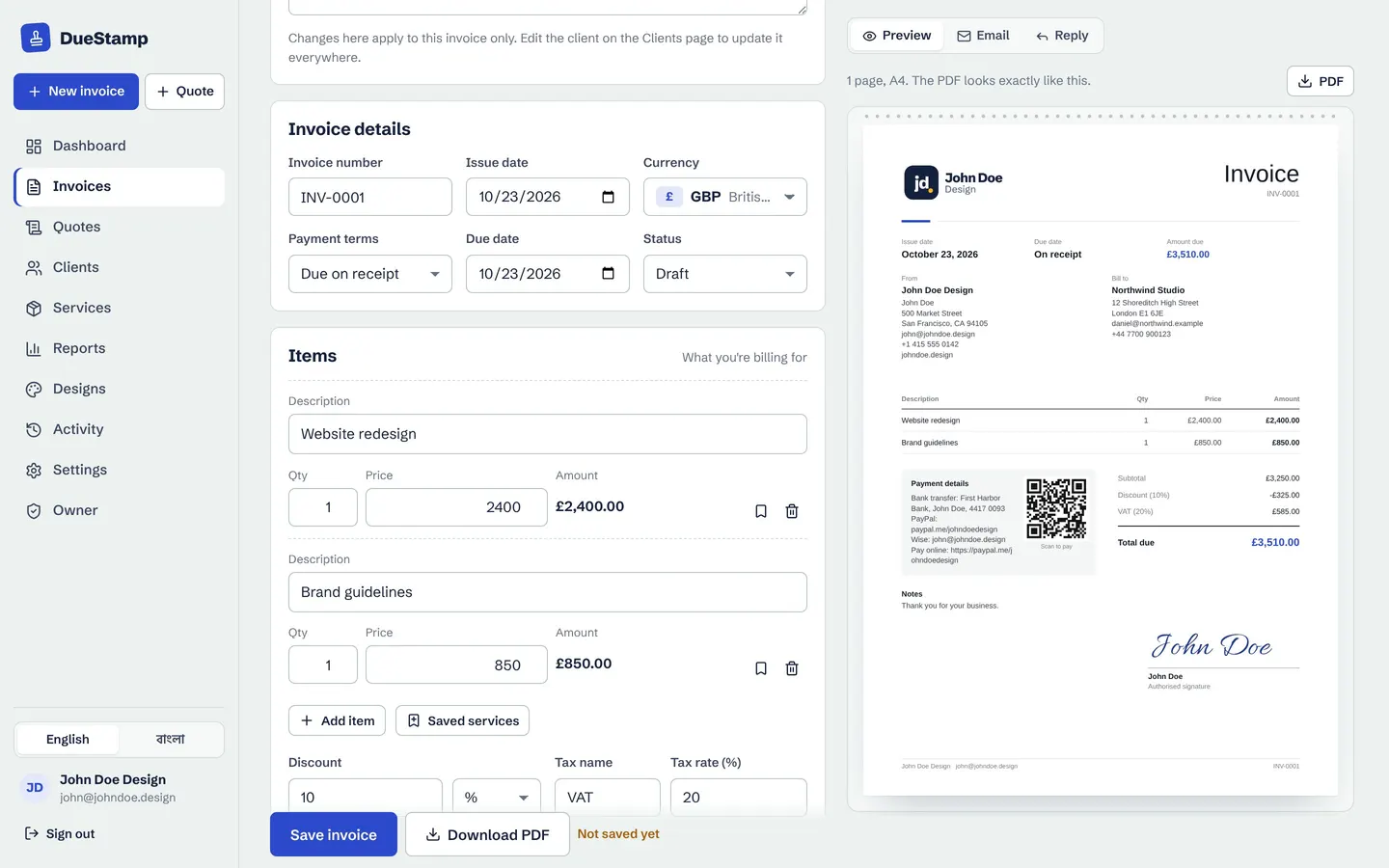
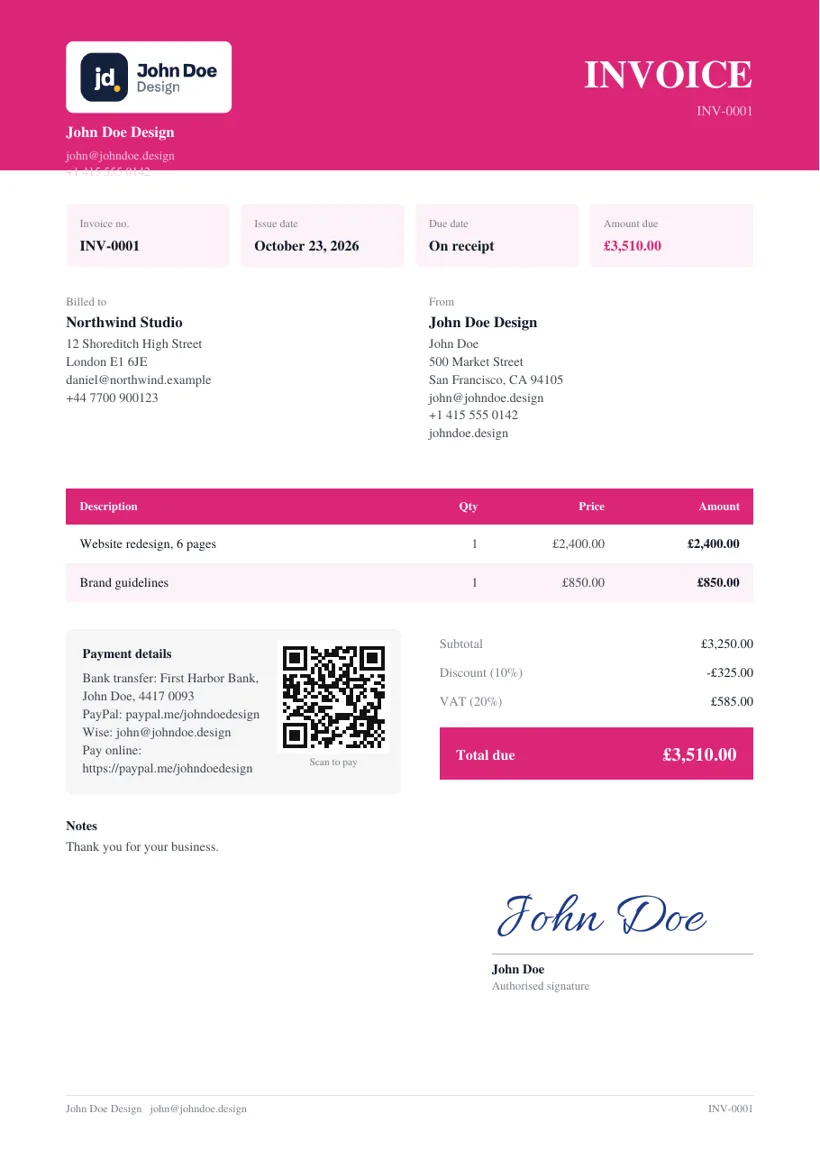
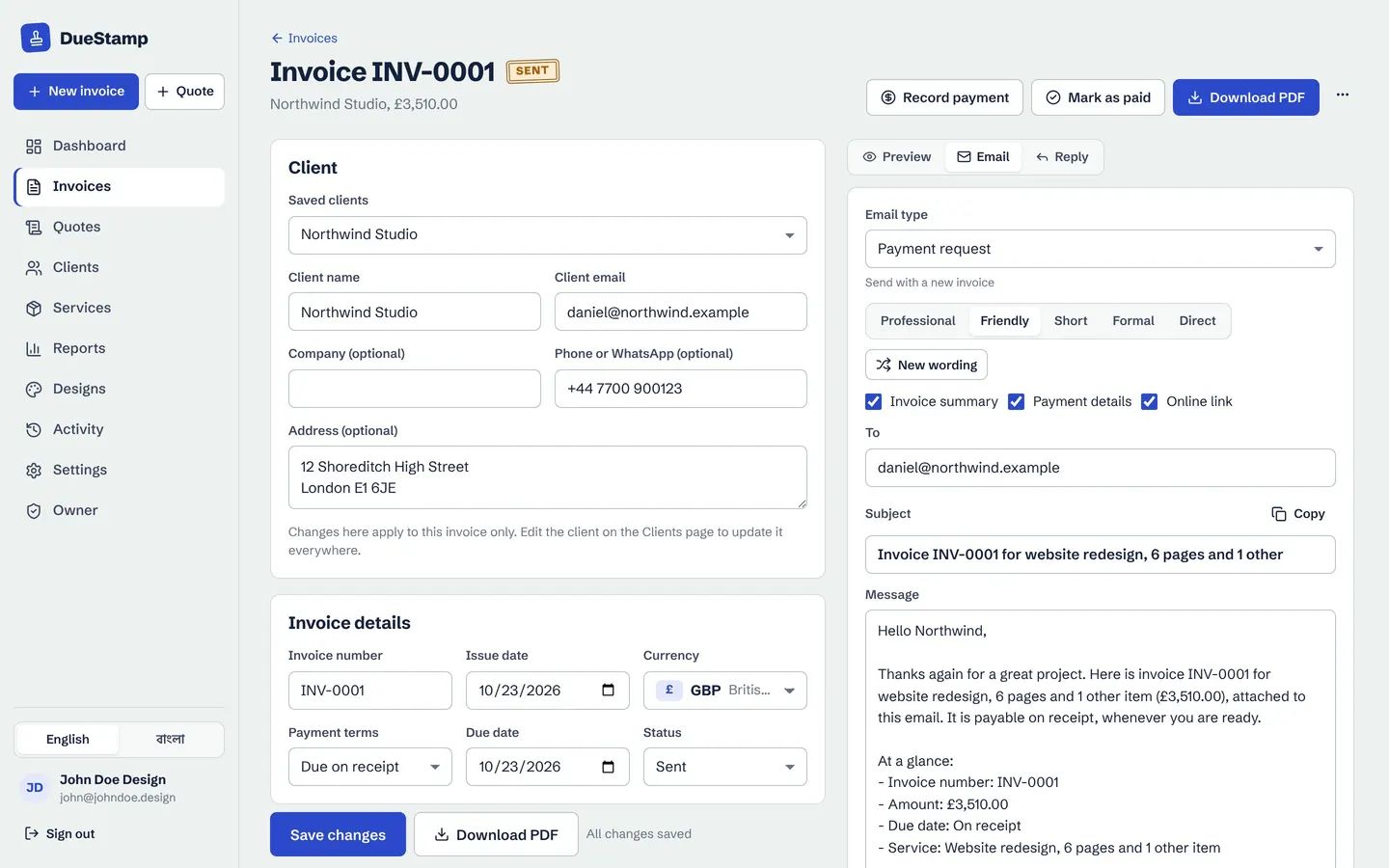
Which currency should you invoice in?
There is no single right answer, but there is a right conversation: agree the currency before the work starts, and put it on the quote. Your options:
- The client's currency. Easiest for them. They see a familiar number and pay it without converting. You carry the exchange rate risk.
- Your own currency. You know exactly what you will receive, but the client has to work out the conversion, and some will not be set up to pay in it.
- A major currency such as USD or EUR. A common middle ground when neither side uses the other's currency, and most payment services handle it well.
Whichever you choose, write the currency code next to the total. "$1,500" is ambiguous. "USD 1,500.00" is not.
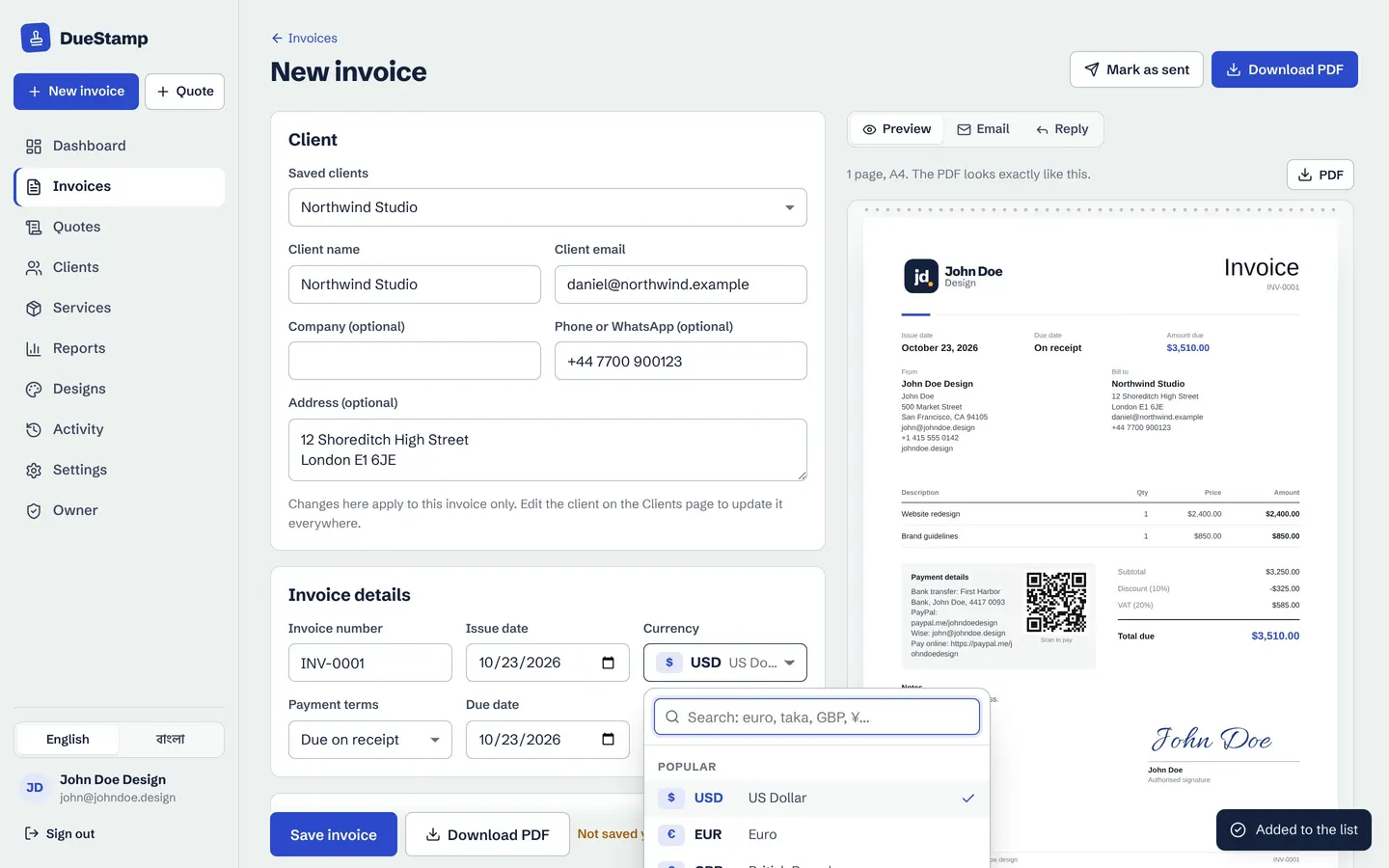
DueStamp's multi-currency invoicing covers 160 currencies plus USDT, USDC, BTC and ETH, searchable by name or code.
Get the amount format right
Not every currency has cents. Showing the wrong number of decimal places looks careless, and sometimes it is genuinely confusing.
| Currency | Code | Decimals | Example |
|---|---|---|---|
| US dollar | USD | 2 | USD 1,250.00 |
| Euro | EUR | 2 | EUR 1,150.00 |
| British pound | GBP | 2 | GBP 990.00 |
| Japanese yen | JPY | 0 | JPY 185,000 |
| Kuwaiti dinar | KWD | 3 | KWD 383.250 |
| Bangladeshi taka | BDT | 2 | BDT 45,000.00 |
A good invoice tool handles this for you. DueStamp uses the right decimals for each currency automatically, so a yen invoice has none and a Kuwaiti dinar invoice has three.
Make paying you easy from abroad
International payments usually fail for boring reasons: a missing SWIFT code, a name that does not match the account, or a payment service the client cannot use. Give clients more than one option, with complete details for each:
- Bank transfer: the account name exactly as the bank has it, the bank name and address, the account number or IBAN, and the SWIFT/BIC code. For clients in the US or UK, local receiving account details (services such as Payoneer and Wise offer them) are often cheaper and faster for the client than an international wire.
- Payment link: PayPal, Wise, Stripe or similar, so the client can pay in one click.
- Reference: ask them to use the invoice number as the payment reference.
Ask once, save it forever. Before your first invoice, ask the client how they normally pay suppliers abroad, then set up your payment details to match. In DueStamp you save them once in Settings and they appear on every invoice.
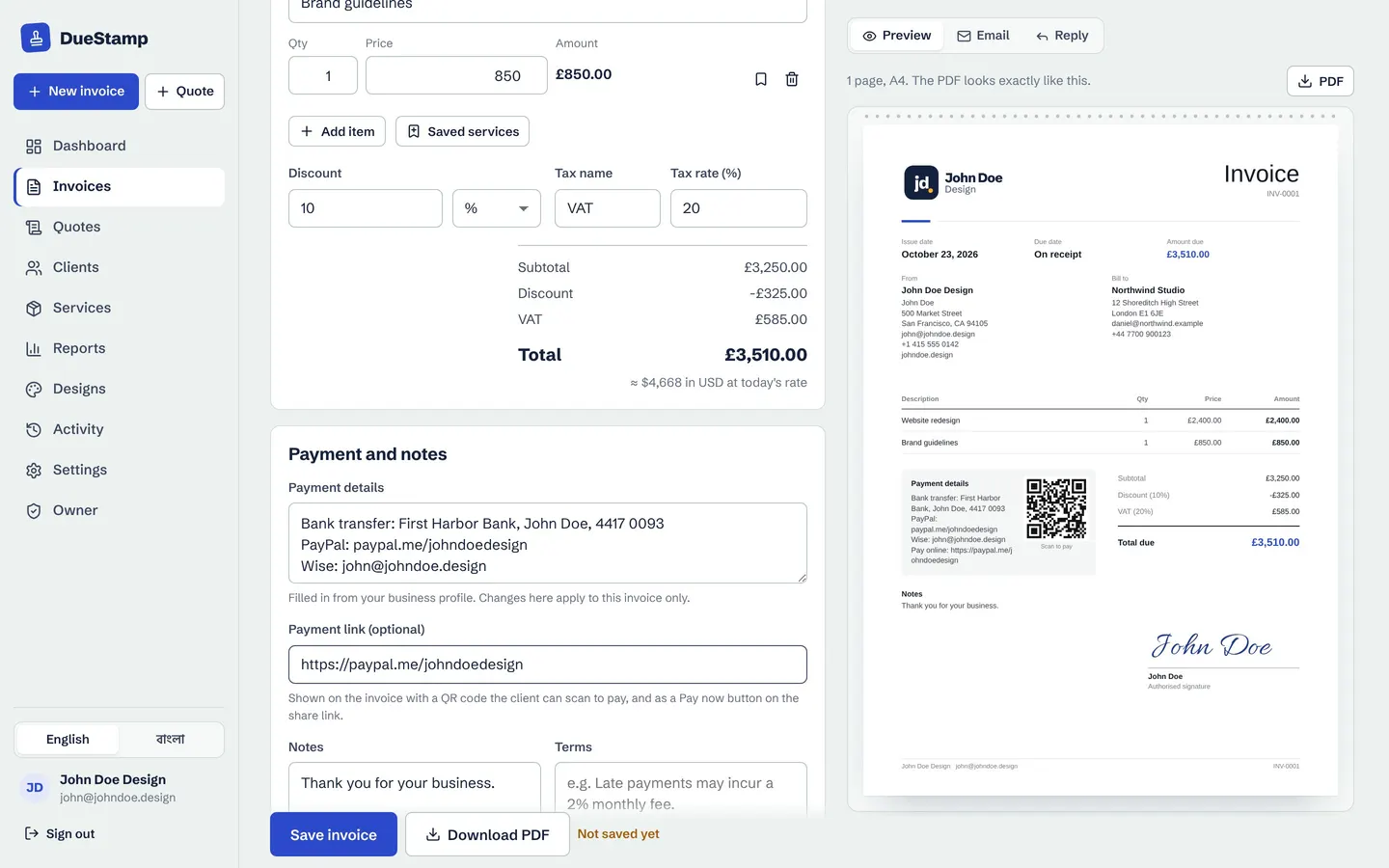
When you add a payment link, the invoice page shows a Pay now button and the PDF gets a QR code. Payment goes straight to your own account. DueStamp is not in the middle and takes no fee.
Details international clients often need
- Their full legal company name and address. Finance teams match invoices to registered supplier records.
- Your tax or registration number, if you have one.
- Their VAT or tax ID, if they give you one. Some cross-border rules depend on it.
- A PO number if their company uses purchase orders.
- Dates with the month written as a word. 03/04/2026 means March 4 in the US and April 3 in much of the world. "April 3, 2026" means the same thing everywhere.
- Plain English descriptions that still make sense through a translation tool.
The rest of the invoice follows the usual rules. Our invoice checklist covers every field.
A word on tax across borders
Cross-border tax is where general advice runs out. Depending on the countries involved, what you sell and whether you are registered, you might charge local tax, charge none, or need a note saying the client accounts for it (sometimes called a reverse charge). Digital services can follow different rules again.
So the honest advice is: check your local rules, or ask an accountant once, then set your invoices up to match. In DueStamp you can set the tax name and rate on each invoice and add any wording you need in the notes.
Fees, exchange rates and what actually arrives
Between the client's bank and yours, money can pass through payment services and currency conversions. A USD 1,000 invoice may land as a little less after fees, and its value in your own currency depends on that day's rate.
Two habits keep this under control:
- Agree who pays transfer fees. Some freelancers add a line to their terms such as "Please make sure the full amount arrives. Transfer fees are paid by the sender." Not every client will accept that, so agree it early.
- Record what actually reached your account. When you mark an invoice paid, note the amount you received in your own currency. Then your income figures are real, not estimates.
DueStamp lets you record the received amount in your home currency for each payment, so your reports show your real earnings after fees.
See all your clients in one currency
Once you have clients paying in three or four currencies, a simple question gets hard: how much did I earn this month? Set a home currency and let your tools do the converting.
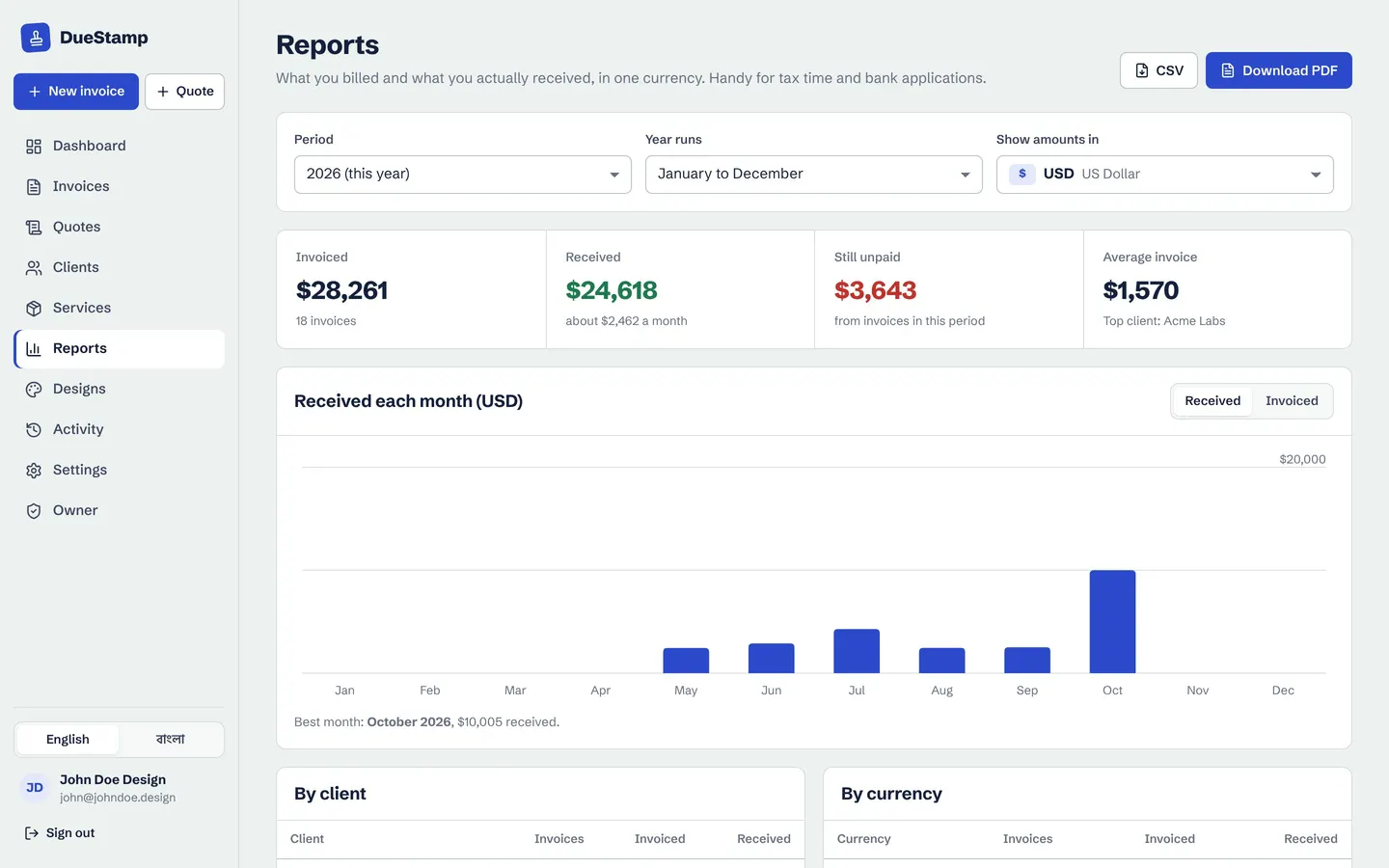
In DueStamp the dashboard and reports convert every invoice into your home currency using free live exchange rates. Reports also break things down by currency and by client, for the calendar year or a tax year (July to June in Bangladesh, April to March in the UK and India), and download as a PDF or CSV.
Sending across time zones
When your client is asleep while you work, you cannot just call to check the invoice arrived. Send a link as well as the attachment: it opens on any phone, and you can see when it was opened. If it is still unopened after a few days, follow up. Many international clients prefer WhatsApp for quick messages, and DueStamp can share the link there with a message already written.
If the due date passes, stay polite and specific. Our payment reminder templates work across languages and cultures because they stick to facts: the invoice, the amount, the date.
160 currencies plus crypto, the right decimals, and your totals in your home currency.
Common questions
Can I invoice in a different currency from my bank account?
Yes. The client pays in the invoice currency and your bank or payment service converts it. Check the conversion fees, and consider a multi-currency account if you are often paid in one foreign currency.
Which exchange rate should I use on an invoice?
If you invoice in the client's currency, you do not need one on the invoice, because the agreed amount is the amount. If you must show a converted figure, say which rate and date you used. For your own records, note the amount that actually arrived.
Do I charge VAT to international clients?
It depends on where you and the client are, what you sell and whether you are registered. The rules vary a lot, so check your local rules or ask an accountant.
Can I invoice in crypto?
You can issue an invoice priced in USDT, USDC, BTC or ETH if your client agrees. DueStamp supports those alongside 160 regular currencies. Check how crypto income is treated where you live.

Rafiul made DueStamp, a free invoice maker for freelancers and business owners. He writes these guides to answer the questions people ask while sending their first invoices. More about DueStamp.