Quotes and estimates
Quotes and estimates your clients can accept online
Price the job before you start. Send a quote as a link, let your client accept it from their phone, then turn it into an invoice in one click without typing anything twice.
Built for quotes
Its own numbering and a valid-until date
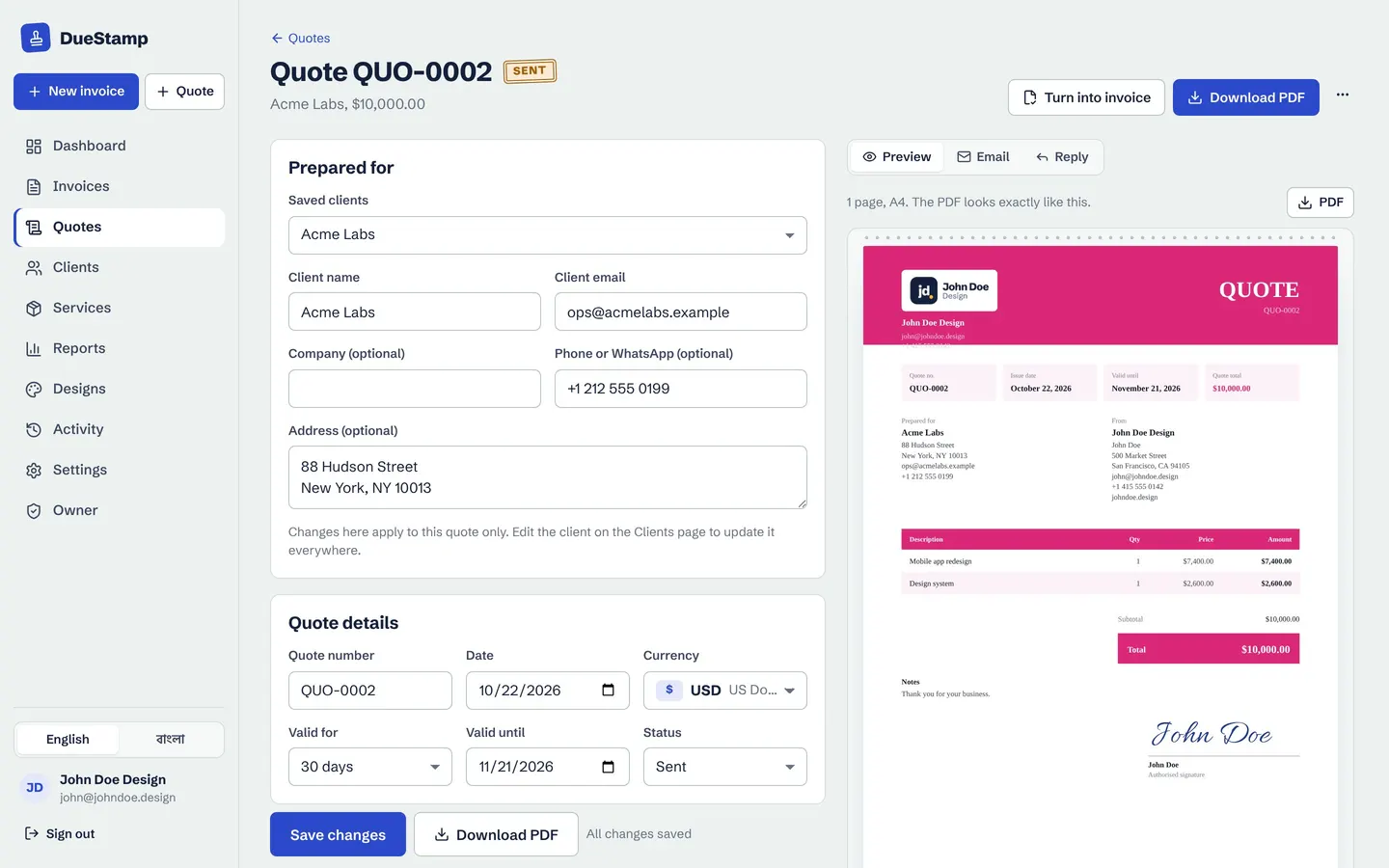
Quotes live in their own list with their own numbers, like QUO-0001, so they never mix with your invoices. Set how long the price stands, such as 14 or 30 days, and the date is printed on the quote.
- Same 20 designs, logo and signature as your invoices
- Any of 160 currencies
- Save as draft, mark as sent, accepted or declined
Client side
One tap to accept, no account needed
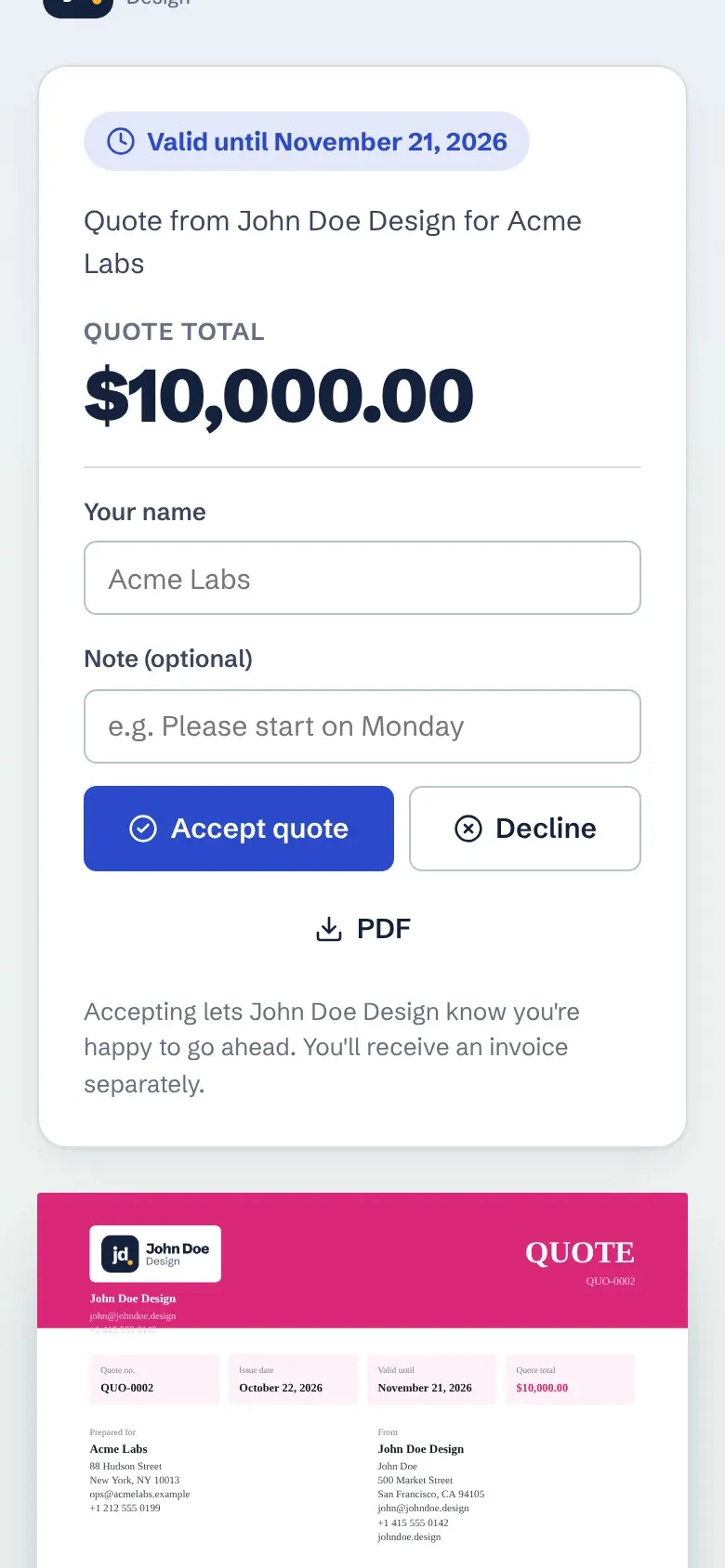
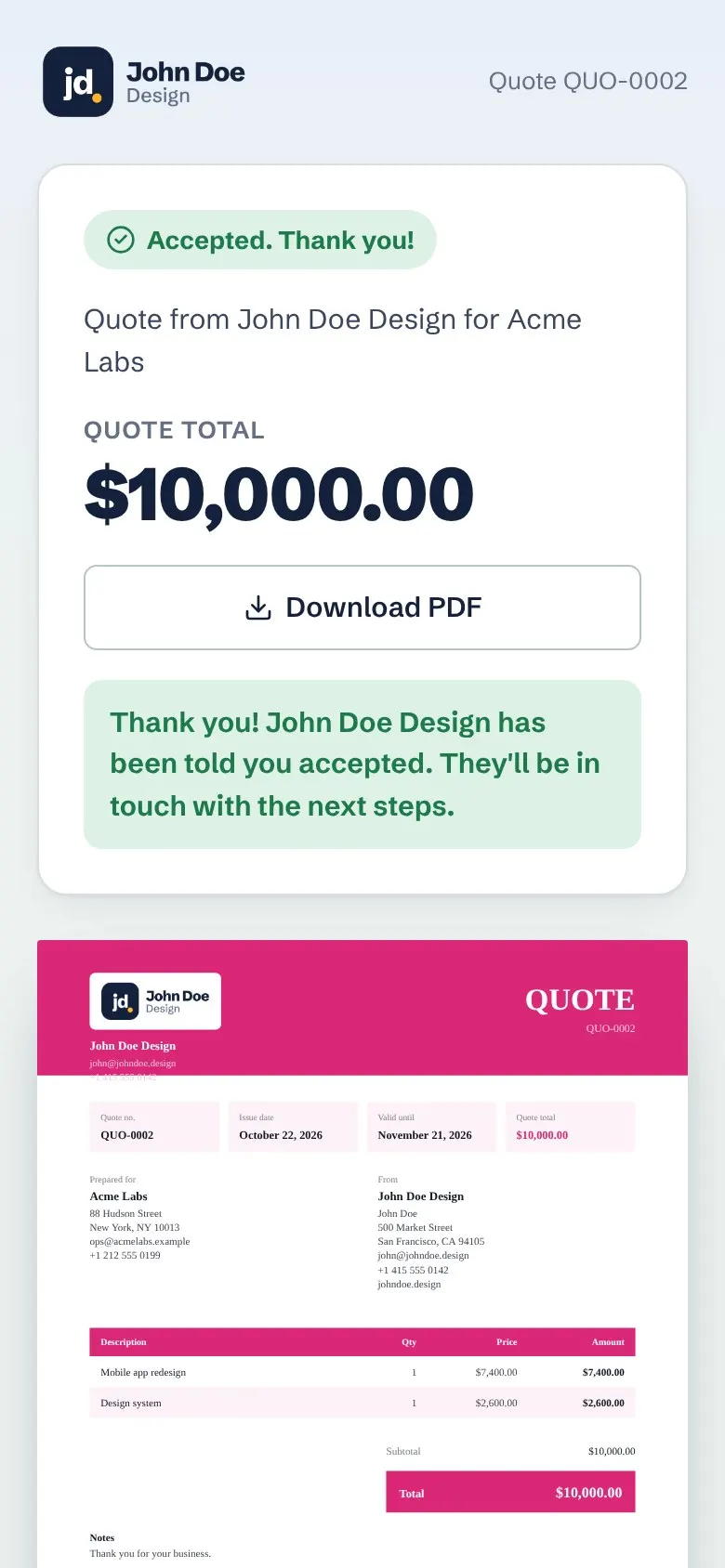
Share the quote as a link. Your client opens it on any phone or computer, reads it, downloads the PDF if they want, and taps Accept. You see it straight away in your activity and on your dashboard.
Quote to invoice
Accepted? Turn it into an invoice in one click
When the work is approved, press Turn into invoice. The client, items, prices, discount and tax are copied into a new invoice with the next invoice number. Need a deposit first? Record it as a part payment and send a receipt.
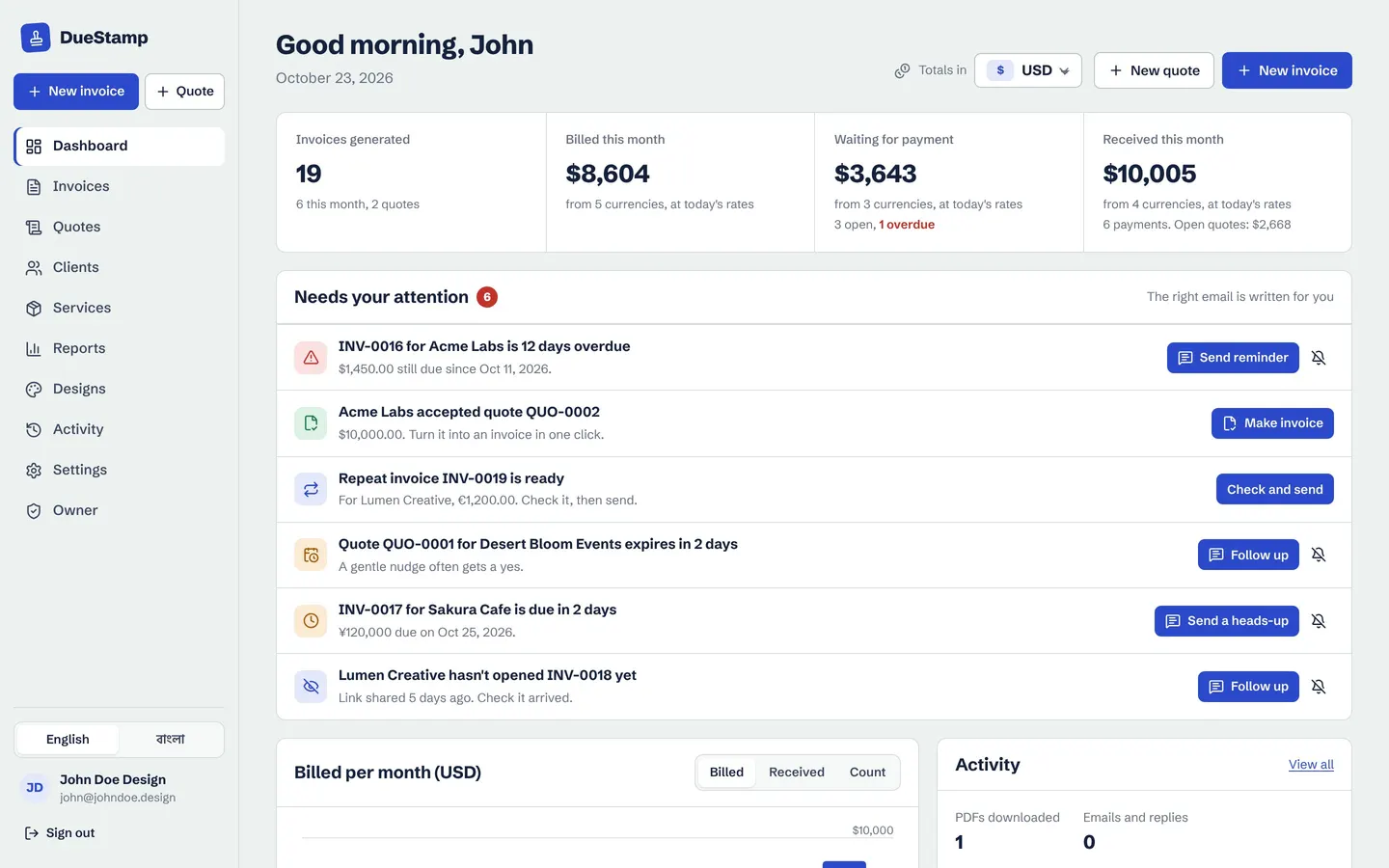
- The dashboard reminds you about accepted quotes to invoice
- Quote emails written for you: send, follow up, and next steps
How it works
From quote to paid invoice
- 1
Write the quote
Pick the client, add saved services or new items, choose a currency and how long it is valid.
- 2
Share the link
Send it by email or WhatsApp with a message written for you.
- 3
Client accepts
They tap Accept on their phone or computer. You see it on your dashboard.
- 4
Invoice in one click
Turn the quote into an invoice and send it when the work is done.
Questions people ask
What is the difference between a quote and an estimate?
People use the words loosely. A quote is usually a fixed price for set work, while an estimate is a best guess that may change. DueStamp calls it a quote, and you can describe the work and terms however you like in the notes. Read more in quote vs invoice.
Does my client need to sign up to accept a quote?
No. They open the link and tap Accept. No account, no app.
Can I change a quote after sending it?
Yes. Edit it and the link shows the updated version. A Resend email is written for you so the client knows it changed.
What happens when a quote expires?
Your dashboard lists quotes that are about to expire or have no answer, with a polite follow-up email ready to send.
Works well with
Invoice generator
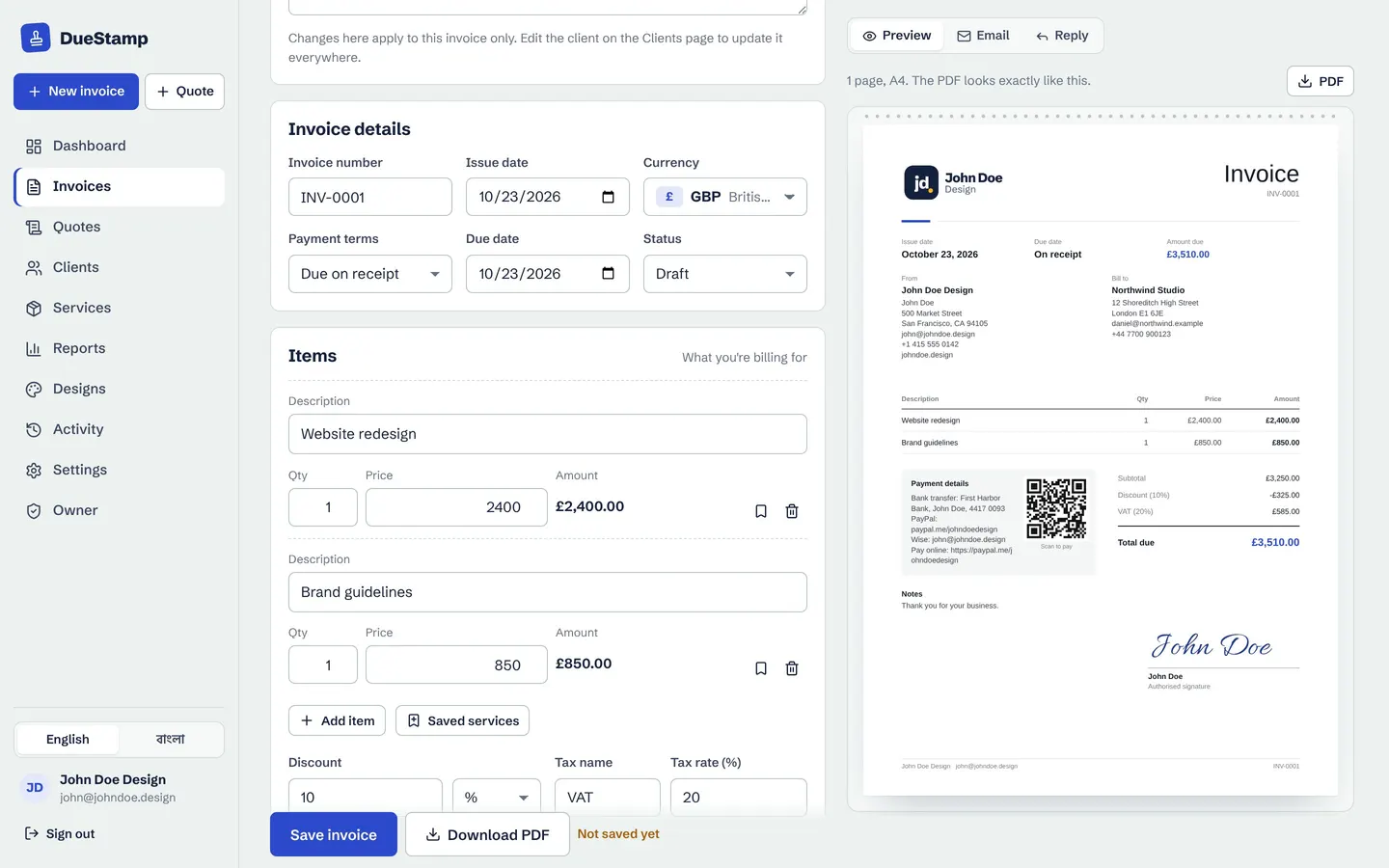
Fill in a simple form, watch the invoice build itself, then download the PDF or share a link.
Learn morePayments and receipts
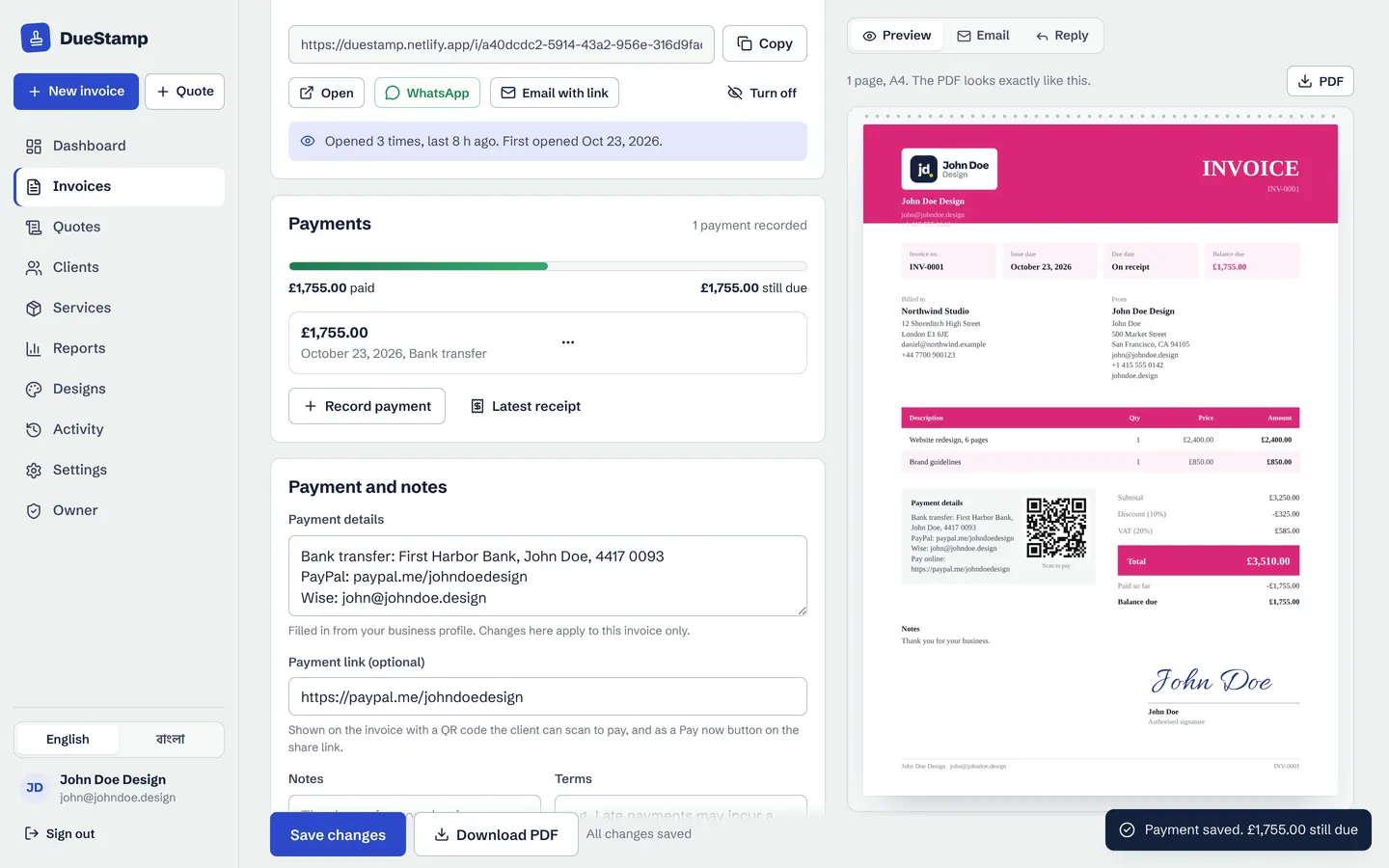
Record deposits and part payments, see the balance, and send a payment receipt PDF.
Learn moreInvoice tracking
Send a link instead of an attachment and see when your client opens it, with a clear status for every invoice.
Learn moreGuides on this topic
Your next invoice, done in about a minute
Free to use. No credit card. Your invoices stay private to your account.