Invoice tracking
Know when your client opens the invoice
An attachment disappears into an inbox. A DueStamp link tells you when it was opened, how many times, and what still needs doing, so you follow up at the right moment.
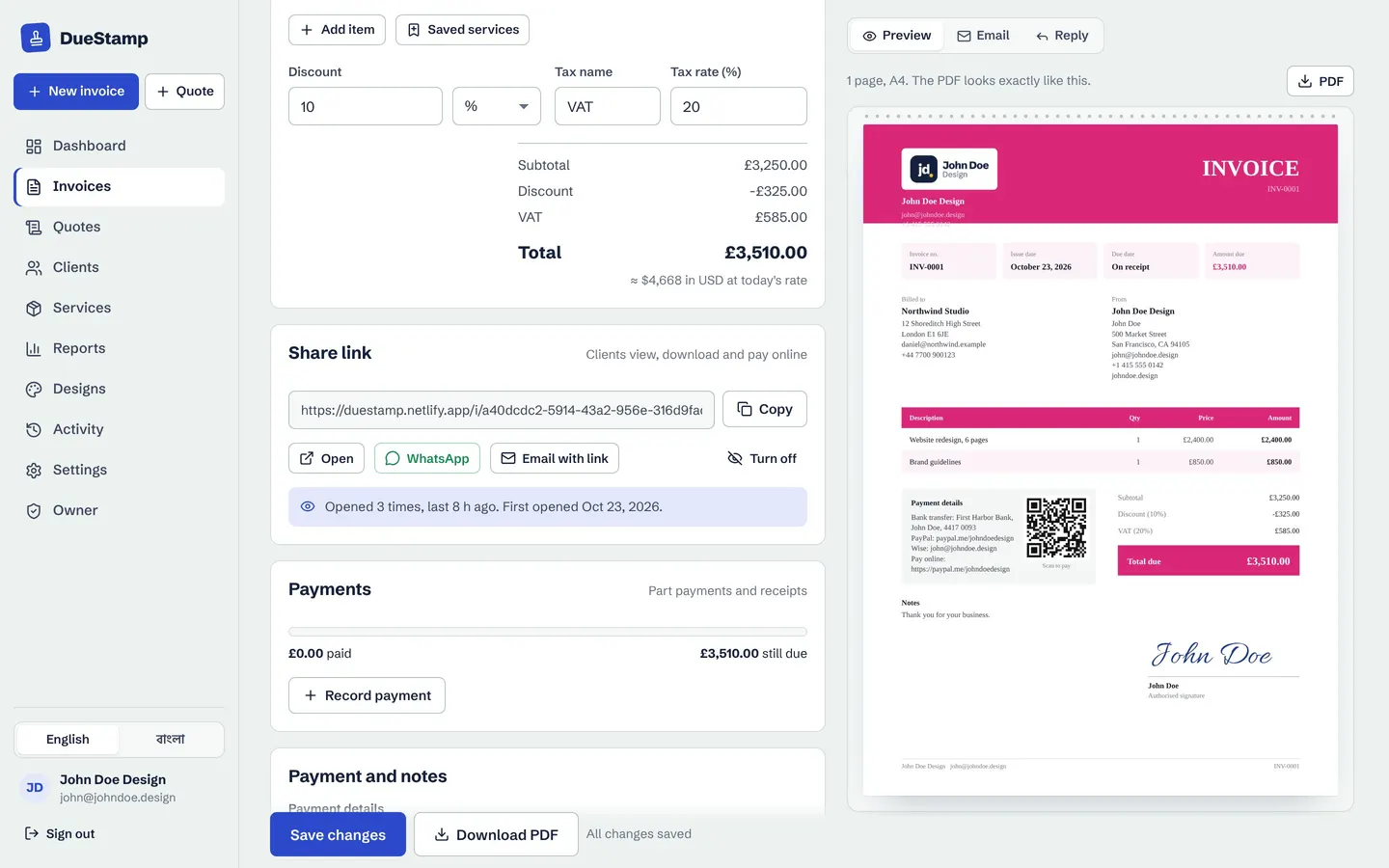
Share links
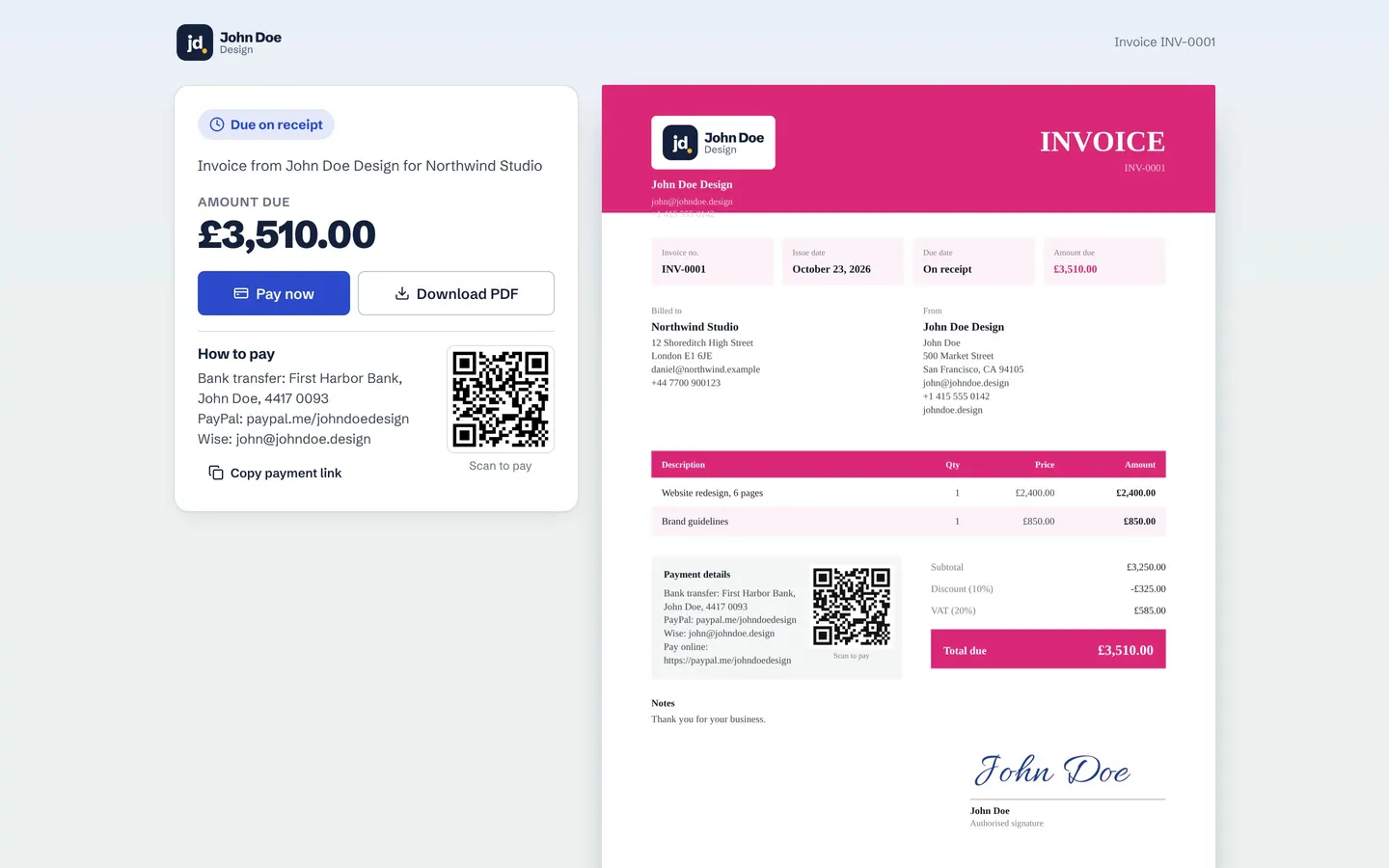
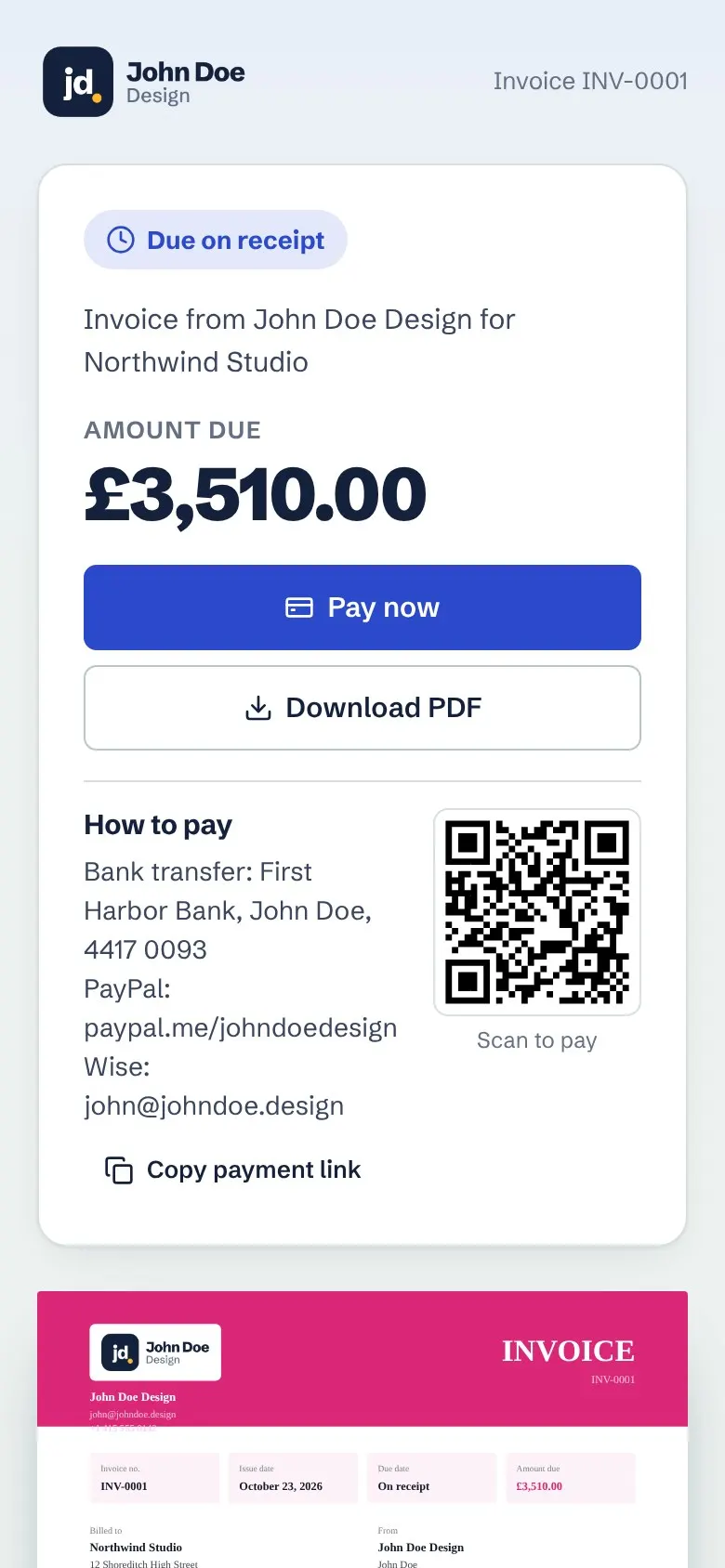
A clean page your client can pay from
Your client opens a simple page with the amount due, a Pay now button that goes to your payment link, your payment details, a QR code and the PDF. It works on any phone or computer, with no sign-up.
- Turn a link off any time
- Links are private and kept out of search engines
- Send on WhatsApp with a message ready
Status at a glance
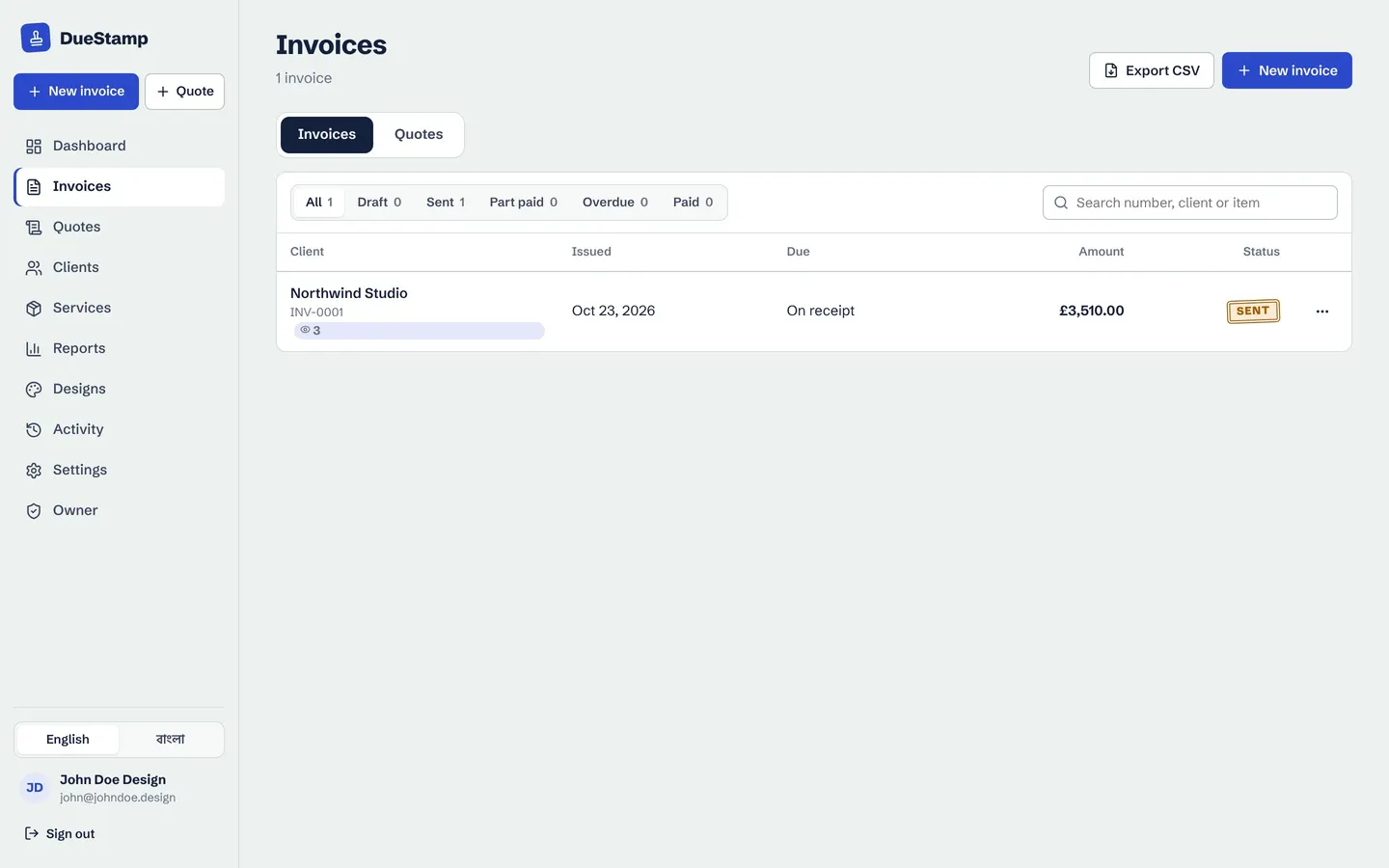
Every invoice in one list, with a clear status
Filter by draft, sent, part paid, overdue and paid. Search by number, client or item. Export to CSV when your accountant asks.
Needs your attention
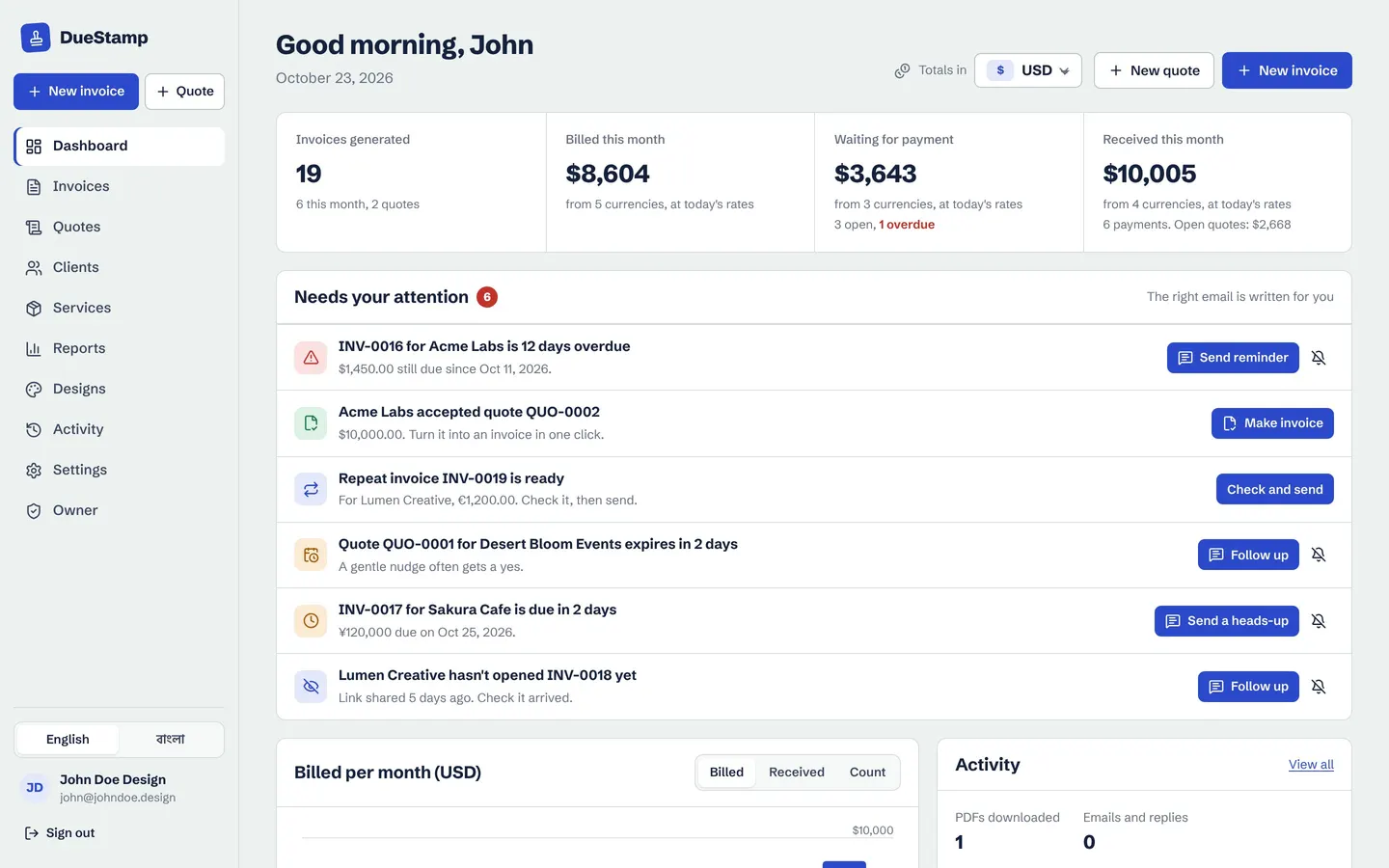
Your dashboard tells you who to chase
Overdue invoices, invoices due soon, links that were never opened, quotes with no answer and repeating invoices ready to check are listed in one place. Each one has the right reminder email ready to go.
How it works
How tracking works
- 1
Copy the share link
Every invoice and quote gets its own private link.
- 2
Send it your way
Email, WhatsApp or any chat app.
- 3
See it opened
The invoice card and activity log show when and how often.
- 4
Follow up smartly
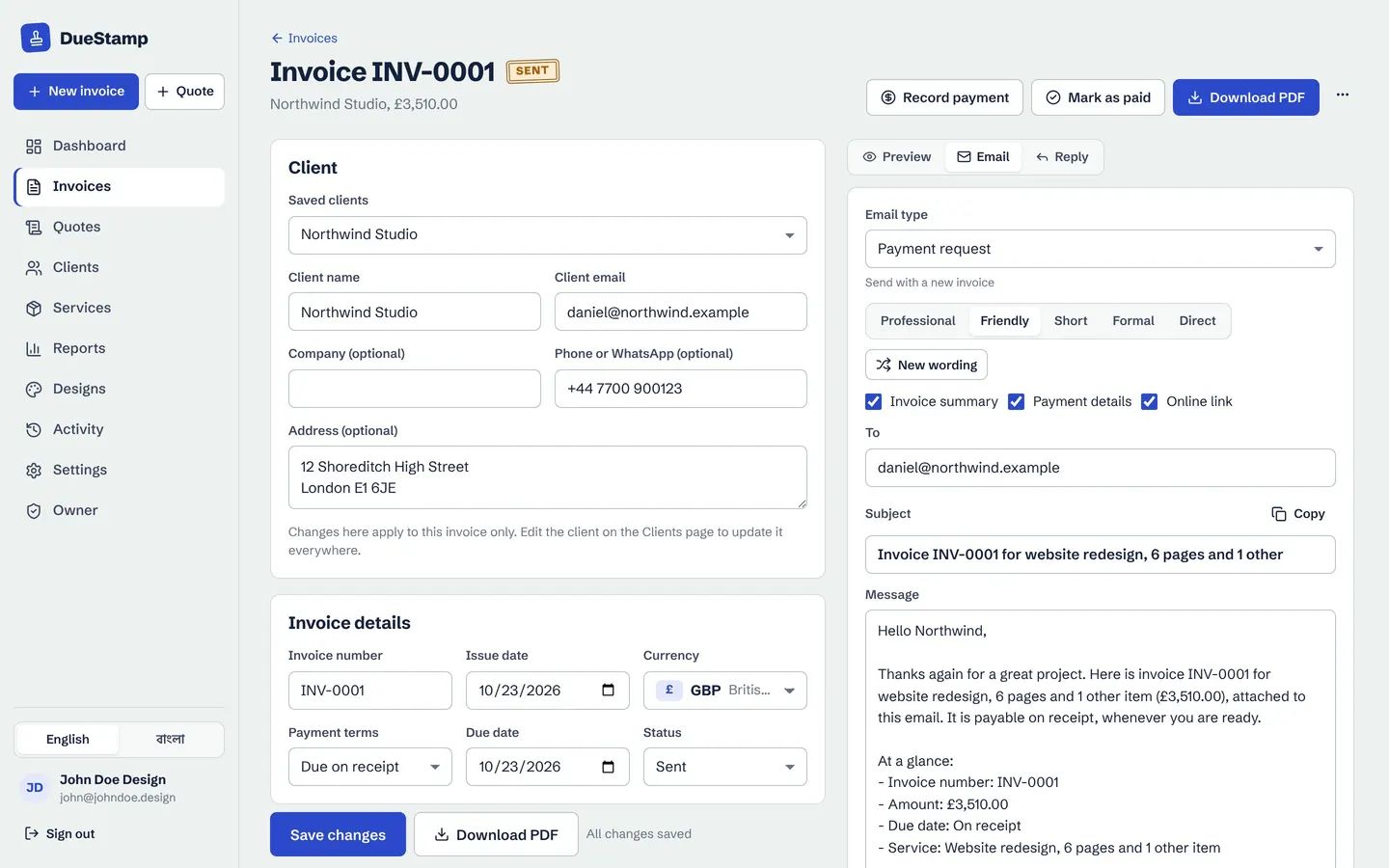
If it was not opened, or is overdue, the right email is ready.
Questions people ask
How do I know if a client opened my invoice?
Send the invoice as a DueStamp share link. When the client opens it, the invoice shows it was opened, how many times and when, and it appears in your activity log.
Does tracking work with PDF attachments?
No. A PDF file can not report back. Send the link, which also includes the PDF for your client to download.
Will my invoice links show up on Google?
No. Invoice share links are marked so search engines do not index them, and you can turn a link off at any time.
Works well with
Payment reminders
Polite, firm or short: the right reminder email is written for you and opens in Gmail or Outlook.
Learn morePayments and receipts
Record deposits and part payments, see the balance, and send a payment receipt PDF.
Learn moreInvoice generator
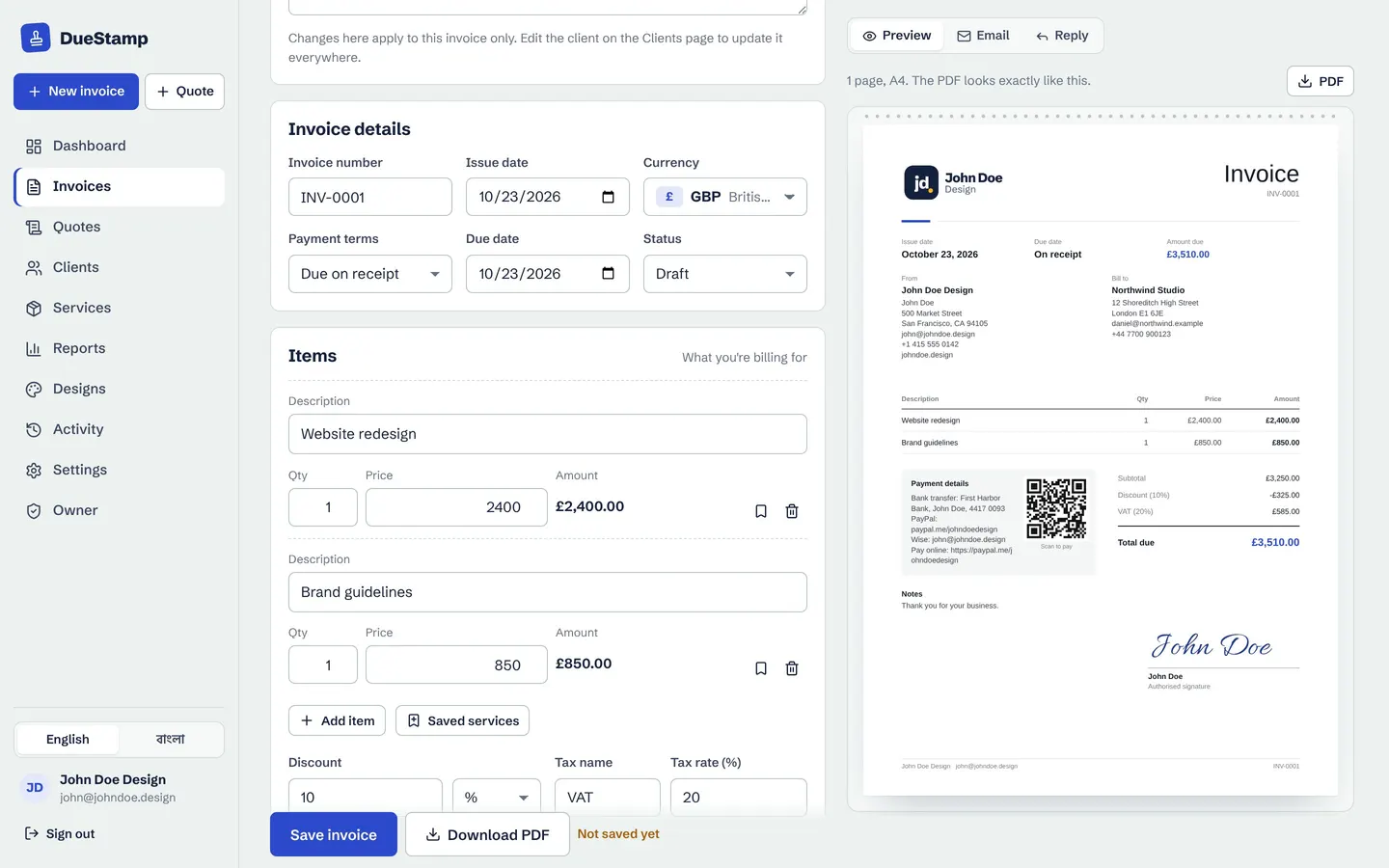
Fill in a simple form, watch the invoice build itself, then download the PDF or share a link.
Learn moreGuides on this topic
Your next invoice, done in about a minute
Free to use. No credit card. Your invoices stay private to your account.