Recurring invoices
Recurring invoices for retainers and regular clients
Bill the same client every month? Set it up once. When the next one is due, DueStamp prepares it as a draft with a new number and dates, ready for you to check and send.
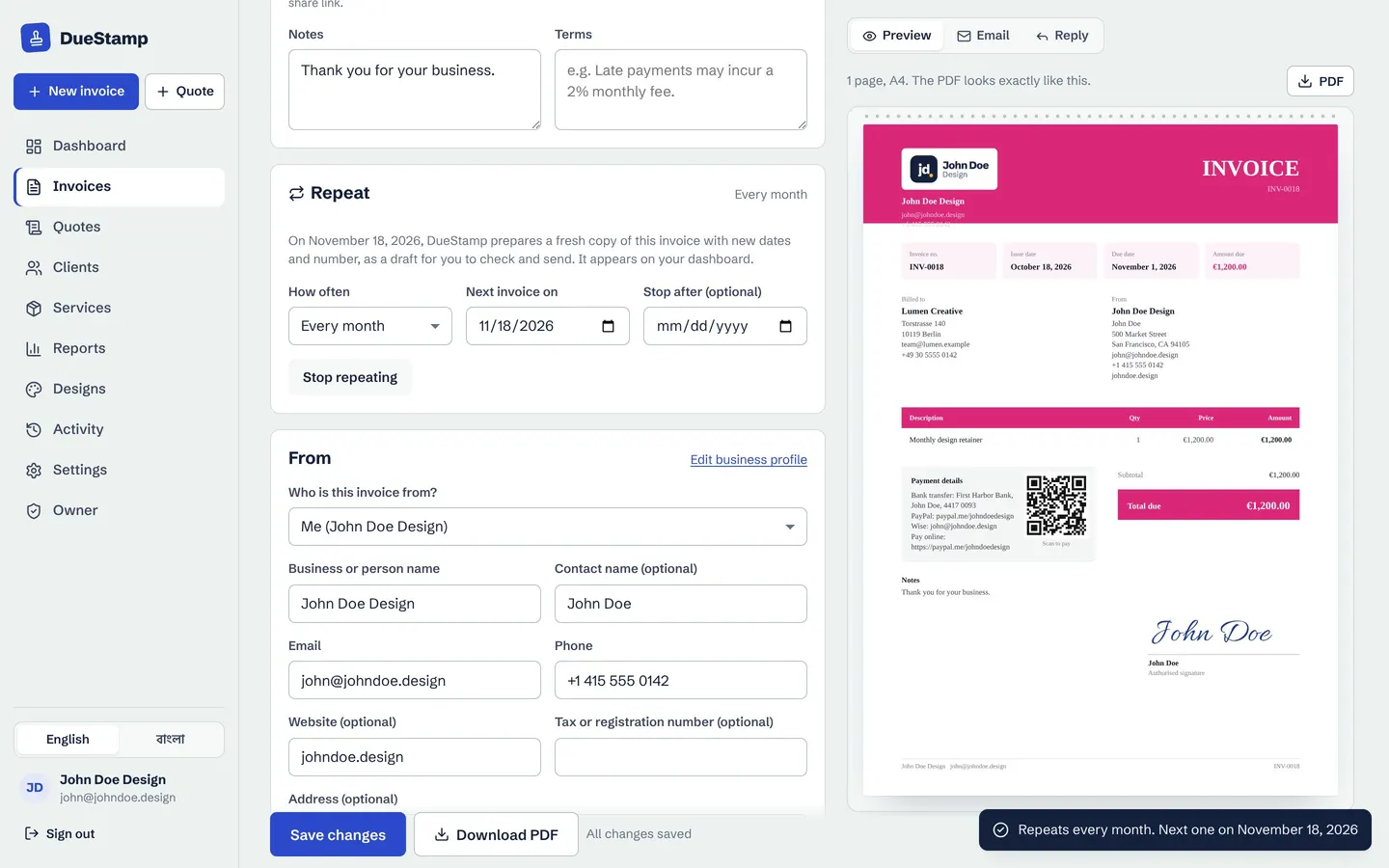
Repeat
Weekly, monthly, quarterly or yearly
Turn on Repeat on any invoice and choose how often. Add a stop date if the contract ends, or stop repeating with one click. Each new invoice gets the next number and fresh issue and due dates.
- Ready as a draft, so you can change hours or items
- Your dashboard tells you when one is ready
- Works with any currency and design
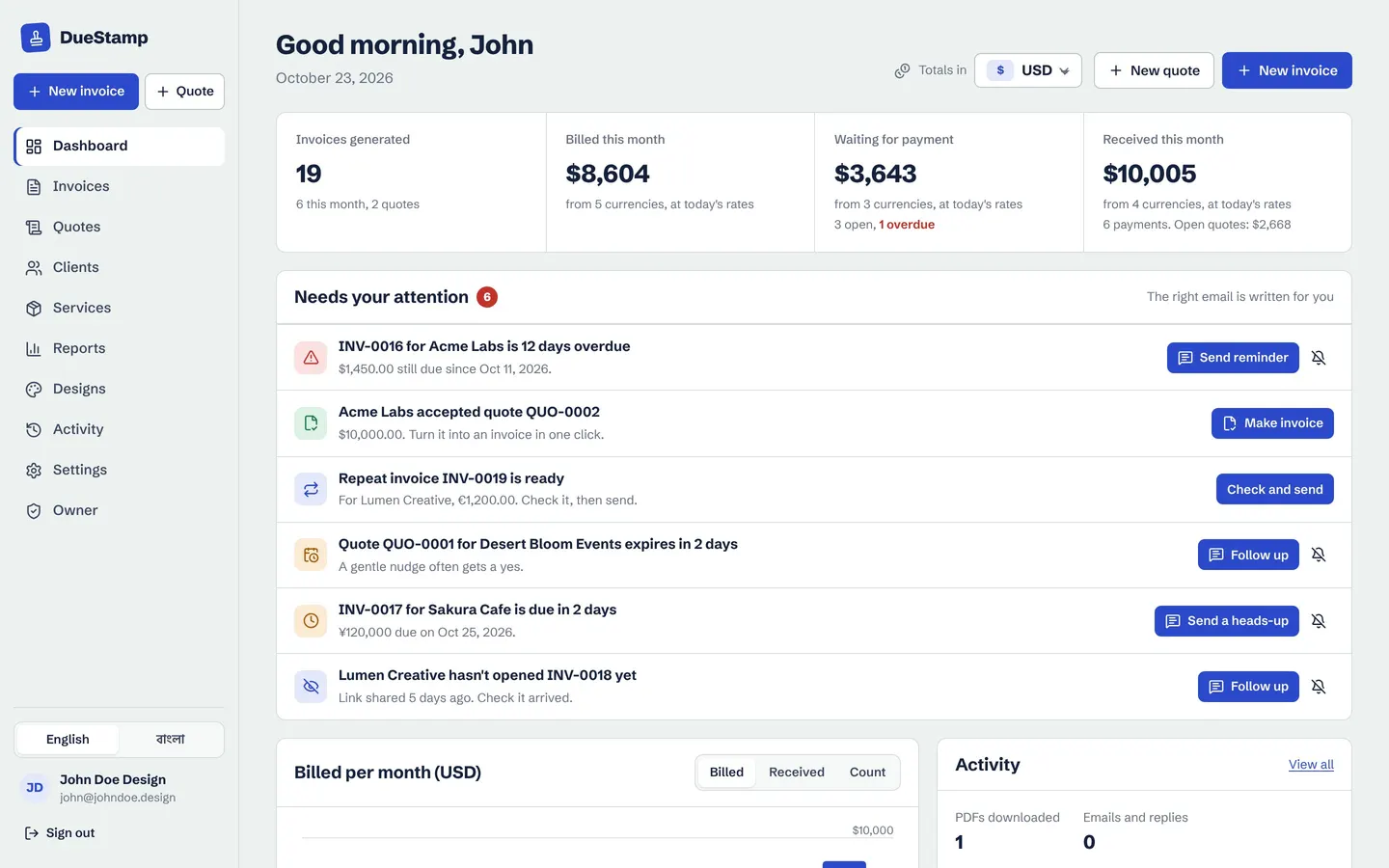
Stay in control
Nothing is sent without you
Retainers change. One month has extra hours, another has a discount. That is why DueStamp prepares the invoice and lets you send it, with a payment request email written for you. Use tracking and reminders as usual.
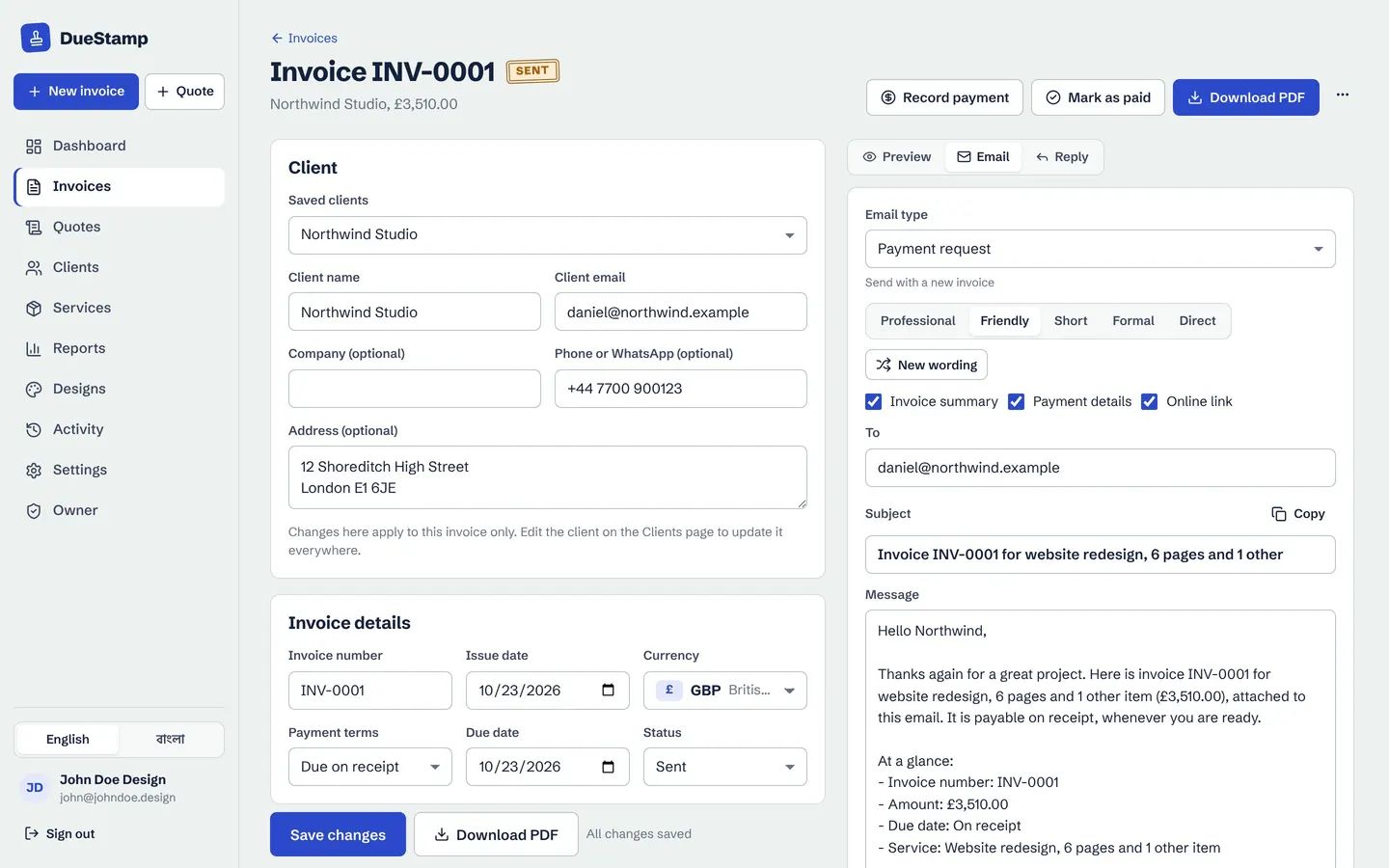
How it works
Set up a retainer once
- 1
Make the first invoice
Client, items and price for the month.
- 2
Turn on Repeat
Choose how often and, if needed, when to stop.
- 3
Check the draft
When it is due, the next invoice is ready on your dashboard.
- 4
Send and track
Share the link and see when it is opened and paid.
Questions people ask
Are recurring invoices sent automatically?
They are prepared automatically as drafts, then you check and send them. This avoids sending a wrong amount when the work changes.
Can I bill a retainer in advance?
Yes. Set the issue date to the start of the period and use payment terms that suit you, such as due on receipt.
How do I stop a recurring invoice?
Open the invoice and press Stop repeating, or set a stop date when you set it up.
Works well with
Invoice tracking
Send a link instead of an attachment and see when your client opens it, with a clear status for every invoice.
Learn moreReports and statements
See what you invoiced and what you received, by month, client and currency. Download PDF or CSV.
Learn moreInvoice generator
Fill in a simple form, watch the invoice build itself, then download the PDF or share a link.
Learn moreGuides on this topic
Your next invoice, done in about a minute
Free to use. No credit card. Your invoices stay private to your account.