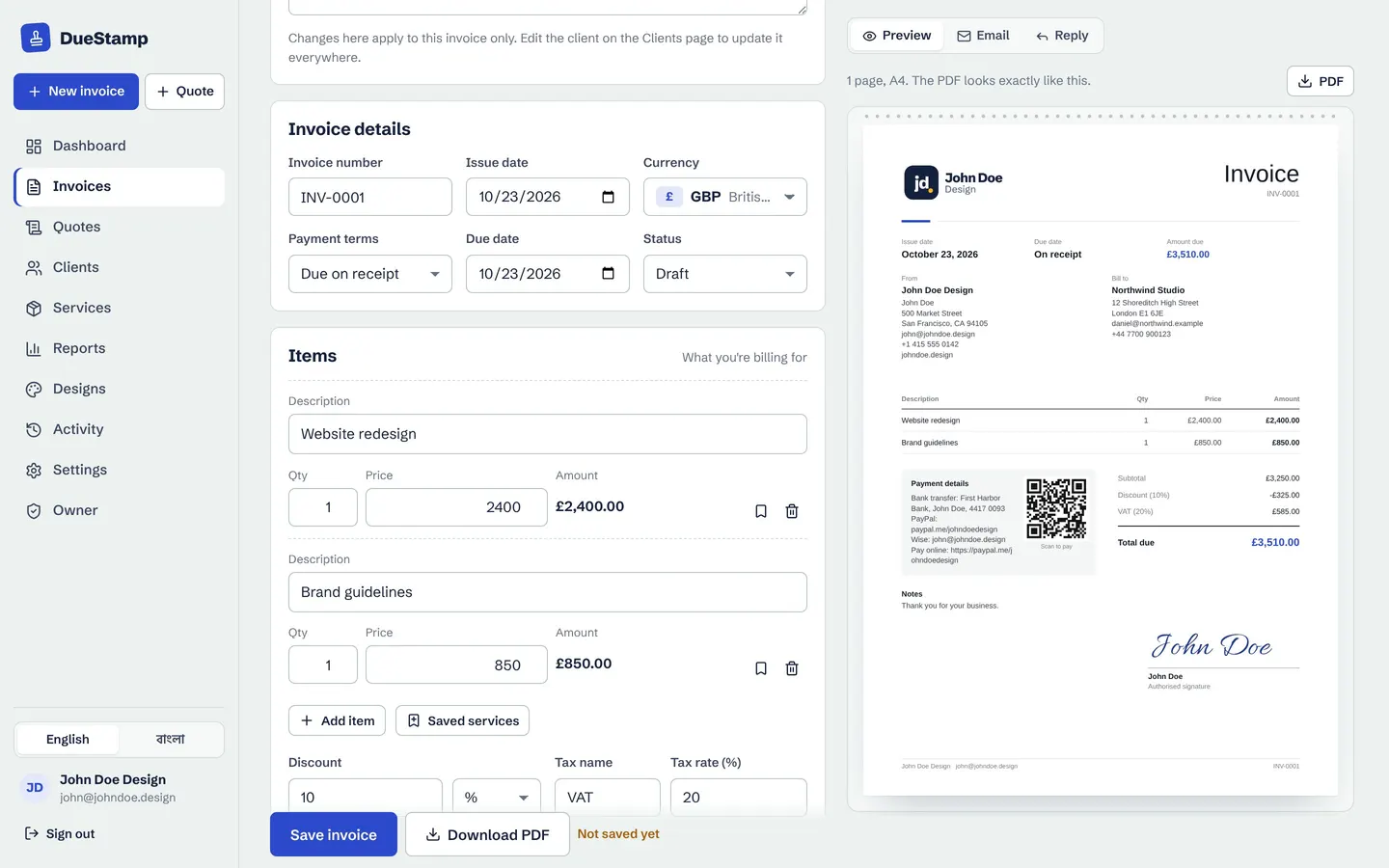
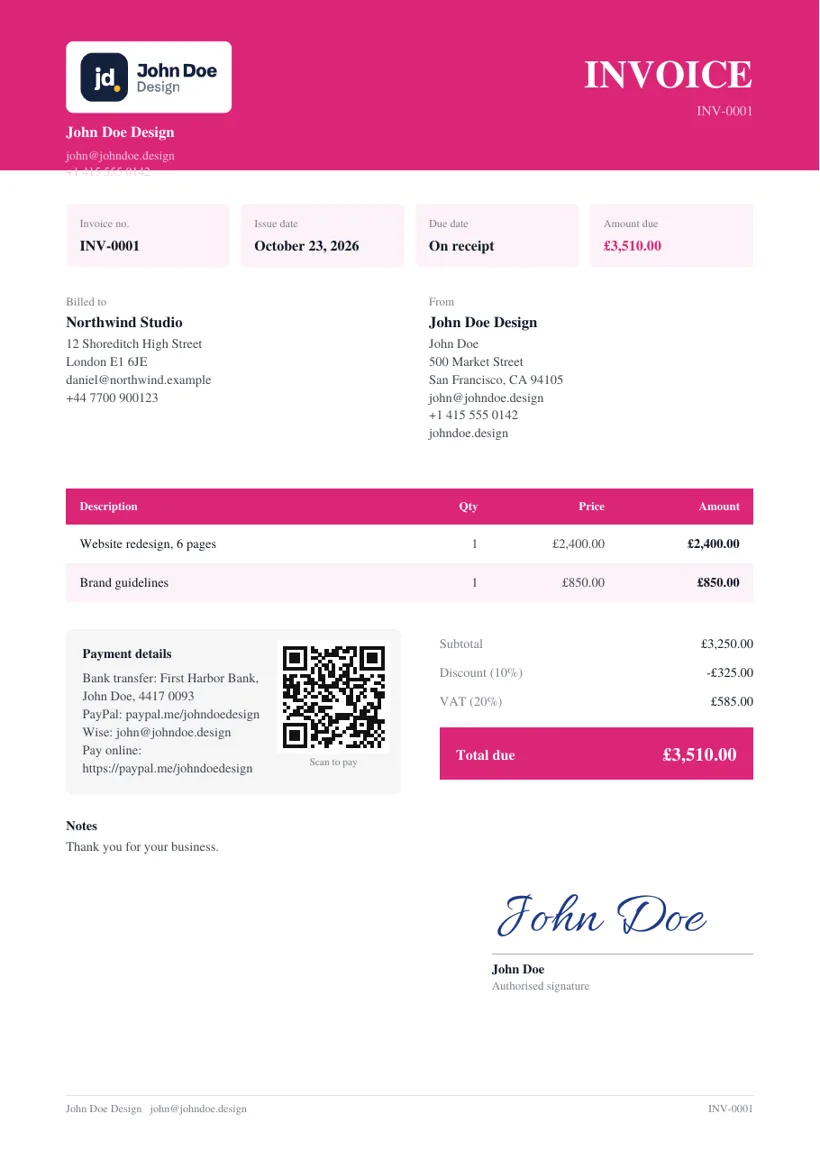
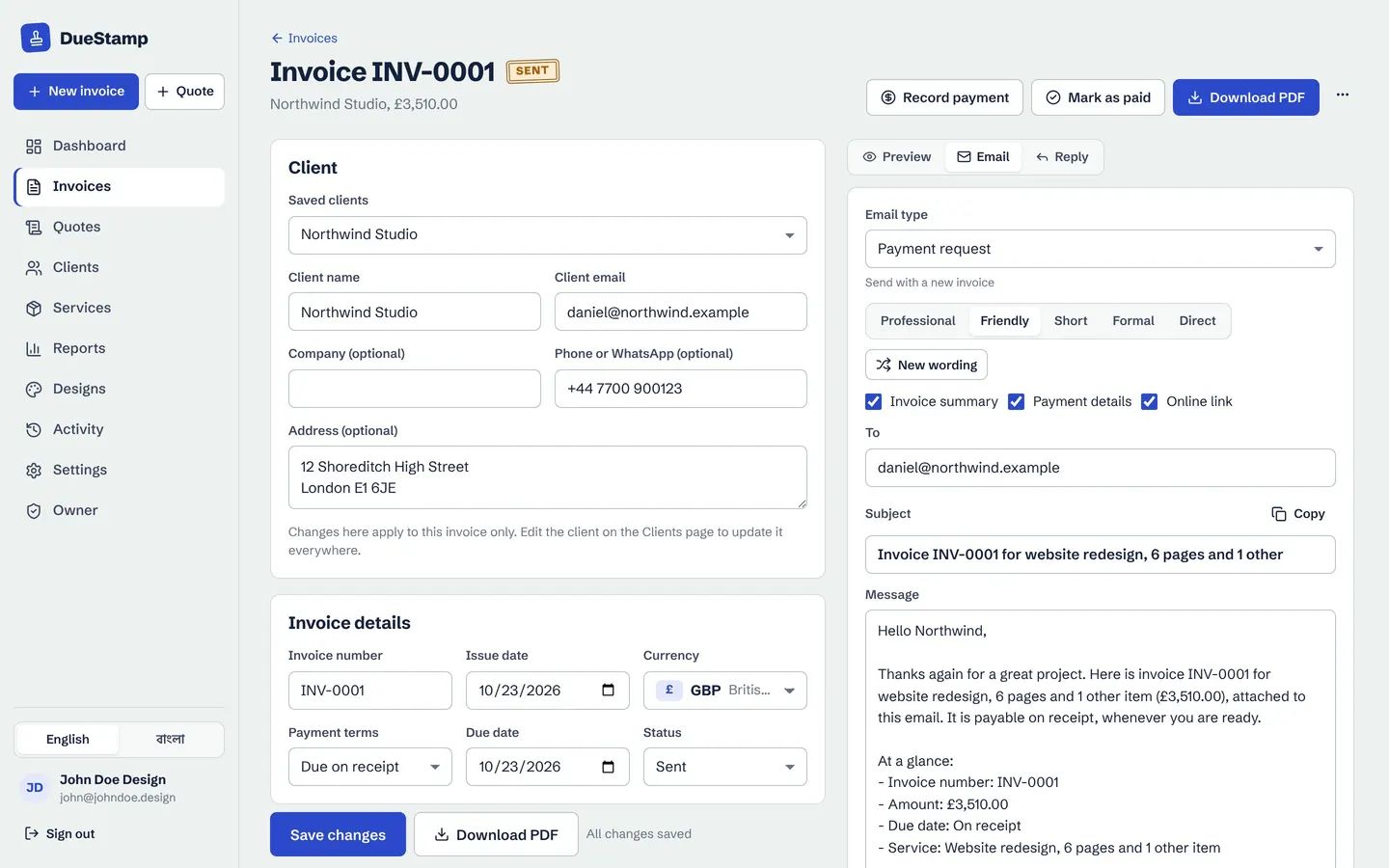
Regular clients are the steadiest income a freelancer or small business can have. But "regular" only works if the invoices go out regularly too. Miss one month and you are suddenly asking for two months at once, which is awkward for you and harder for the client to approve.
A recurring invoice solves that. You set the invoice up once and the next one is prepared on schedule. This guide explains how retainer billing works, what to agree with the client first, and how to keep monthly payments on time.
What is a recurring invoice?
A recurring invoice is the same (or nearly the same) invoice sent on a regular schedule: every week, month, quarter or year. Each one is still a separate invoice with its own number and dates. Only the setup is reused.
A retainer is a common reason to use one. The client pays a fixed fee each period for an agreed amount of your time or a set list of work. Typical examples:
- Monthly SEO, social media or content work
- Bookkeeping or virtual assistant hours
- Website care plans, hosting and maintenance
- Weekly lessons or coaching sessions
- Quarterly consulting, or a yearly license or membership
Retainer, subscription or hours: which is yours?
Not every repeating invoice is identical each time. It helps to know which kind you have, because it changes how you prepare each one.
| Type | What you bill | Example | Tip |
|---|---|---|---|
| Fixed retainer | The same fee each period | Monthly SEO at $800 | Invoice at the start of the period |
| Retainer plus extras | A fixed fee, plus anything outside the scope | Social media at $500, plus ad designs | Keep extras as separate lines |
| Subscription or care plan | An ongoing service fee | Website care at $60 a month | Offer a yearly option too |
| Hours each month | The hours actually worked | Bookkeeping, about 10 hours | Update the hours before you send |
What to agree before the first invoice
Most retainer problems start with something that was never said out loud. A short email confirming these points saves a lot of back and forth later:
- The amount and currency for each period.
- What is included, and how extra work is priced.
- When you invoice: at the start of the period (most common for retainers) or at the end.
- Payment terms, such as due on receipt, 7 days or 14 days.
- How either side can end it, for example with 30 days notice.
- When the price is reviewed, for example once a year.
Starting mid-month? Agree whether the first invoice is a full month or a part month. A part month is usually the monthly fee divided by the days in the month, times the days remaining. Then every invoice after that starts on the 1st.
What to put on a retainer invoice
A retainer invoice has everything a normal invoice has (see what to include on an invoice), with a few extra habits that make it easy to approve:
- Name the period in the line item, such as "SEO retainer, November 2026 (1 to 30 Nov)". The client's accounts team can match it instantly.
- Use a new invoice number every time. Never reuse last month's number, even if everything else is the same.
- Show extras as their own lines, with a short description, so the fixed fee stays recognizable.
- Keep the payment details the same each month. A sudden change of bank details makes careful clients nervous.
If your client is in another country, invoice in the currency you agreed. DueStamp supports 160 currencies plus USDT, USDC, BTC and ETH, and our guide to invoicing international clients covers the details.
How to set up a recurring invoice in DueStamp
- 1
Make the first invoice
Create the invoice as normal, with the client, the retainer line and your payment details. Send it as usual.
- 2
Turn on Repeat
In the Repeat panel, choose weekly, monthly, quarterly or yearly, pick the date of the next invoice, and add a stop date if the retainer has an end.
- 3
Check and send each new one
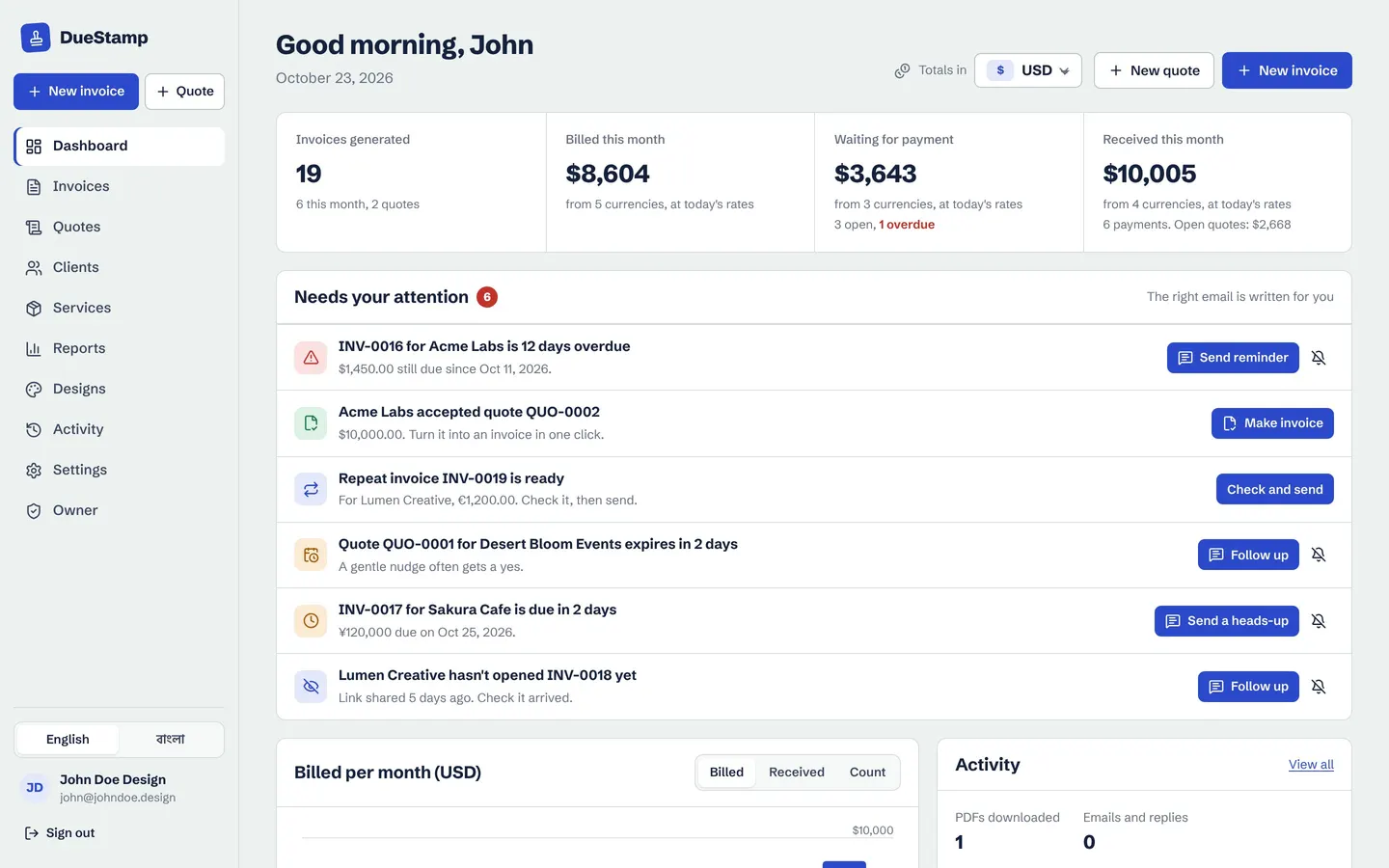
When the date comes, the next invoice is prepared as a draft with a new number and dates. It appears in your Needs your attention list, ready to check and send.
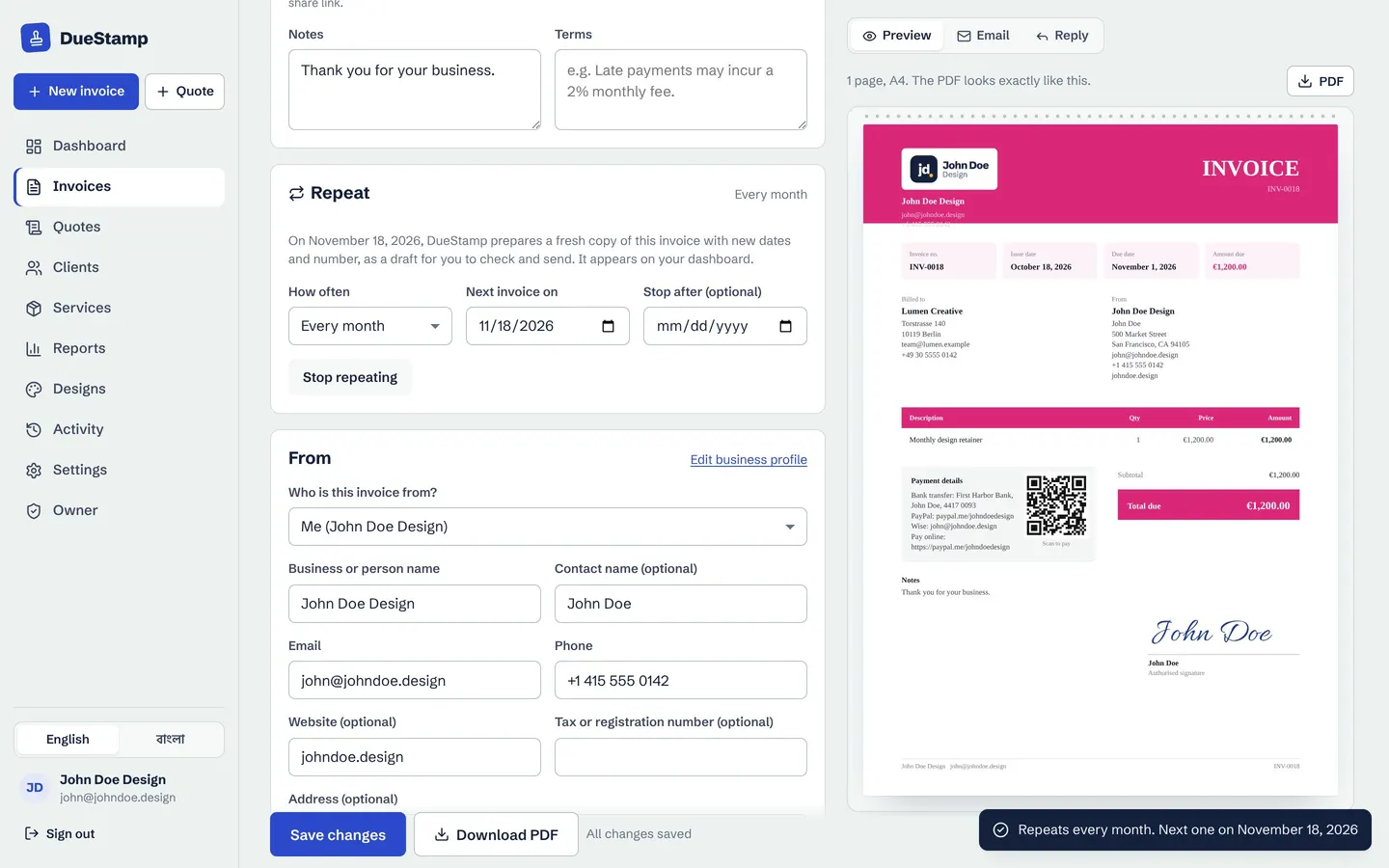
Notice that DueStamp prepares the next invoice but does not send it on its own. That is on purpose. Retainers often change a little from month to month: an extra design, a few more hours, a discount you agreed on a call. You get a chance to adjust the draft before your client sees it.
Make the first invoice, turn on Repeat, and the next one will be ready for you each month. Free, no credit card.
Keeping monthly payments on time
Recurring work is only steady income if it is paid steadily. A few habits help:
- Invoice on the same day every period. The client's team learns to expect it.
- Send a link, not only an attachment. With a share link you can see when the invoice was opened, so you know whether it reached the right person. See invoice tracking.
- Send a short "due soon" note a few days before the due date. Our payment reminder templates include one you can copy.
- Ask about scheduled payments. Some clients prefer to set up a regular bank payment on their side for a fixed retainer. If they do, keep invoicing so both of you have the paperwork.
Over a year, retainers add up to a big share of your income. DueStamp's reports show what you invoiced and received each month, by client and by currency, so you can see how much of your income is recurring.
Changing the price, pausing or ending a retainer
Things change, and that is fine as long as it is clear:
- Raising your price: give notice in writing (a month is common), then update the amount on the repeating invoice from the date it applies.
- Pausing for a month: simply do not send that month's draft, or delete it, and note the pause in an email so nobody is surprised.
- Ending the retainer: set a stop date or turn off Repeat, and send the last invoice for the final period.
Common questions
Is a retainer invoice paid in advance?
Usually, yes. Most retainers are invoiced at the start of the period, so the client is paying for the month ahead. Some freelancers bill at the end of the month instead, especially when the hours vary. Agree which one you use before the first invoice.
Can I change a recurring invoice for just one month?
Yes. In DueStamp the next invoice is prepared as a draft, so you can add hours or extras, change the amount, and then send it. The repeat setting stays as it was for the following months.
Do recurring invoices send automatically in DueStamp?
No. The next invoice is prepared for you as a draft and shows up in Needs your attention. You check it and send it yourself, so nothing reaches a client by surprise.
How should I number recurring invoices?
Each invoice needs its own unique number, even if the content is the same every month. DueStamp gives each new invoice the next number in your sequence automatically.

Rafiul made DueStamp, a free invoice maker for freelancers and business owners. He writes these guides to answer the questions people ask while sending their first invoices. More about DueStamp.