Invoice on behalf of others
Make invoices on behalf of someone else
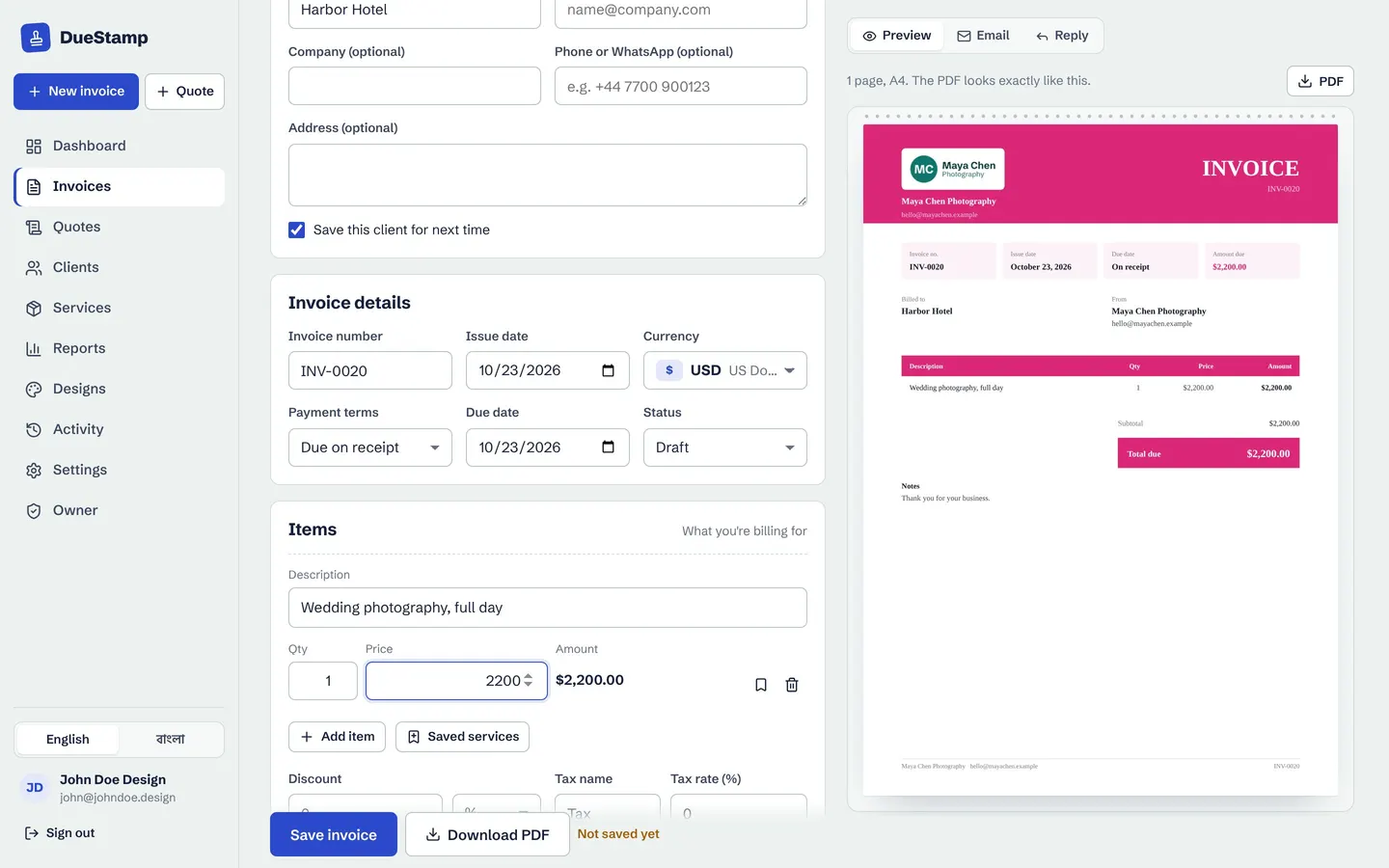
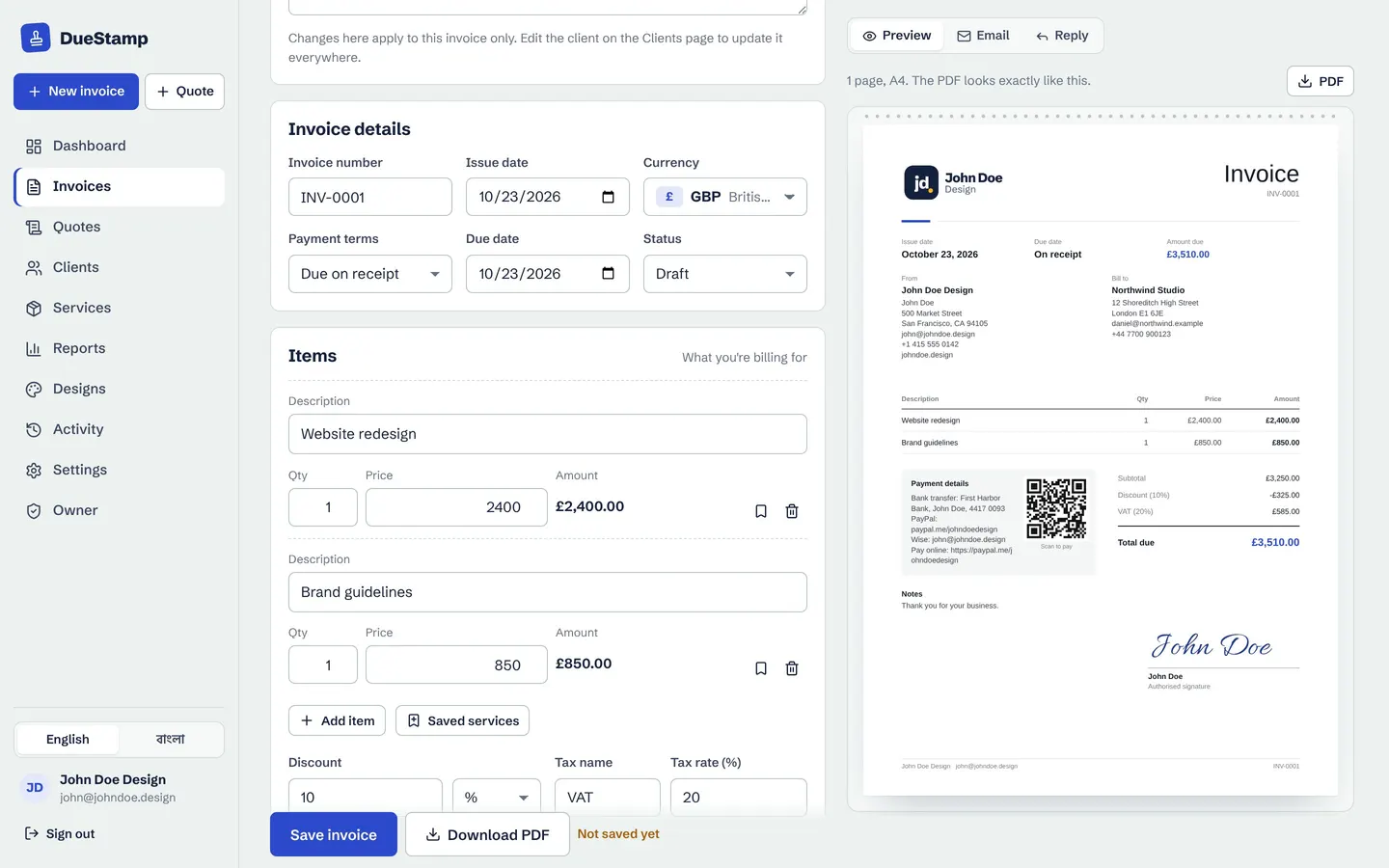
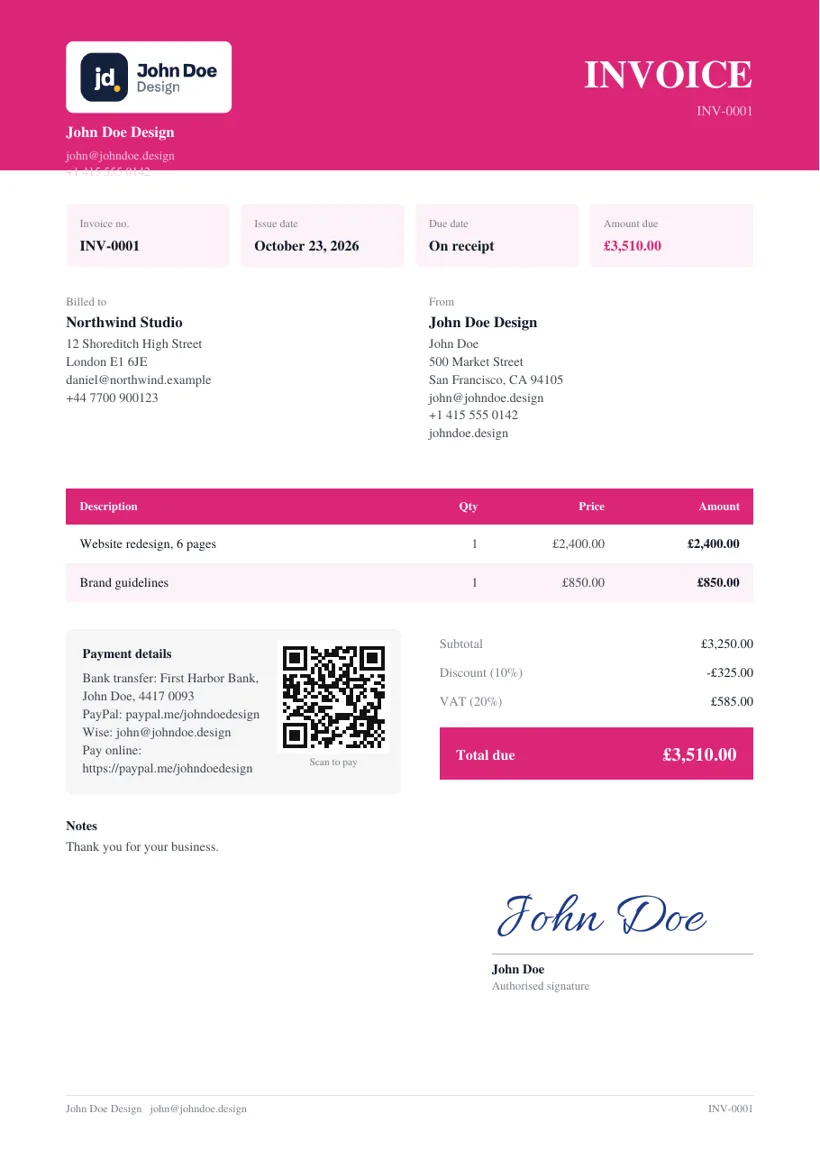
Helping a parent with their shop, a teammate with their freelance work, or a client with their billing? Change the From details on any invoice, or save them as a sender to reuse.
Other senders
Their name, logo, signature and payment details
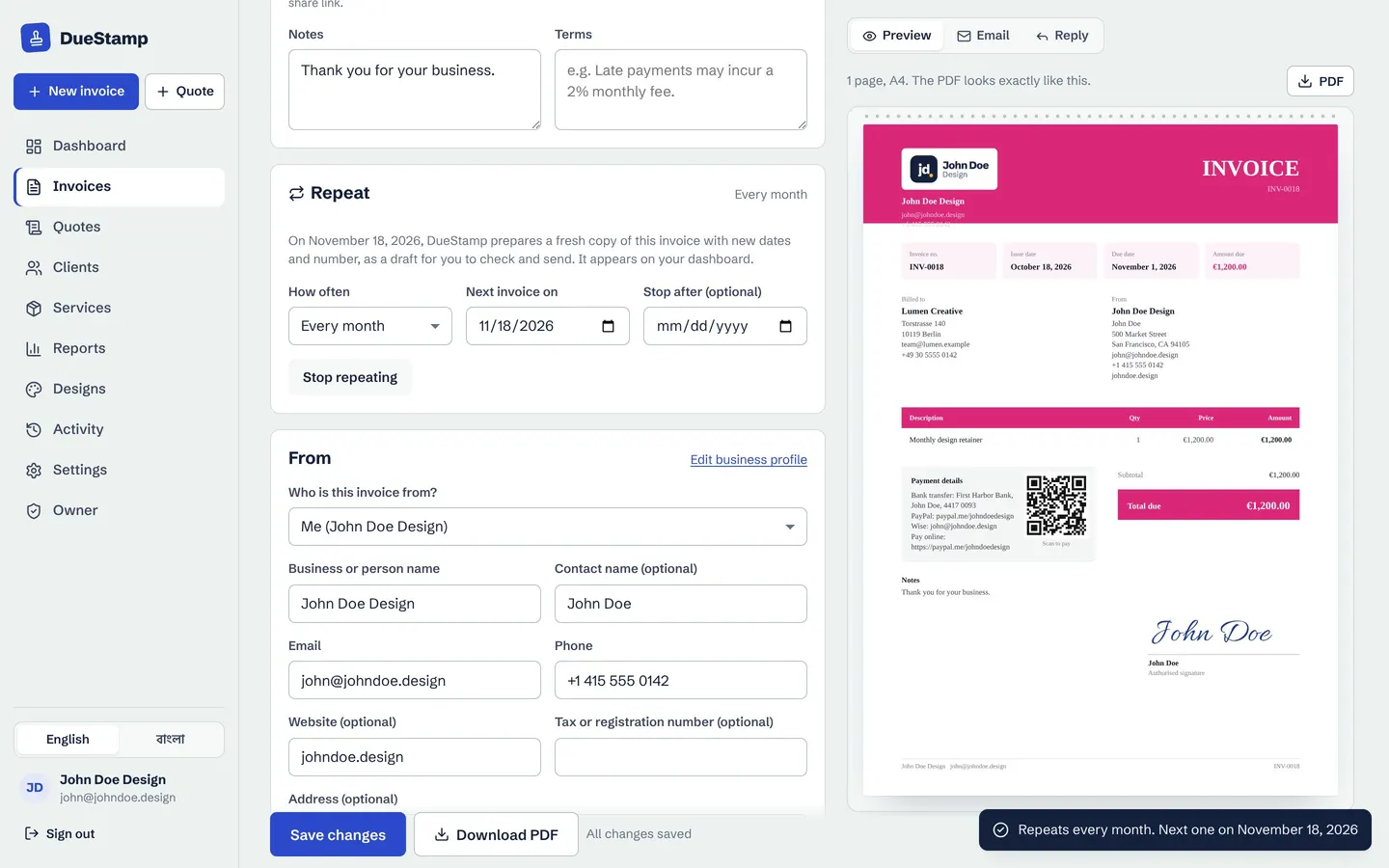
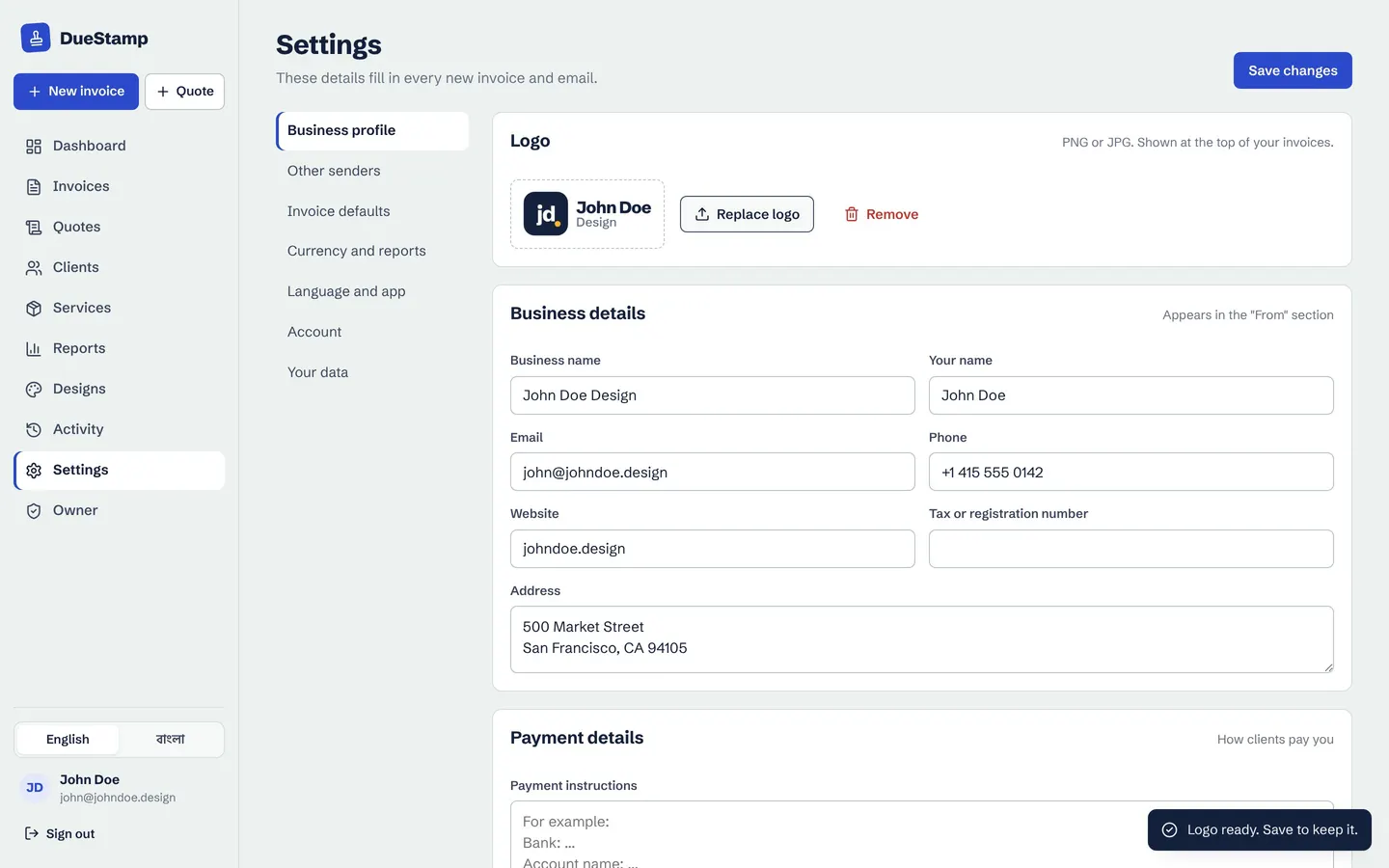
Save another person or business as a sender with their own logo, signature and payment details. Pick them on any invoice and the preview switches to their details. Your own business profile stays untouched.
- No extra account or log-in needed
- Repeating invoices keep the same sender
- Change it back to yourself any time
Use it fairly
Only with permission, only real details
Only invoice for someone when they asked you to, using their real name and their own payment details. That keeps it honest for them and for their clients. Our terms spell this out.
How it works
Invoice for someone in three steps
- 1
Add a sender
Their business name, contact details, logo, signature and payment details.
- 2
Pick them on the invoice
In the From section, choose the sender.
- 3
Send as usual
Download, share the link, track and record payments.
Questions people ask
Can I manage invoices for more than one business?
Yes. Save each business as a sender and choose who each invoice is from. Your reports include all of them.
Will the client see my name?
The invoice and share link show the sender you chose. Emails go from whichever email account you send them from.
Works well with
Invoice generator
Fill in a simple form, watch the invoice build itself, then download the PDF or share a link.
Learn moreInvoice templates
Pick from 20 invoice designs and change the colors, font, table style and title to match your brand.
Learn moreReports and statements
See what you invoiced and what you received, by month, client and currency. Download PDF or CSV.
Learn moreGuides on this topic
Your next invoice, done in about a minute
Free to use. No credit card. Your invoices stay private to your account.