The quick checklist
Here is everything a good invoice includes. These are the items almost every client and accountant expects to see:
| What to include | Why it matters |
|---|---|
| The word "Invoice" as the title | Tells accounts teams what the document is, and separates it from a quote or a receipt. |
| Your name or business name and contact details | So the client knows who to pay and who to ask. |
| Your client's name and billing address | Invoices often have to match the company on file before they are approved. |
| A unique invoice number | For your records and theirs. Many countries require it. |
| Issue date and due date | Starts the clock on payment. |
| Line items with quantity, price and amount | Shows exactly what is being paid for. |
| Subtotal, discount, tax and total due | Makes the math easy to check. |
| Payment details and terms | Without these, the client cannot pay you. |
And the nice-to-haves: your logo, a PO number, a payment link or QR code, a thank-you note, your signature, and your tax or registration number if you have one. Each one removes a small reason for a client to delay.
Who it is from and who it is to
At the top, put your own details: your business name (or your own name if you work as an individual), email, phone and address. If you are registered for tax, add your tax or VAT number here too, because some clients cannot pay an invoice without it.
Then the client: the legal company name, the contact who approves payments, and the billing address. Larger companies often have a separate accounts payable email address. Ask for it before you send the first invoice.
If you are making an invoice for someone else, such as a family member's shop or a teammate, the "From" details should be theirs, not yours. DueStamp lets you invoice on behalf of someone else with their own name, logo and payment details.
Invoice number, issue date and due date
Number your invoices in one unbroken sequence: INV-0001, INV-0002, INV-0003. Gaps and duplicates make bookkeeping harder and can raise questions later. Quotes should have their own separate sequence.
The issue date is the day you send it. The due date is when payment is expected. Write the due date as a real date, like "November 6, 2026", even if you also write the terms ("Net 14"). Writing the month as a word also avoids confusion between date styles: is 03/04 March 4 or April 3? It depends on who is reading.
Line items that answer questions before they are asked
Each line needs four things: a description, a quantity, a unit price and an amount. The description does the most work. Compare these two:
- Vague: "Design work, $3,250"
- Clear: "Website redesign, 6 pages, $2,400" and "Brand guidelines, 12-page PDF, $850"
The clear version can be approved by someone who was never in your meetings. If you bill by the hour, show the hours and the rate. If the work came from a quote, use the same wording so the client can tick each line off.
Tax, discounts and totals
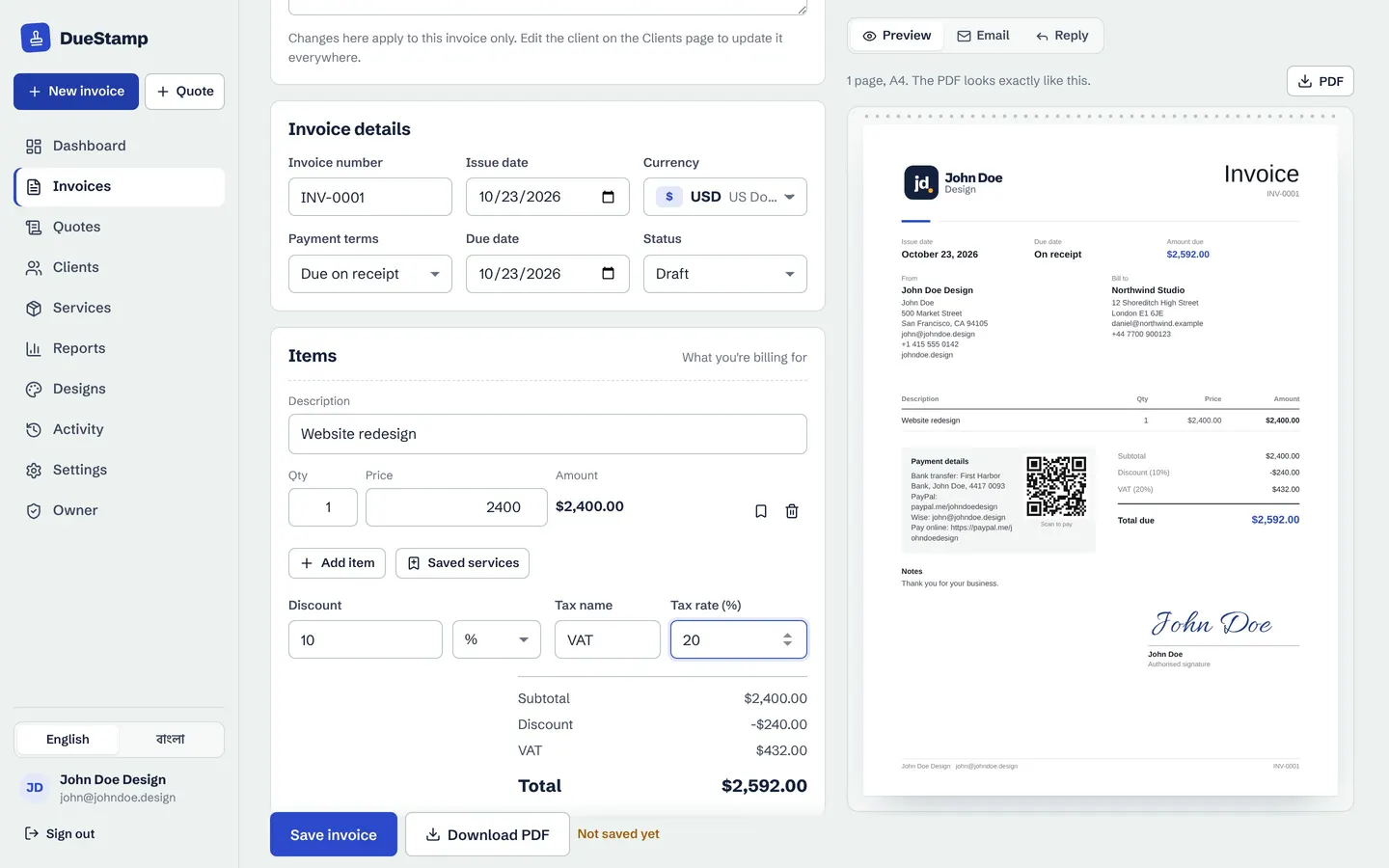
Under the line items, show the math in this order:
- Subtotal: the sum of the lines.
- Discount: as a percentage or a fixed amount, if you agreed one.
- Tax: VAT, GST or sales tax with its rate, if you charge it.
- Total due: the amount the client should pay, in bold, with the currency.
About tax: whether you charge VAT, GST or sales tax, and what extra wording your invoice needs, depends on your country, your client's country and whether you are registered. This guide covers general good practice, so check your local rules or ask an accountant for the details that apply to you.
Always show the currency next to the total. "$" can mean US, Canadian, Australian or Singapore dollars, and writing "USD" removes the doubt. There is more on this in how to invoice international clients.
Payment details and terms
List every way to pay, with everything the client needs for each one:
- Bank transfer: account name, bank name, account number, and the routing number, sort code, IBAN or SWIFT code as needed.
- Online: a payment link such as PayPal, Wise or Stripe.
- Local options your clients already use, such as a mobile wallet.
Then add short terms: the due date, a request to use the invoice number as the payment reference, and any late-fee wording your contract already allows.
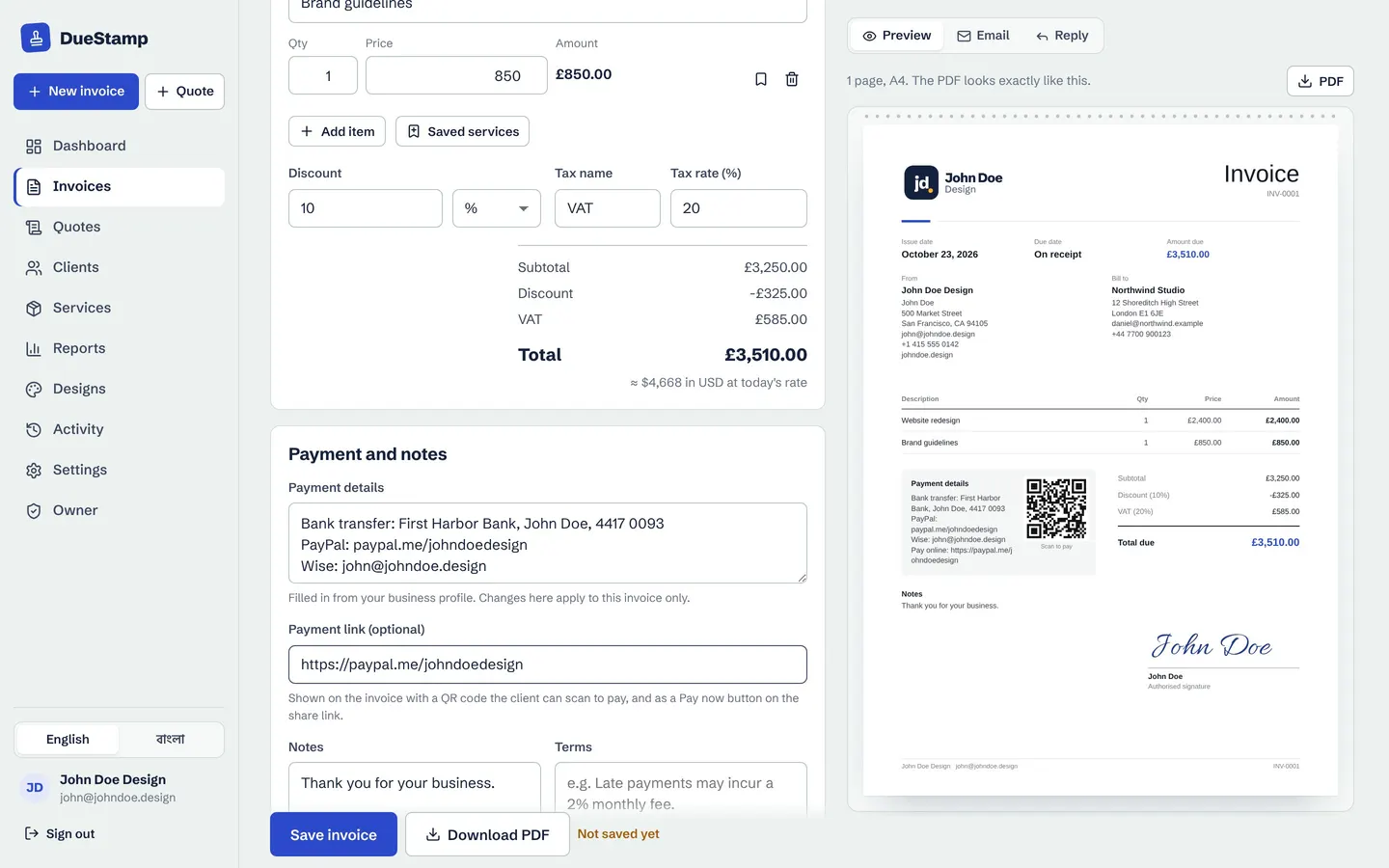
Extras that help you get paid faster
- A payment link and QR code. Clients can pay from their phone in seconds.
- A share link as well as the attachment. It opens anywhere, and you can see when it was opened.
- Your logo and brand color. It looks established and is easy to spot in a busy inbox.
- A PO or reference number if the client uses purchase orders.
- A signature for clients who expect a signed document.
- A short thank-you note. Small, but it sets the tone.
The free DueStamp invoice maker has all of this built in, with 20 designs to choose from.
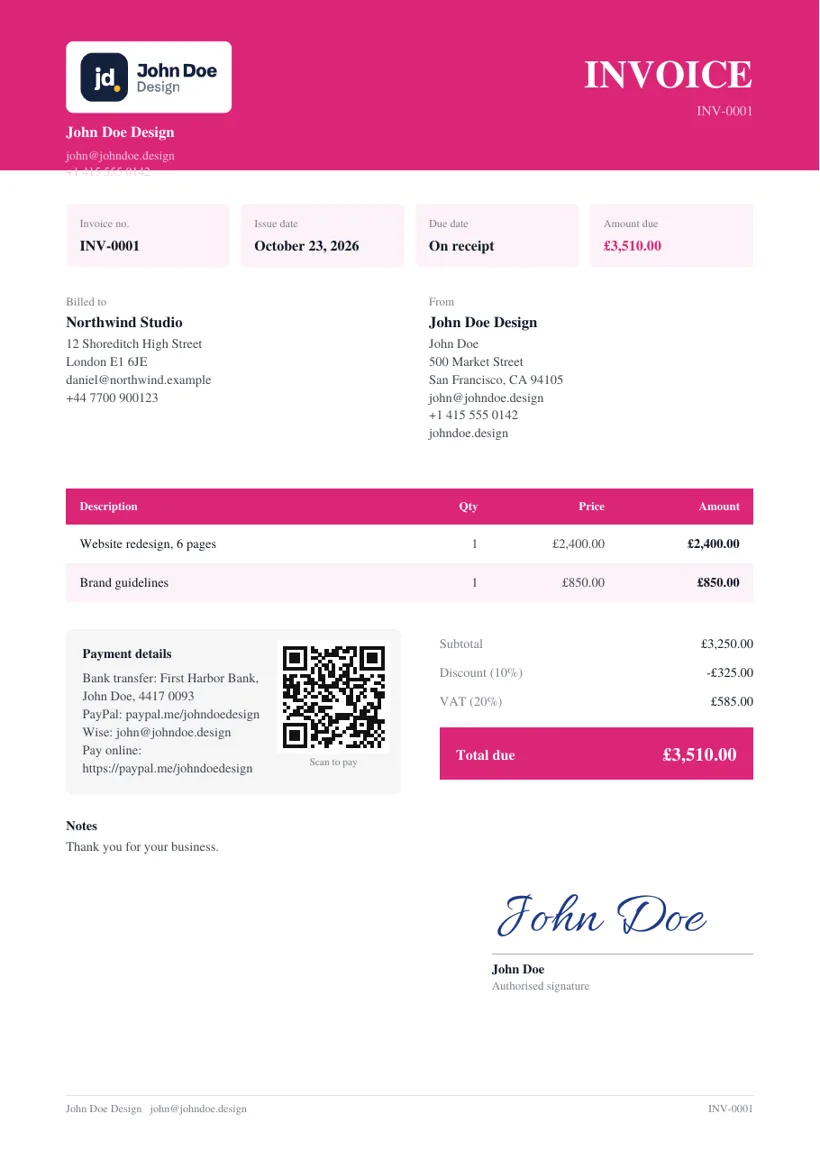
An example invoice, labelled
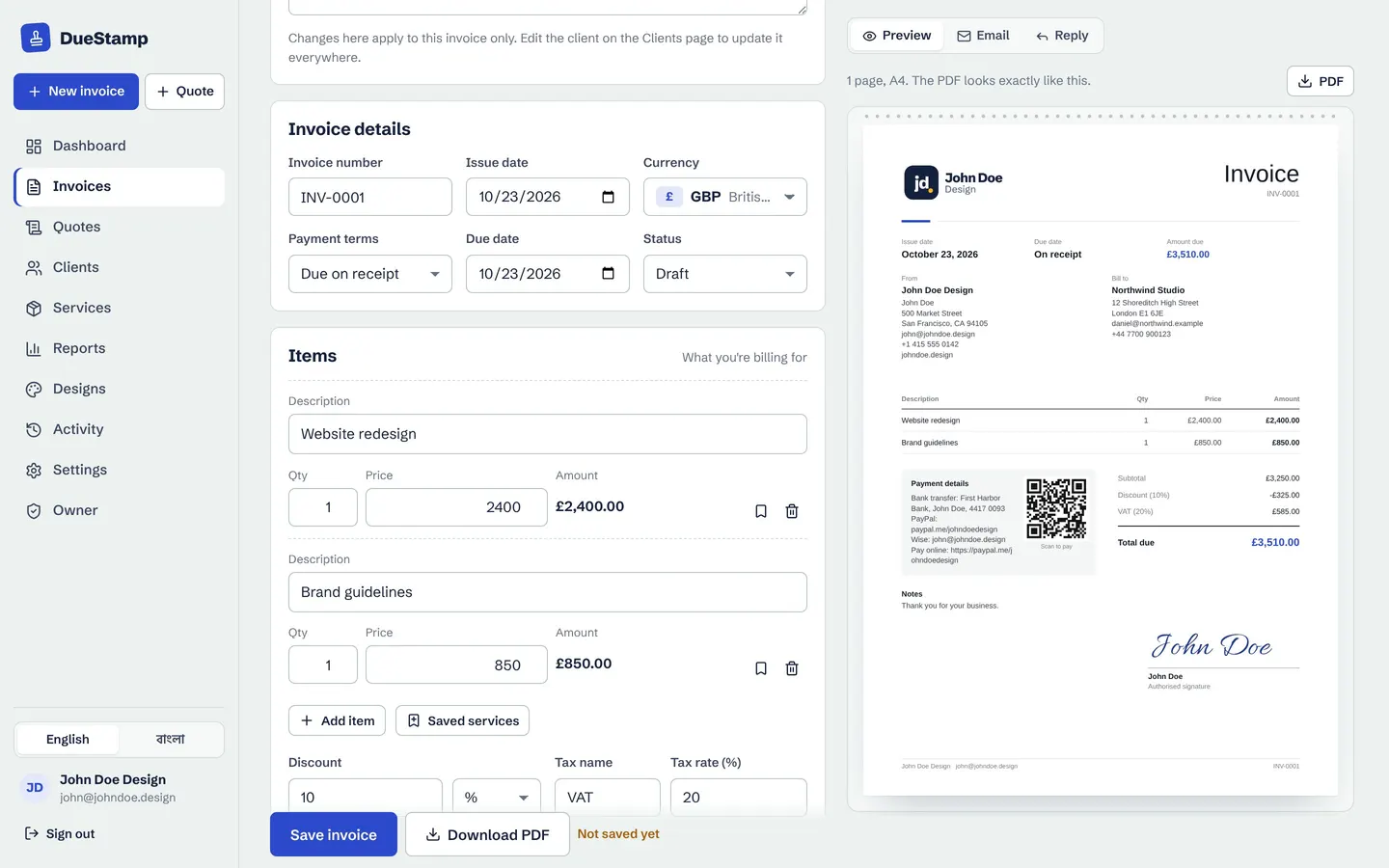
Here is what it looks like put together. Top left: the business and its logo. Top right: the title, number and dates. Then the client, the line items, the totals with tax, the payment details with a QR code, and a signature.
Once the client pays, mark the invoice as paid and send a receipt if they ask for one. See deposits, part payments and receipts for how that works.
A 30-second check before you send
- Is the client's name spelled correctly, and is it the right company?
- Does the invoice number follow on from the last one?
- Do the line items match the quote or agreement?
- Is the total in the right currency?
- Are your payment details correct and complete?
- Is the due date a real date?
If all six are a yes, send it. If you are starting from scratch, our guide on how to make an invoice walks through each step.
Common questions
What information is legally required on an invoice?
It depends on the country. Most places expect a unique number, the date, both parties' details, a description of what was supplied, the amount and any tax charged. Tax-registered businesses often have extra requirements, such as showing a tax number. Check your local rules for the exact list.
Does an invoice need a signature?
Usually not, but some clients and industries like one. DueStamp lets you draw, type or upload a signature if you want it on the PDF.
What is the difference between an invoice and a receipt?
An invoice asks for payment. A receipt confirms that payment was received. Send a receipt after the money arrives, never before.
Should I include payment terms on every invoice?
Yes. Even one line such as "Due within 14 days, please use INV-0012 as the reference" saves a lot of back and forth.

Rafiul made DueStamp, a free invoice maker for freelancers and business owners. He writes these guides to answer the questions people ask while sending their first invoices. More about DueStamp.