Multi-currency invoicing
Invoice in your client's currency, see totals in yours
Bill a London client in pounds, a New York client in dollars and a Dubai client in dirhams. DueStamp gets the symbols and decimals right, and adds everything up in your home currency.
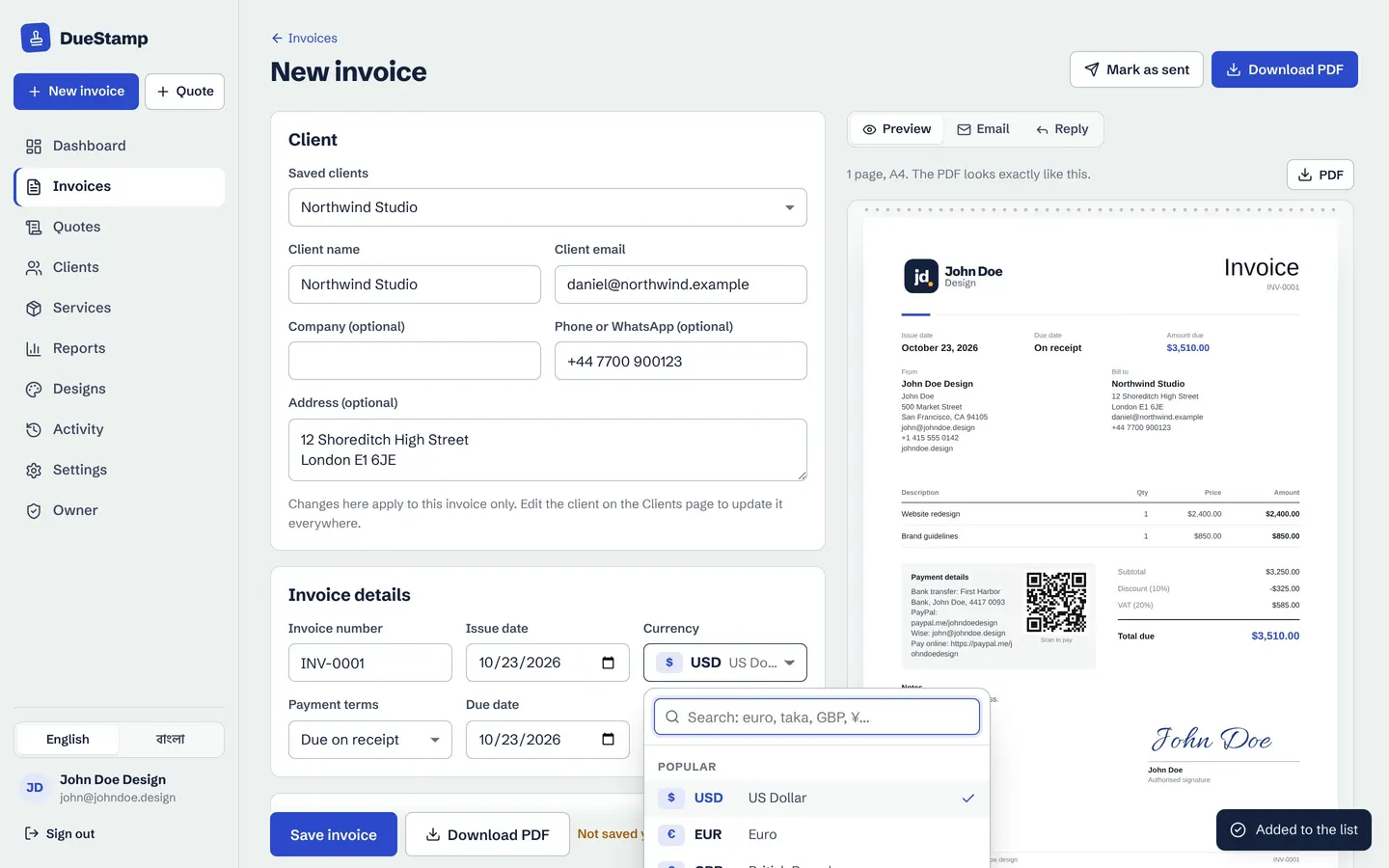
160 currencies
Every currency, with the right decimals
Search by code, name or country. Each currency uses its own rules: the Japanese yen has no decimals, the Kuwaiti dinar has three, and most others have two. Stablecoins and crypto such as USDT, USDC, BTC and ETH are included for clients who pay that way.
- Each client can have their own currency
- Saved service prices convert into the invoice currency
- Symbols and number formats your client expects
Home currency
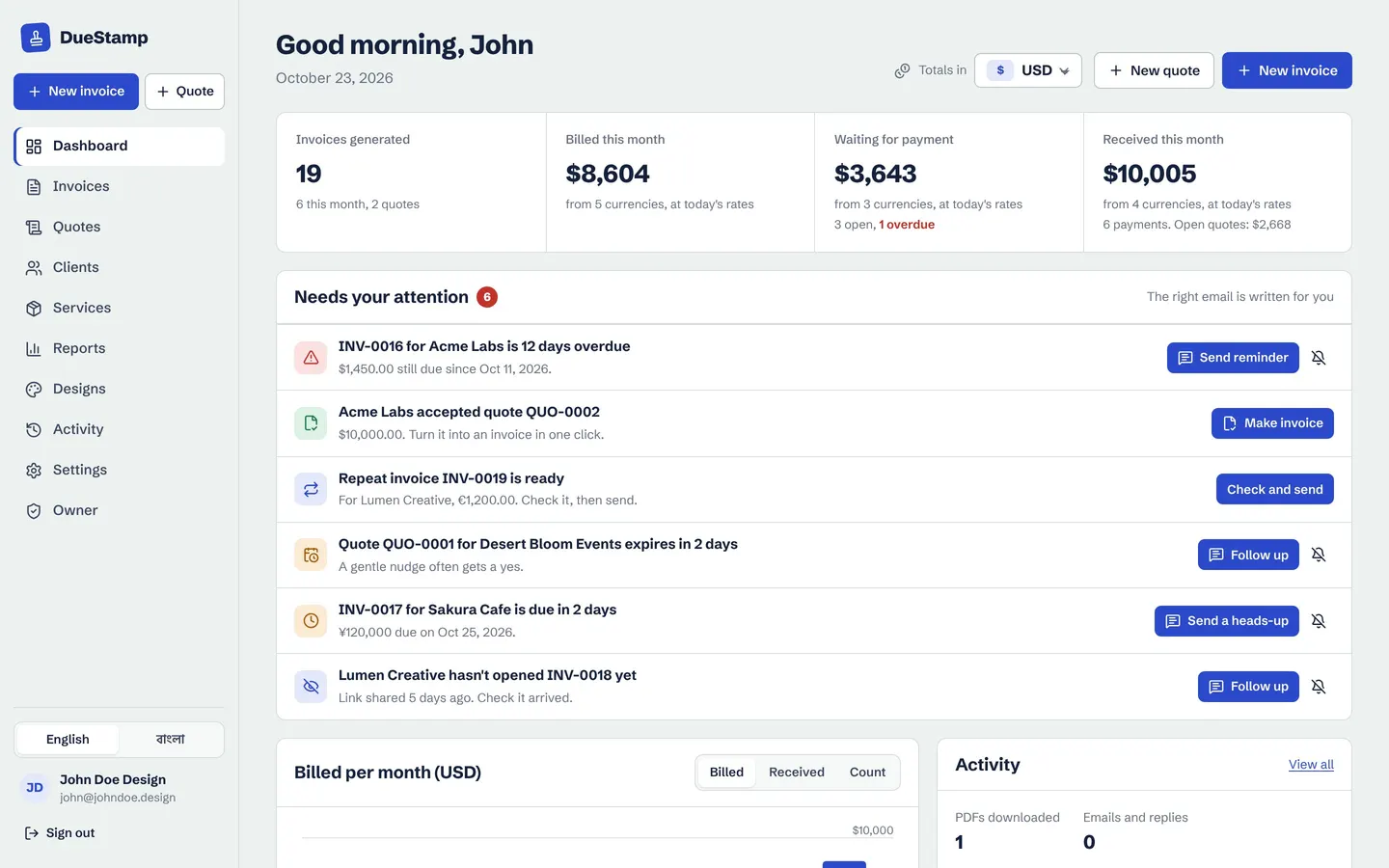
All your income in one currency
Set your home currency, for example BDT, INR or USD. The dashboard and reports convert every invoice using free live exchange rates, so you know what you earned this month without a spreadsheet.
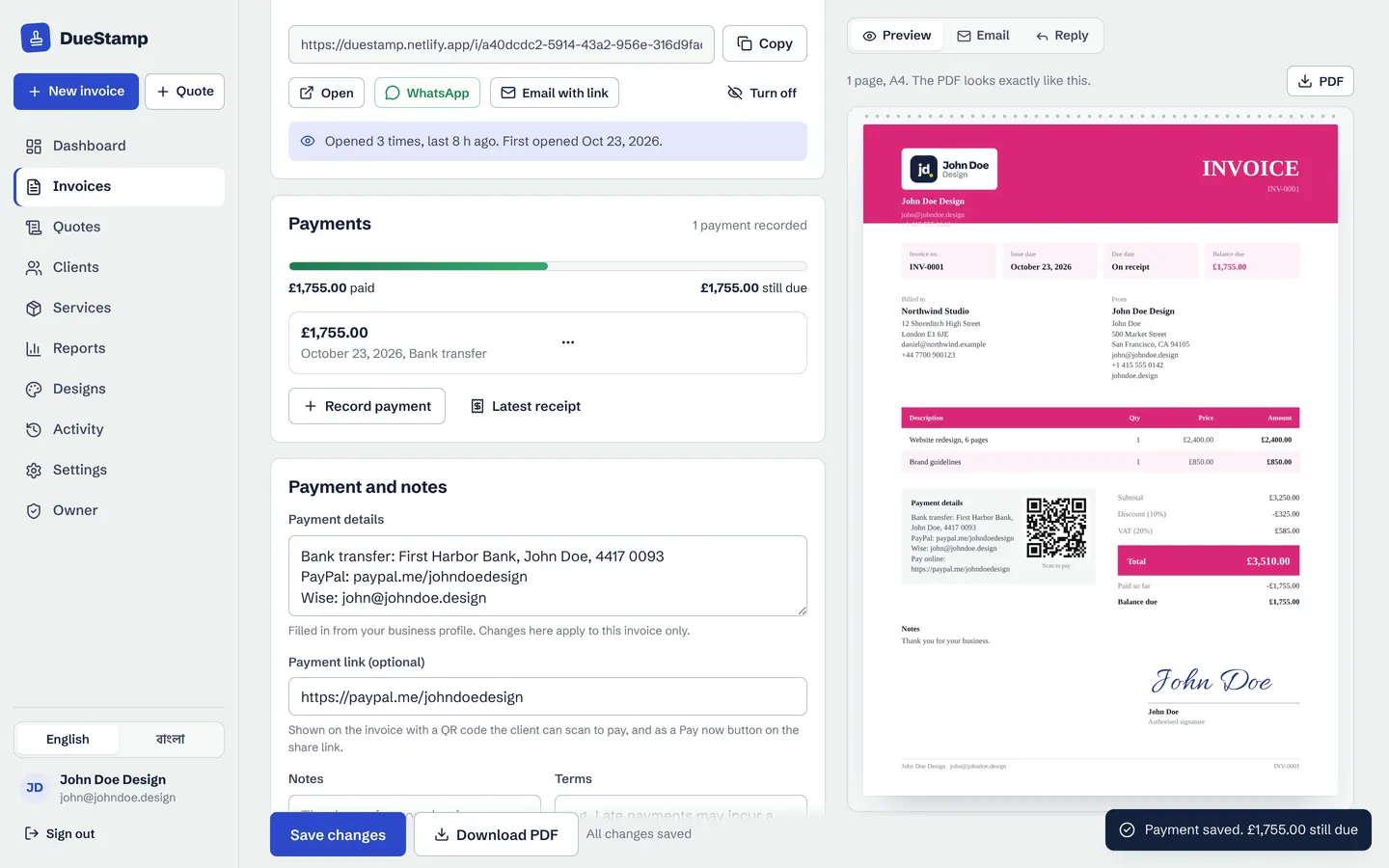
When the money lands, record the amount that actually reached your account. Reports then show your real earnings after transfer fees and exchange rates.
Get paid abroad
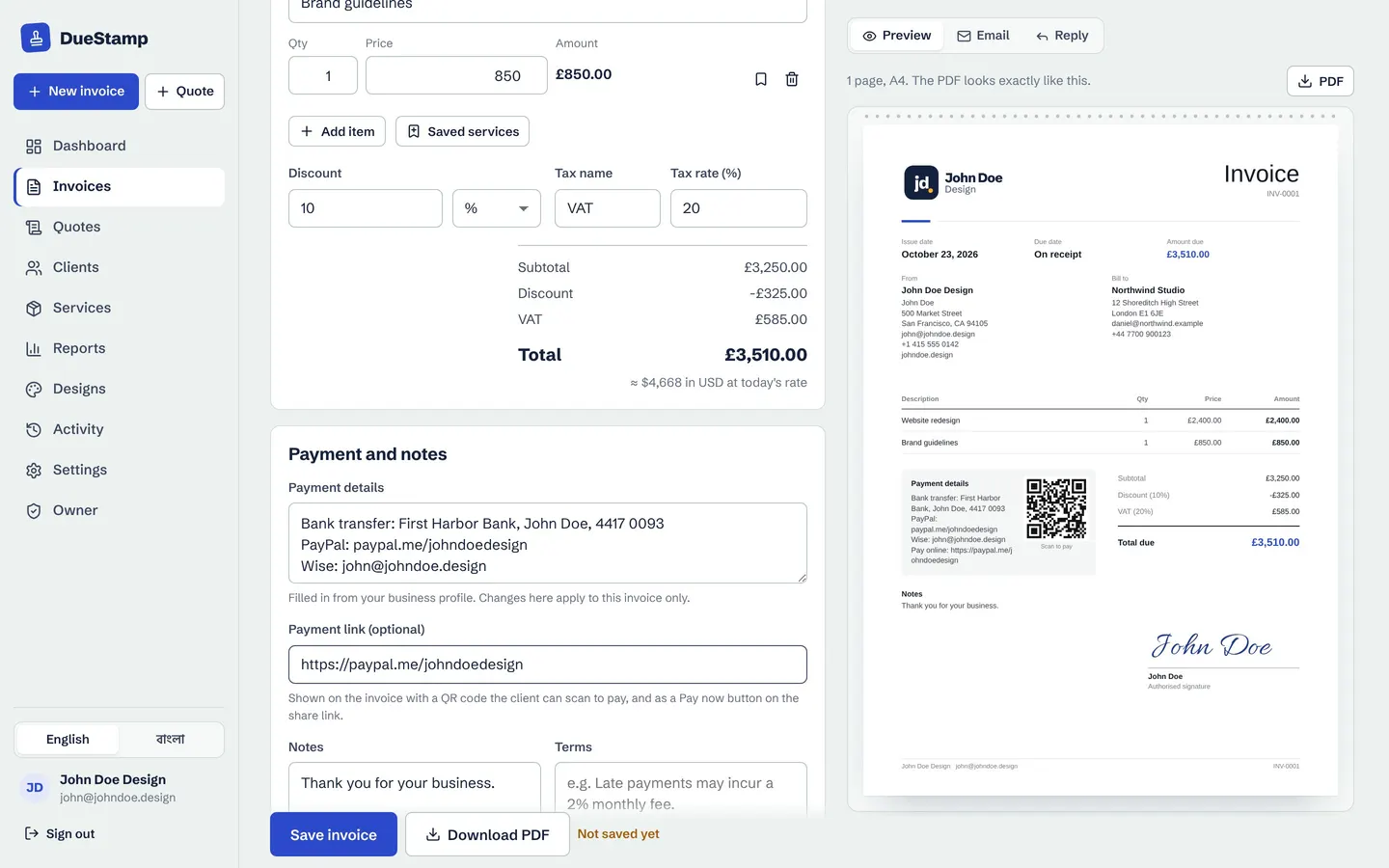
Payment details that work across borders
Put your bank, Wise, Payoneer, PayPal or mobile money details on the invoice, plus an optional payment link. The link becomes a QR code and a Pay now button on the shared page. Read how to invoice international clients for the full checklist.
How it works
Bill clients anywhere
- 1
Set your home currency
In Settings, choose the currency you think in, like BDT or USD.
- 2
Pick the invoice currency
Search for the client's currency on the invoice, or save it on the client.
- 3
Record what arrived
When paid, note the amount that reached your account in your own currency.
- 4
See real totals
Reports by month, client and currency, ready for tax time.
Questions people ask
Which currencies does DueStamp support?
About 160 world currencies, from USD, EUR, GBP and BDT to AED, JPY and KWD, plus USDT, USDC, BTC and ETH.
Where do the exchange rates come from?
From free public exchange rate sources, updated regularly. They are used for your dashboard and reports. The amount on the invoice is always the amount you typed.
Can one client pay in two currencies?
Each invoice has one currency, but you can make different invoices for the same client in different currencies.
Can I show a second currency on the invoice?
The invoice shows its own currency. Your home currency totals are shown to you in the editor, dashboard and reports.
Works well with
Reports and statements
See what you invoiced and what you received, by month, client and currency. Download PDF or CSV.
Learn morePayments and receipts
Record deposits and part payments, see the balance, and send a payment receipt PDF.
Learn moreInvoice generator
Fill in a simple form, watch the invoice build itself, then download the PDF or share a link.
Learn moreGuides on this topic
Your next invoice, done in about a minute
Free to use. No credit card. Your invoices stay private to your account.