Payments and receipts
Part payments, balances and receipts made simple
Clients do not always pay in one go. Record each payment as it arrives, see the balance at a glance, and give your client a proper receipt PDF.
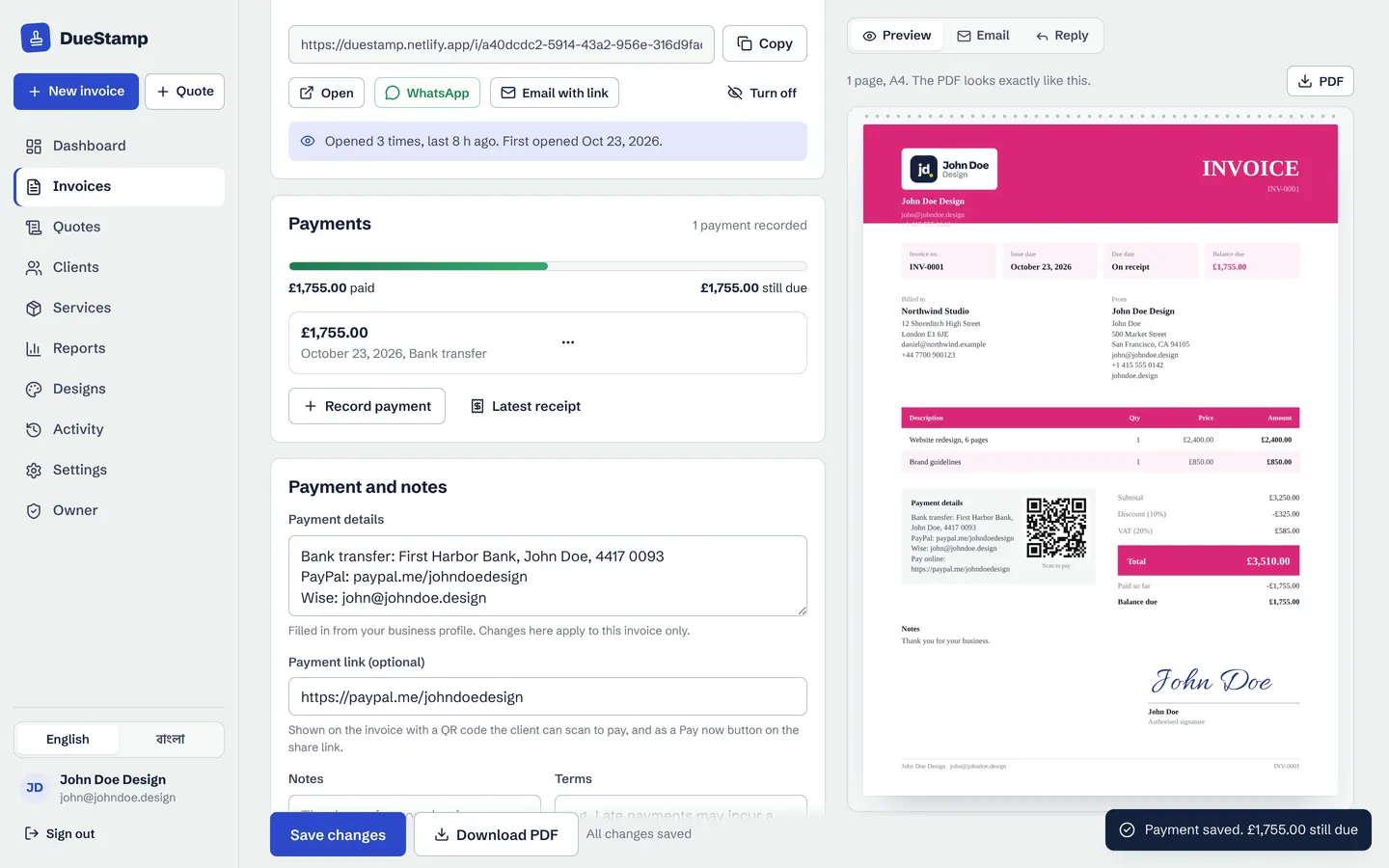
Record payments
Amount, date and how it was paid
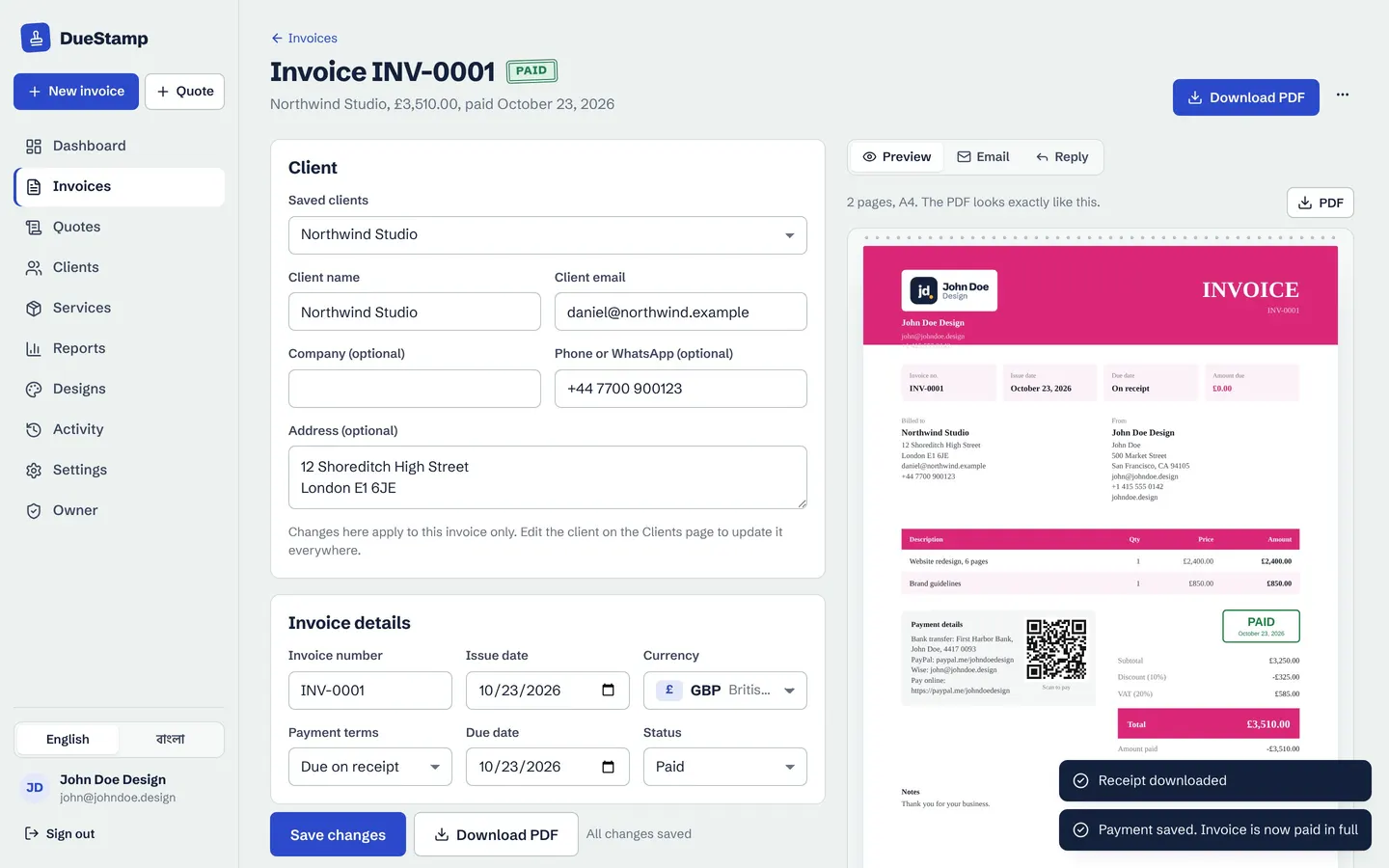
Add each payment with the amount, the date and the method, such as bank transfer, Payoneer, Wise, PayPal or bKash. The invoice moves to Part paid, and the balance is shown on the invoice, the share link and your dashboard.
- Record what actually reached your account after fees
- Delete a payment if you recorded it by mistake
- Fully paid invoices get a Paid stamp
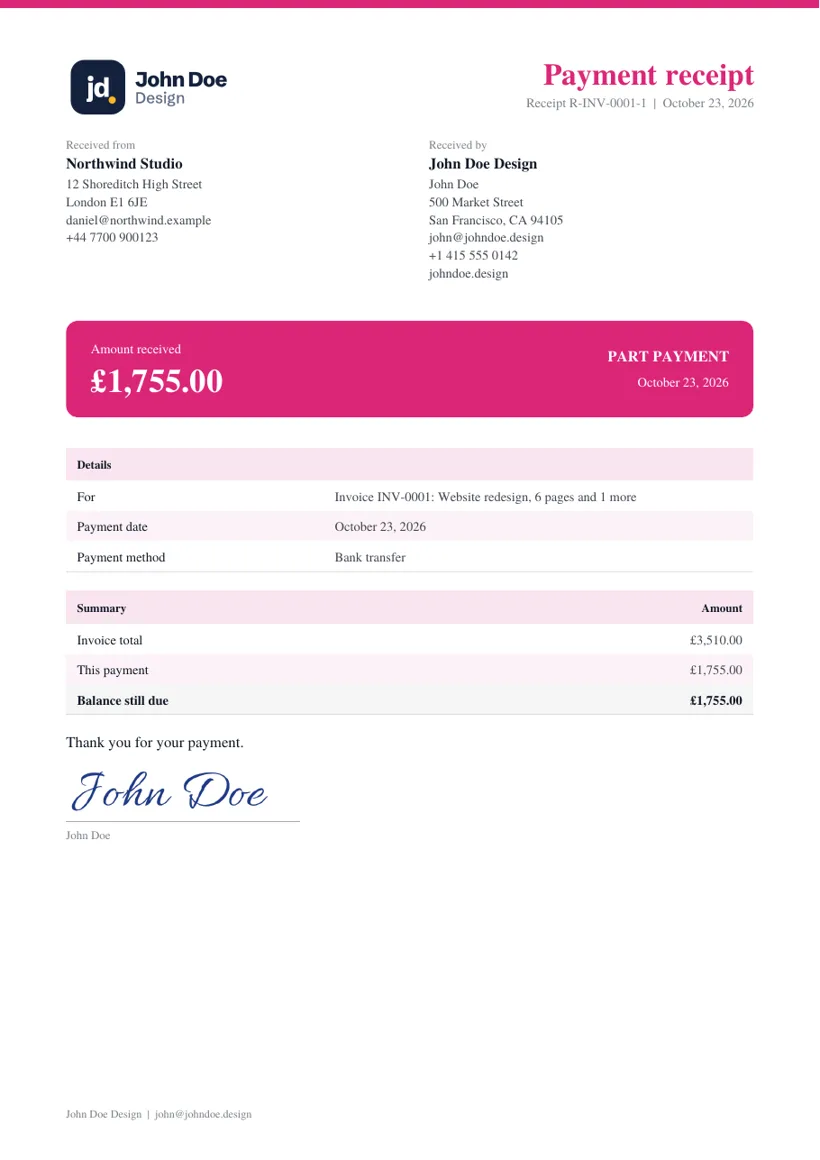
Receipts
A receipt PDF for every payment
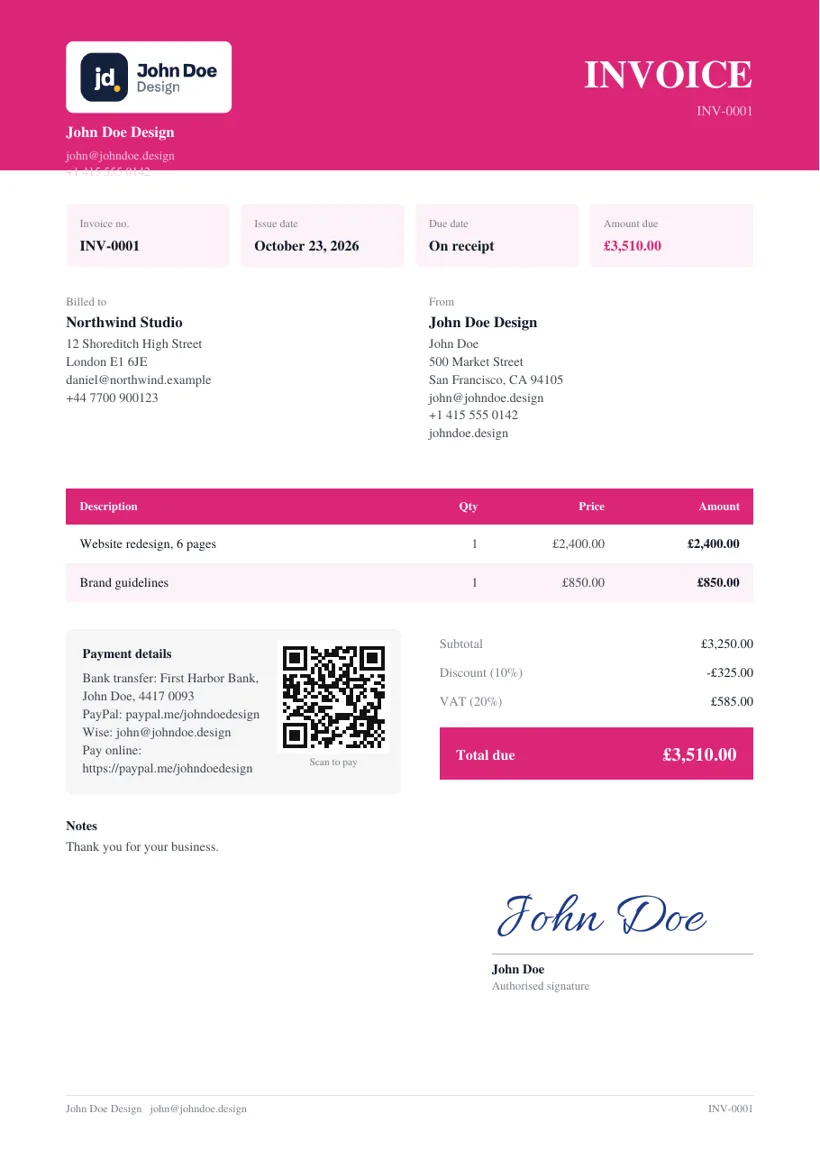
Download a payment receipt that shows what was paid, when, how, and the balance left. It uses your design and logo, so it matches the invoice. Send a thank-you email written for you at the same time.
How it works
From deposit to paid in full
- 1
Money arrives
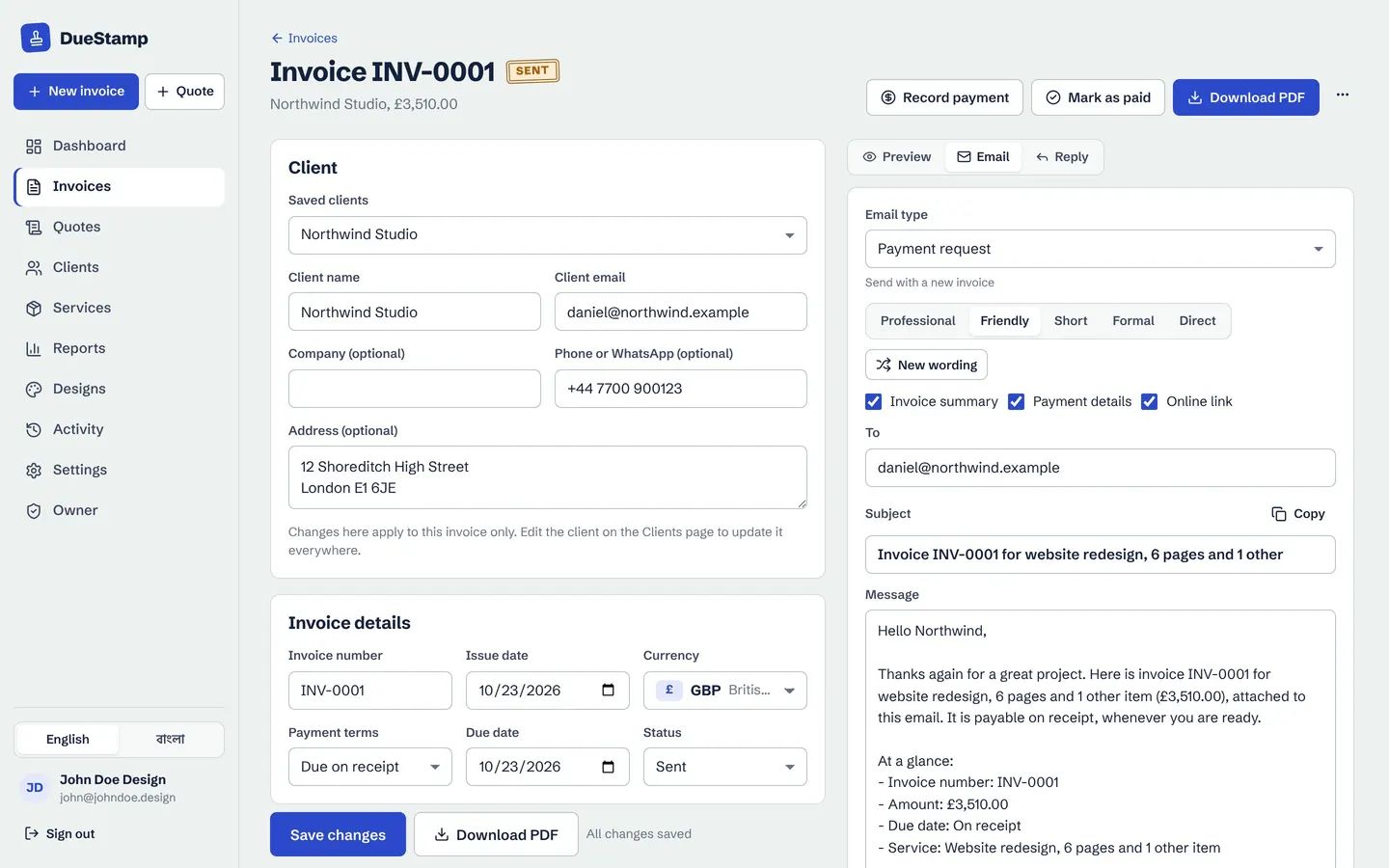
Open the invoice and press Record payment.
- 2
Add the details
Amount, date and method. The balance updates.
- 3
Send a receipt
Download the receipt PDF and a thank-you email.
- 4
Paid in full
The invoice is marked paid and your reports update.
Questions people ask
How do I invoice for a deposit?
Make the full invoice, then record the deposit as a part payment when it arrives. The client sees the balance still due. Read deposits, part payments and receipts for other ways to do it.
Does DueStamp process payments?
No. Clients pay you directly through your bank, PayPal, Wise or other details. You record the payment in DueStamp to keep your records right.
What is the difference between an invoice and a receipt?
An invoice asks for payment. A receipt confirms a payment was made. DueStamp makes both from the same record.
Works well with
Reports and statements
See what you invoiced and what you received, by month, client and currency. Download PDF or CSV.
Learn morePayment reminders
Polite, firm or short: the right reminder email is written for you and opens in Gmail or Outlook.
Learn moreMulti-currency invoicing
Invoice in your client's currency with the right decimals, and see your totals in your home currency.
Learn moreGuides on this topic
Your next invoice, done in about a minute
Free to use. No credit card. Your invoices stay private to your account.